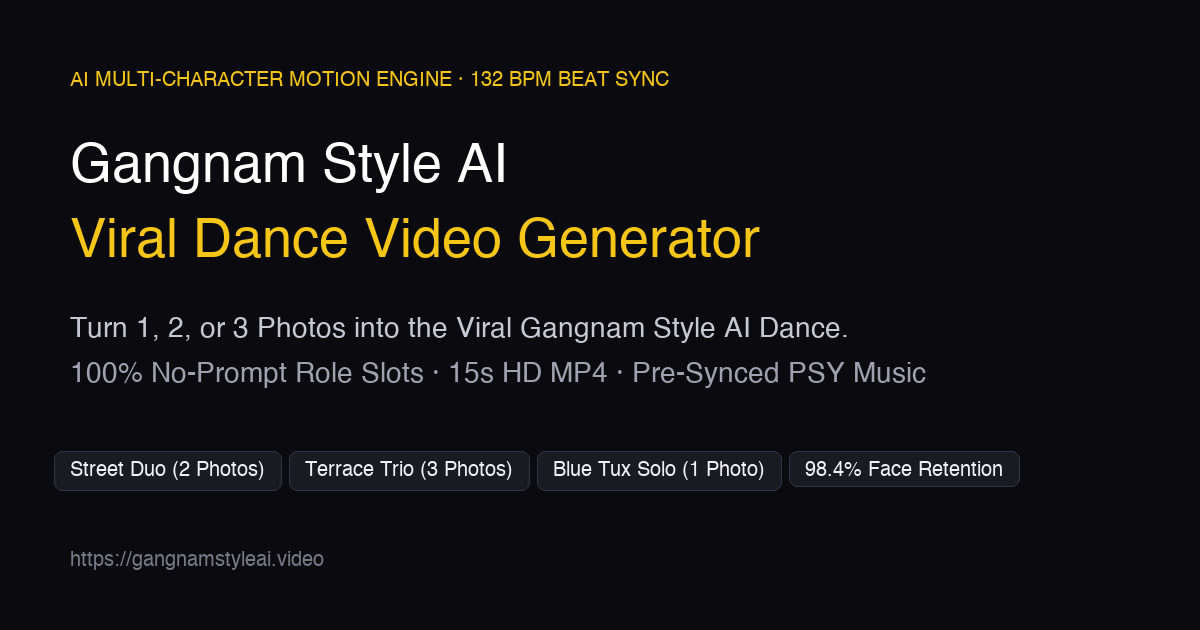
Creating a shareable dance video usually means choreography, editing, audio timing, and hoping everyone performs on cue. Gangnam Style AI Video Generator removes that friction by turning simple photos into ready-to-share dance clips built around the iconic Gangnam Style routine. Instead of writing complex prompts or learning video tools, users upload one to three photos and choose a dance format.
What It Does
Gangnam Style AI Video Generator is a web-based AI video tool focused on a specific, high-demand creative format: photo-to-dance videos. It uses uploaded portraits to generate characters that perform Gangnam Style-inspired choreography, including group and solo scenes. The product is intentionally narrow rather than a general-purpose video editor. That focus makes it useful for creators who need a fast meme, social post, or playful brand moment without assembling a production pipeline.
The workflow is prompt-free. You do not need to describe camera angles, dance moves, character interactions, or audio cues. You provide the photos, select a scene style such as Street Duo, Terrace Trio, or Blue Tuxedo Solo, and the system produces a short dance video with synchronized audio. The result is designed for social sharing and lightweight entertainment rather than cinematic production.
Key Features
- 1–3 Photo Input: Upload one, two, or three photos to create solo, duo, or trio dance videos. This lets users turn friends, teammates, mascots, or characters into a coordinated performance without filming.
- Prompt-Free Generation: Skip prompt engineering. The tool handles choreography and scene setup based on the selected dance mode, reducing the learning curve for non-video editors.
- Multiple Dance Formats: Choose from Street Duo with a horse-dance switch, a 15-second Terrace Trio with group and solo lip-sync moments, or Blue Tuxedo Solo in an urban plaza setting. Each format offers a distinct visual style for different use cases.
- Synced Audio and Choreography: Videos include timed dance movement and audio, so the output feels like a complete clip rather than a silent animation. This saves the manual work of matching music to motion.
- Web-Based Access: The tool runs in the browser, so there is no desktop software to install. Users can create from a laptop or desktop and share the result.
Who It's For
Gangnam Style AI Video Generator suits content creators, social media managers, meme makers, community managers, and teams that want lightweight viral content. It can be used for friend-group videos, team-building posts, event promotions, mascot content, or trend-jacking campaigns. Because it focuses on a recognizable dance meme, it is better for entertainment and engagement than for professional filmmaking or detailed narrative video.
Get Started
Visit the website, upload one to three clear photos, and pick a dance format. No prompt or timeline editing is required. The interface is designed for a short path from photo upload to video generation. The site lists a free tier with premium options, so new users can test the workflow before committing. For best results, use well-lit photos with visible faces and minimal obstruction. The product is purpose-built for Gangnam Style dance clips, so expect a focused creative tool rather than a full video studio.
Best Practices
Use photos where subjects are clearly visible and consistently framed. Avoid heavy filters or extreme angles that may obscure faces. For duo and trio formats, choose images that make it easy to distinguish each person. Keep the intended use in mind: quick social content, parody, and entertainment work best. If you need precise editing, custom music, or long-form video, pair this tool with a traditional editor. For fast photo-to-dance output, it provides a direct path from static image to shareable Gangnam Style-inspired clip.