MicroNotch
On Device Dictation and Code & 20+ Tools in your notch.
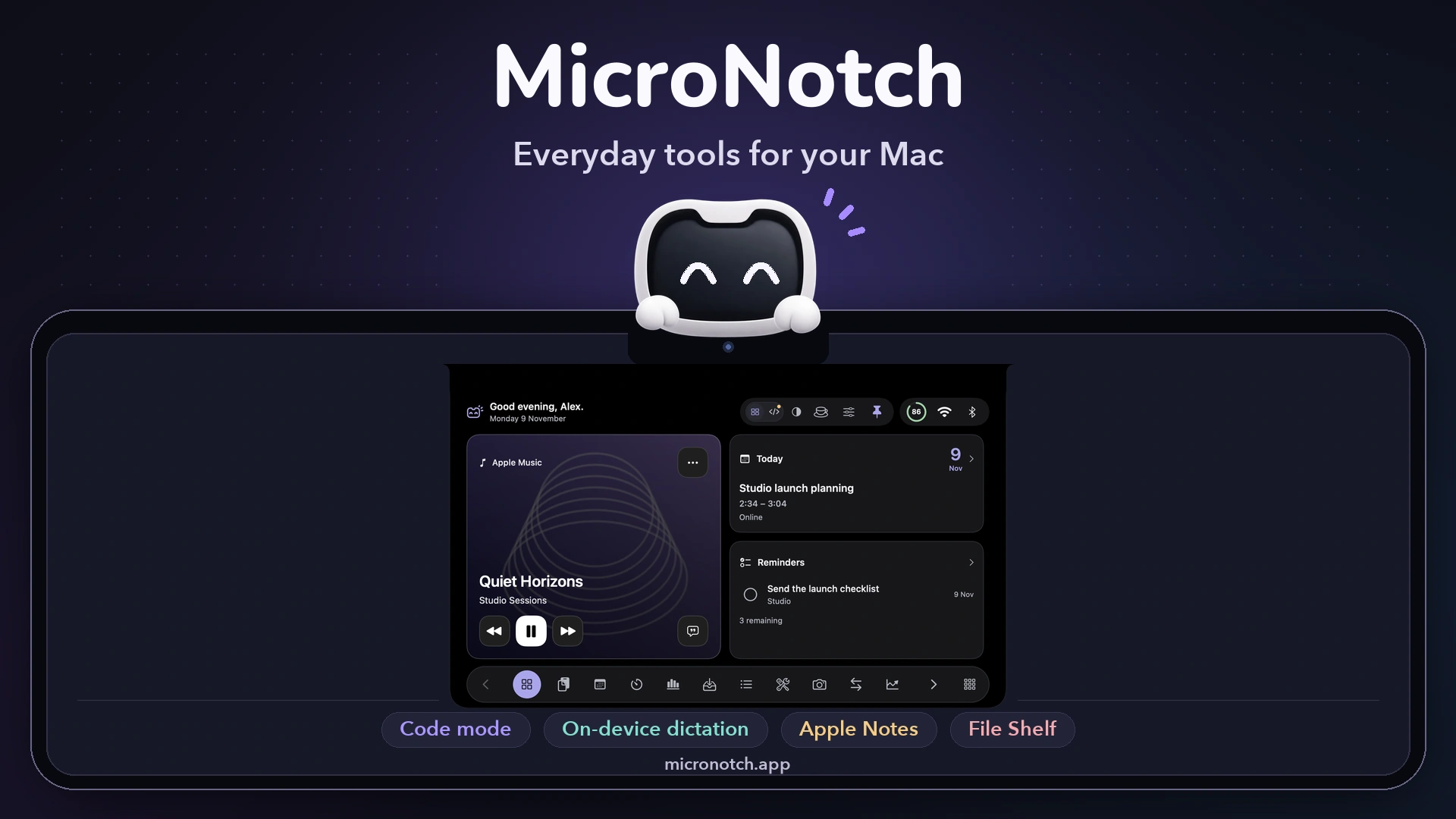
MicroNotch brings everyday Mac tools together in a compact panel at the top of your screen. Dictate text, keep track of AI coding sessions, find copied content and keep files ready to share—all within easy reach.
Key features
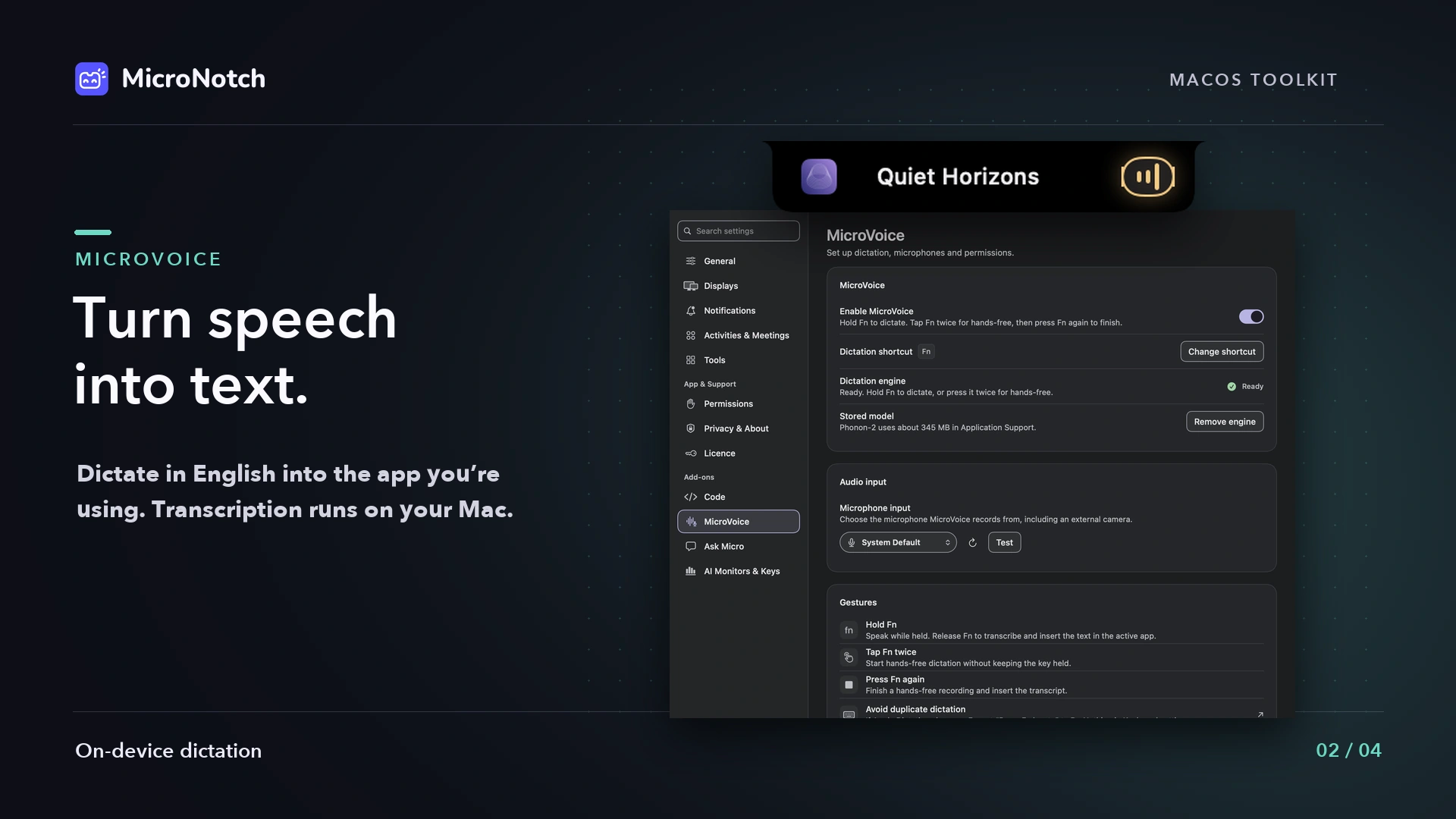
- Voice dictation: MicroVoice turns speech into text using on-device English transcription. Hold Fn to speak, then release to insert your words into the app you’re using. Designed for Apple silicon; requires a model download.
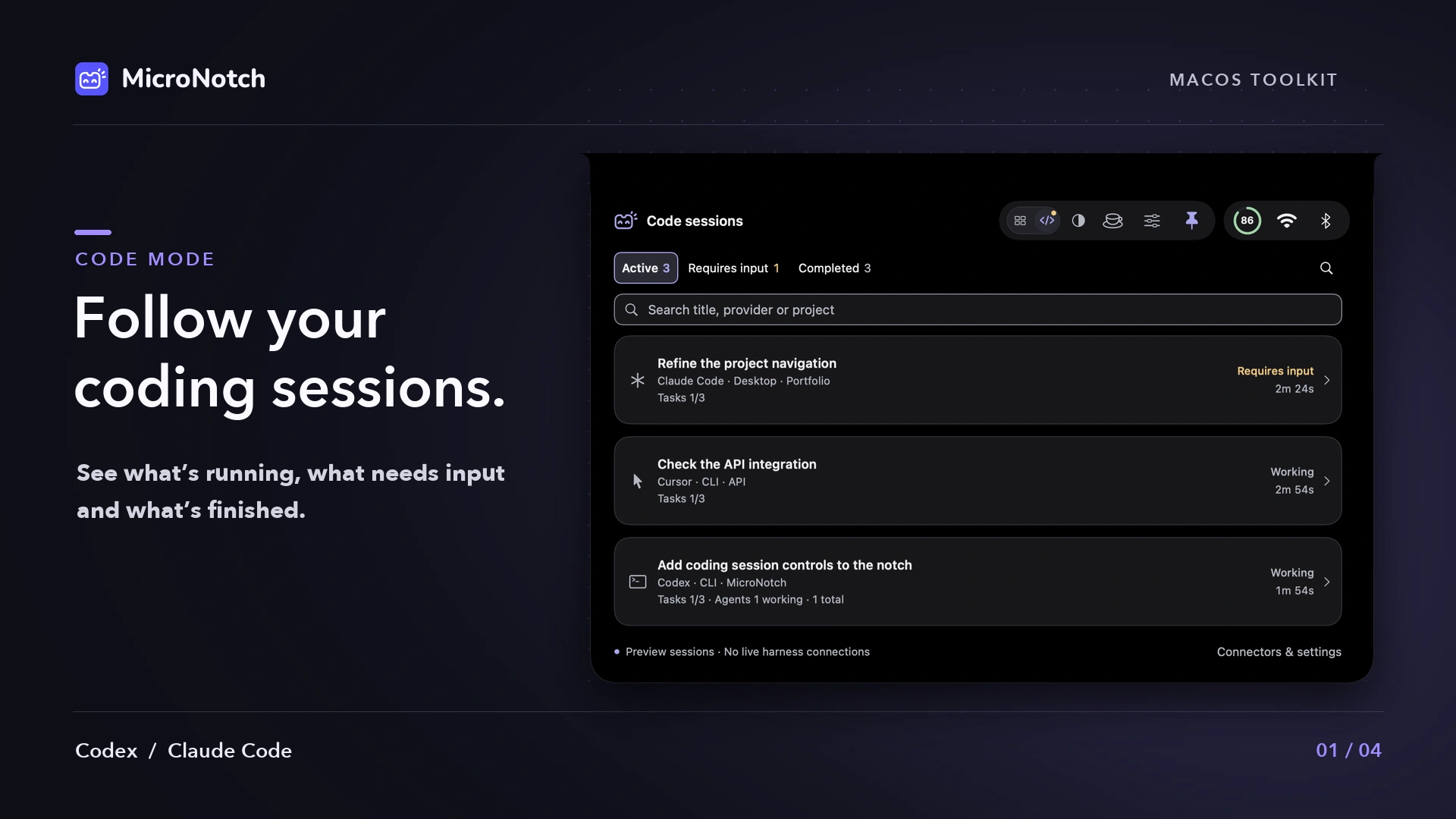
- AI coding session monitoring: Keep supported sessions from Codex, Claude Code, Cursor and Antigravity in view. See what’s working, what needs your input and what has finished. Available controls depend on the provider and connection.
- Clipboard history: Enable searchable clipboard history and pin frequently used items.
- File shelf: Keep files ready for drag-and-drop sharing or AirDrop.
- Music controls: Control Apple Music and Spotify without switching away from your work.
- Timers and focus: Start a countdown or use Pomodoro sessions to structure your day.
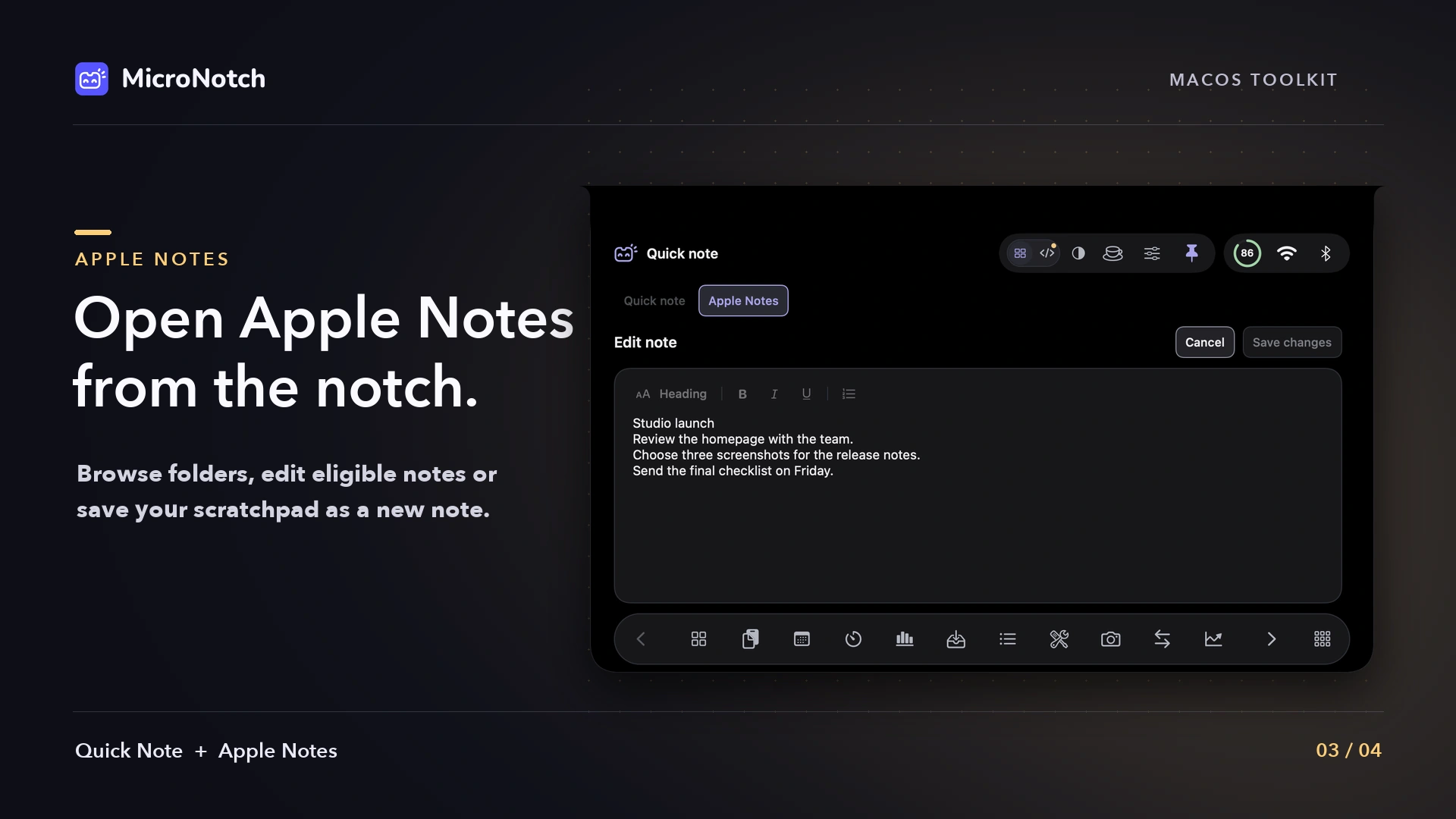
- Quick Note: Capture thoughts in a locally saved scratchpad.
- Calendar and reminders: Keep upcoming events and Apple Reminders close at hand.
- More useful tools: Access a converter, teleprompter, system statistics and Apple Shortcuts.
Made for your Mac
MicroNotch works with or without a display notch, including on external monitors. Pin your favourite tools and enable the permissions and connections you need.
**Requires macOS 15 Sequoia or later.
Pricing
Try MicroNotch free for three days, with no card required. A one-time licence covers two Macs, with no subscription. All future updates are included.
Explore MicroNotch and download the trial