Tired of waiting for slow uploads and worrying about your images ending up on unknown servers every time you need a quick resize? ResizeImage.dev turns that process into a seamless, browser-based utility that respects your privacy and your time. It exists to eliminate the friction of resizing images for web stores, social media, presentations, or personal projects — without forcing you to create an account or upload sensitive files.
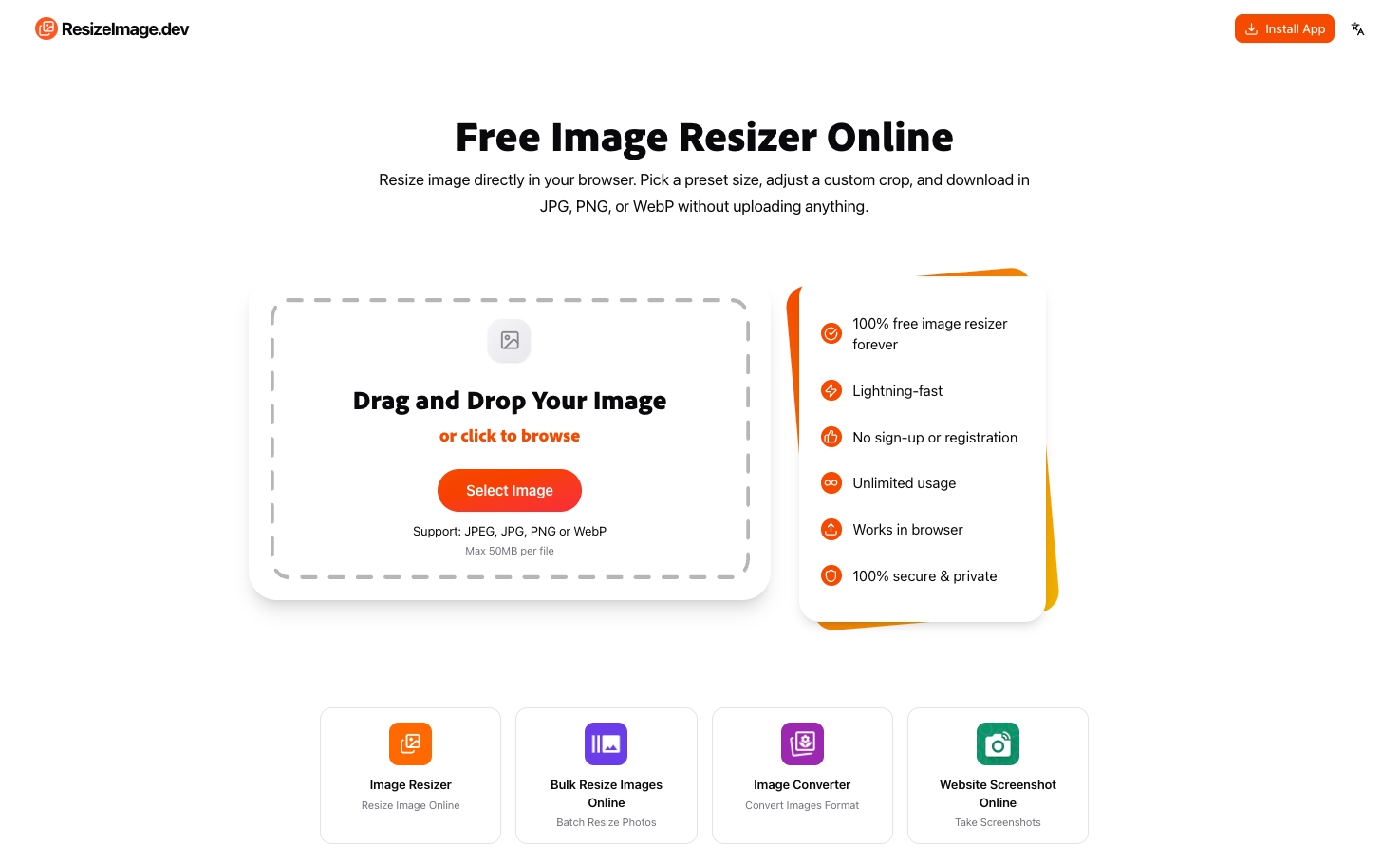
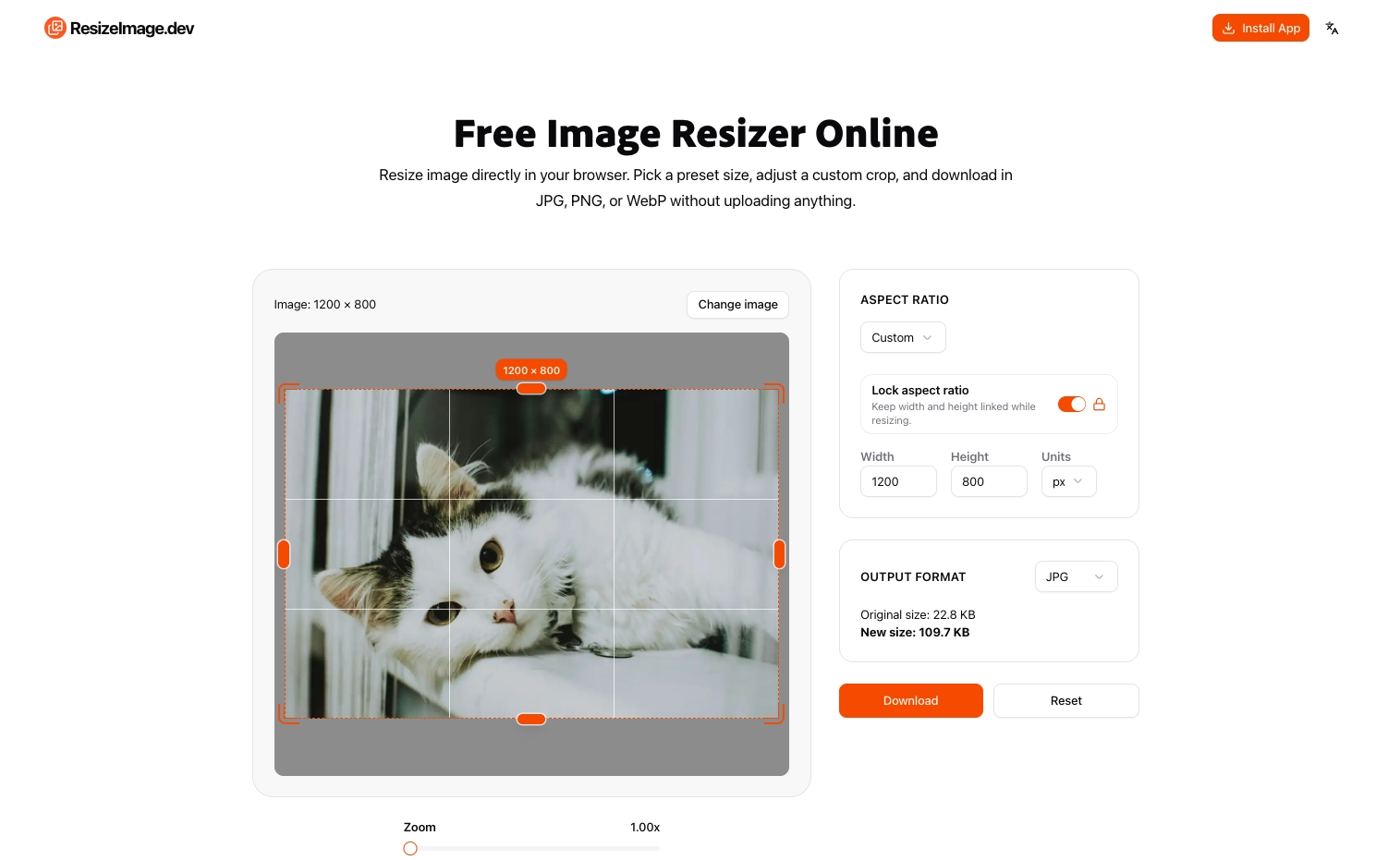
At its core, ResizeImage is a free online image resizer that handles everything directly in your browser. Using client-side processing, the tool reads your image locally, applies the requested dimensions, and generates a new file for download without ever sending the original to a remote server. This privacy-first approach means you can securely resize high-resolution photos, design assets, or product images even on sensitive projects. The interface is intentionally simple: choose one of the common presets, enter custom dimensions, or define a crop box, then download the result in your preferred format.
Key Features
- Instant In-Browser Processing: No files are uploaded to a server, so resizing feels immediate and your privacy stays intact. The entire operation runs on your device, making it ideal for confidential or personal images.
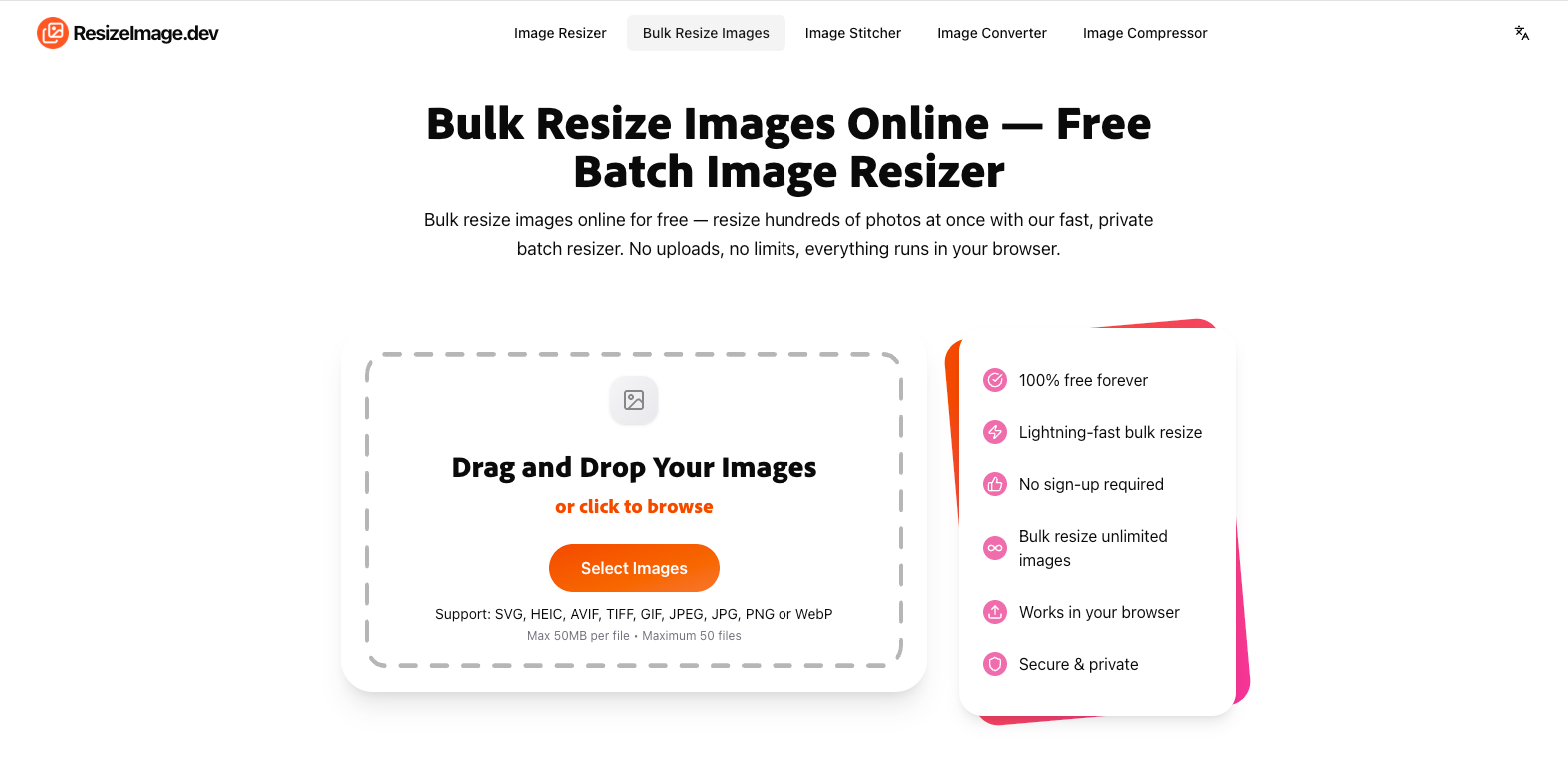
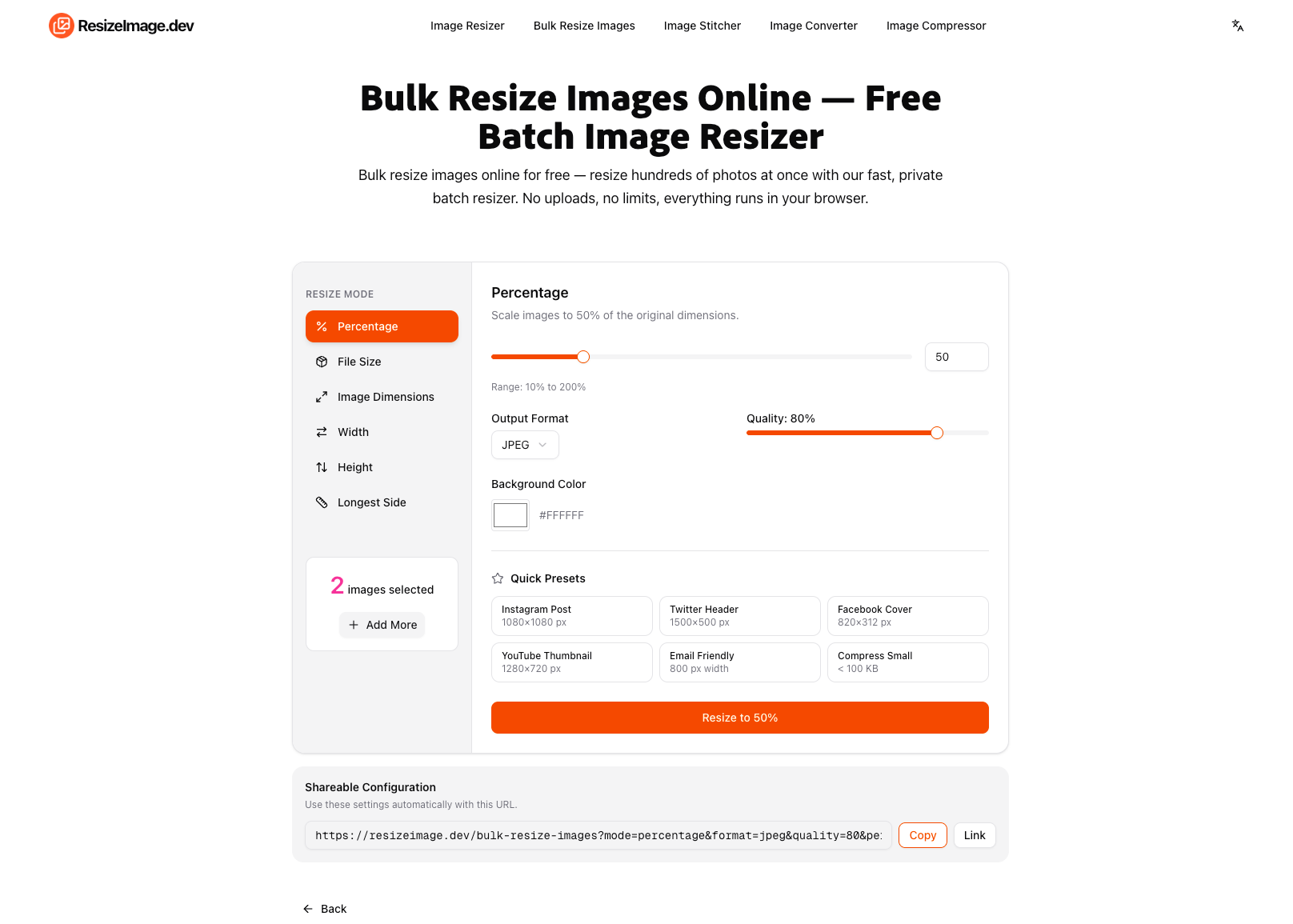
- Bulk Resize Workflow: Need to resize a collection of product photos or social media creatives? ResizeImage supports batch processing, letting you apply the same settings to multiple images and download them all efficiently.
- Smart Presets and Custom Dimensions: Choose from standard sizes for social media, e-commerce, and print, or set exact pixel dimensions. The tool also offers a crop mode with adjustable guides, so the final image matches your intended composition.
- Multiple Export Formats: Download resized images as JPG, PNG, or WebP, letting you balance quality and file size depending on where the image will be used — from high-fidelity PNG for print to compact WebP for the web.
- Zero Sign-Up, Zero Cost: The core resizing functionality is completely free and requires no account creation. There are no watermarks, no hidden limits, and no waiting queues — upload, adjust, and download.
Get Started
Getting started takes seconds. Open the website, drag and drop an image or select one from your device, choose your desired dimensions or use a preset, fine-tune with the crop tool, and export as JPG, PNG, or WebP. There is no installation, no learning curve, and no configuration required. ResizeImage is built for anyone — from developers needing quick asset sizes to marketers preparing campaign visuals — and it's available on any modern web browser.
Whether you're a designer preparing multiple asset variants, a developer optimizing images for performance, or a content creator adapting visuals across platforms, ResizeImage.dev delivers a faster, more private alternative to traditional image resizing software.