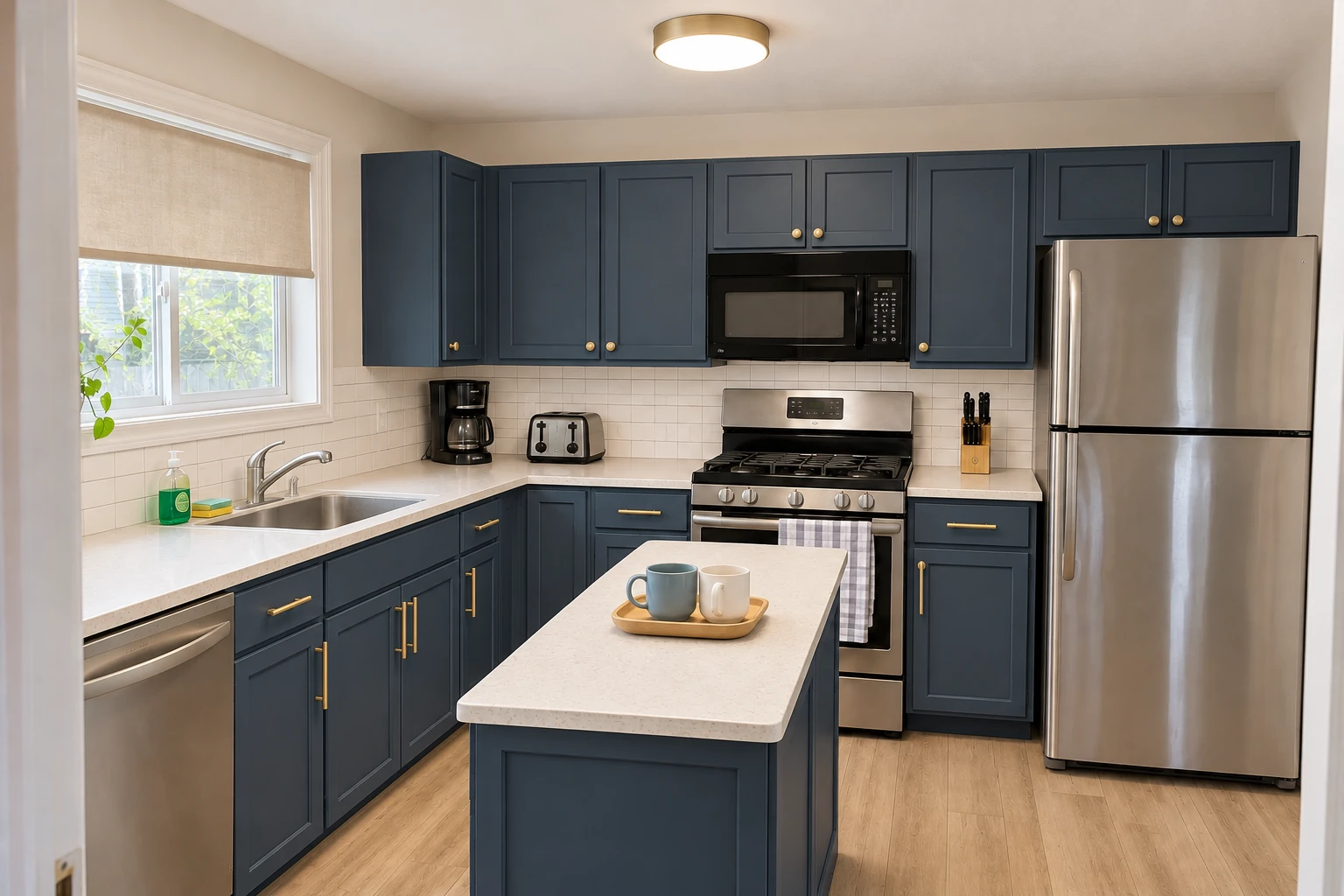
Kitchen remodeling is expensive and risky: a wrong cabinet finish, countertop, or layout can cost time and money. AI Kitchen Design Generator lets homeowners, interior designers, and architects preview changes before committing. Instead of guessing how a style or material will look, upload a photo of an existing kitchen and generate realistic design concepts in minutes.
The platform uses AI image generation to preserve the room's structure while swapping finishes, materials, and styles. Users can explore Modern, Japandi, Contemporary, and other looks; test light oak, walnut, or espresso cabinets; compare white quartz against wood countertops; and refine backsplashes or lower-cabinet colors. The value is not just inspiration—it is a visual decision tool that helps align stakeholders, reduce costly revisions, and communicate a renovation direction clearly.
Key Features
- Photo-based AI redesigns: Upload a kitchen photo and generate redesign concepts that keep the original layout and perspective intact, so you see a realistic before-and-after rather than a generic showroom image.
- Style and material exploration: Switch between design styles and test cabinet finishes, countertops, backsplashes, and flooring. Side-by-side comparisons make it easy to evaluate white quartz versus walnut wood or light oak versus espresso cabinets.
- Reference-based sampling: Pull ideas from inspiration images by sampling cabinet colors or countertop appearances, then apply those cues to your own kitchen concept. This helps translate a mood board into a concrete direction.
- Iterative detail refinement: Adjust specific elements such as countertop material, subway backsplash, or lower-cabinet color. Use comment markers or feedback notes to discuss options with partners, clients, or contractors.
- Save, share, and compare concepts: Keep favorite designs organized, compare alternatives, and share them with decision-makers. This turns scattered ideas into a clear shortlist for renovation planning.
Get Started
Start by uploading a clear, well-lit photo of your kitchen—ideally straight-on and uncluttered. Choose a style, then experiment with cabinet, countertop, and backsplash options. The interface is browser-based, so there is no installation or 3D modeling experience required. The free tier lets you generate and explore designs, while premium options support more advanced use. Use the tool for early-stage visualization and material direction, not as a substitute for professional measurements, structural planning, or contractor quotes.