
Saved links are supposed to be useful, but most bookmark collections become a graveyard: dozens of folders, inconsistent naming, and no reliable way to find the article, tool, or reference you know you saved. LinkShelf is a free bookmark manager built around a simple promise: save any link, tag it once, and find it again in seconds. Instead of forcing you to remember which browser folder a link went into, LinkShelf turns your saved links into a searchable, organized shelf that stays useful as it grows.
LinkShelf replaces cluttered browser bookmarks with a lightweight system of tags, collections, and instant search. The approach is intentionally simple: capture a URL, add context with tags or a collection, and rely on fast lookup when you need it later. That makes it suitable for developers collecting documentation and code references, founders tracking competitors and inspiration, students saving research, and anyone who regularly says, “I know I saved that somewhere.” The tool is free to use, runs in the browser, and includes both light and dark interfaces for comfortable daily use.
Key Features
- Instant search across saved links: Find a saved article, tool, or reference by searching titles, tags, or other link details instead of hunting through nested browser folders. The core workflow is designed to get you from “I need that link” to the right result in seconds.
- Tags and collections for flexible organization: Organize links with tags and group related resources into collections. This gives you multiple ways to retrieve the same item—by project, topic, client, or personal interest—without duplicating bookmarks.
- A cleaner replacement for browser bookmark clutter: Keep important links in a dedicated, searchable shelf rather than scattering them across browser folders. LinkShelf is especially useful when you save links from many sources and need one consistent place to manage them.
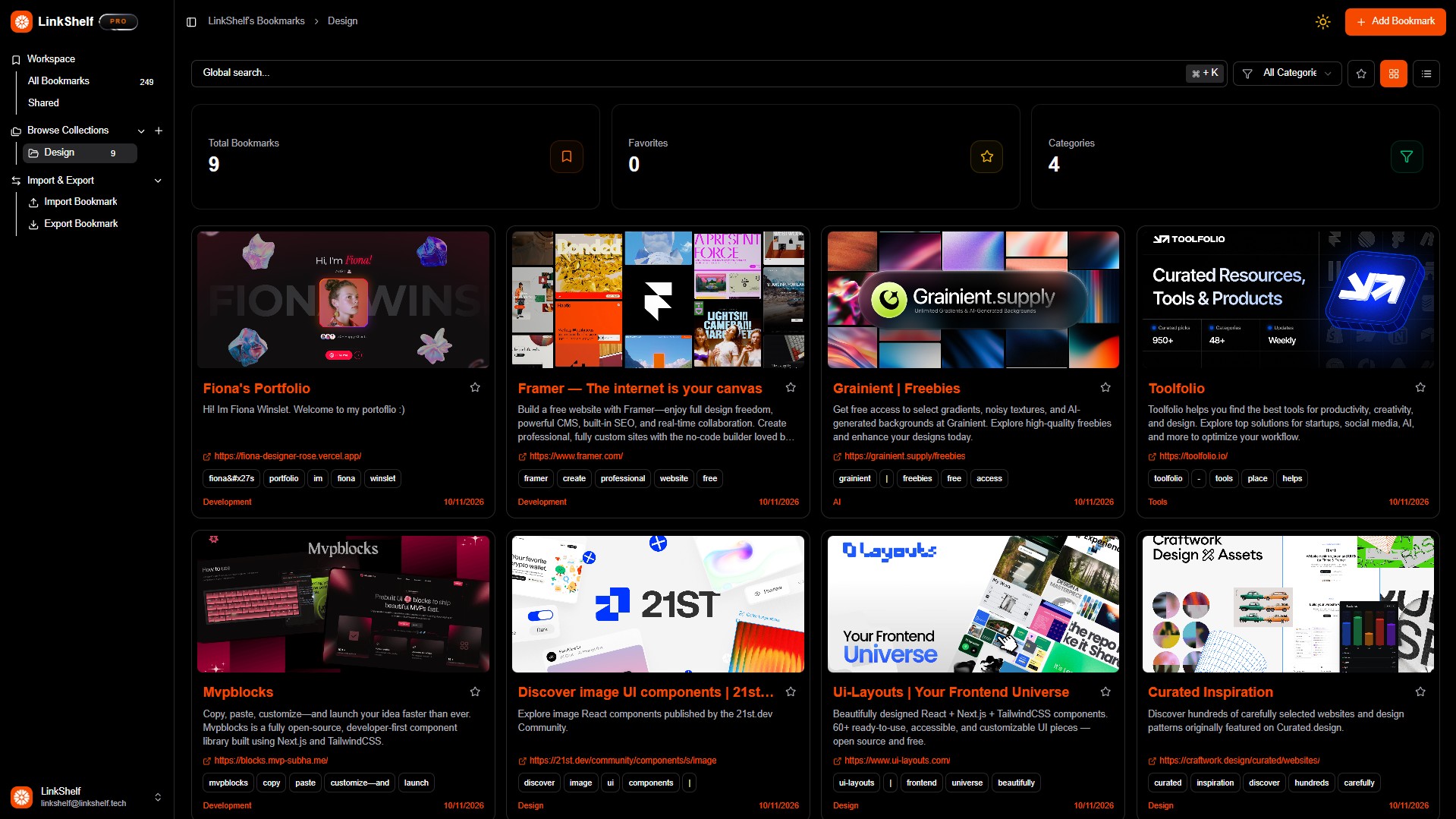
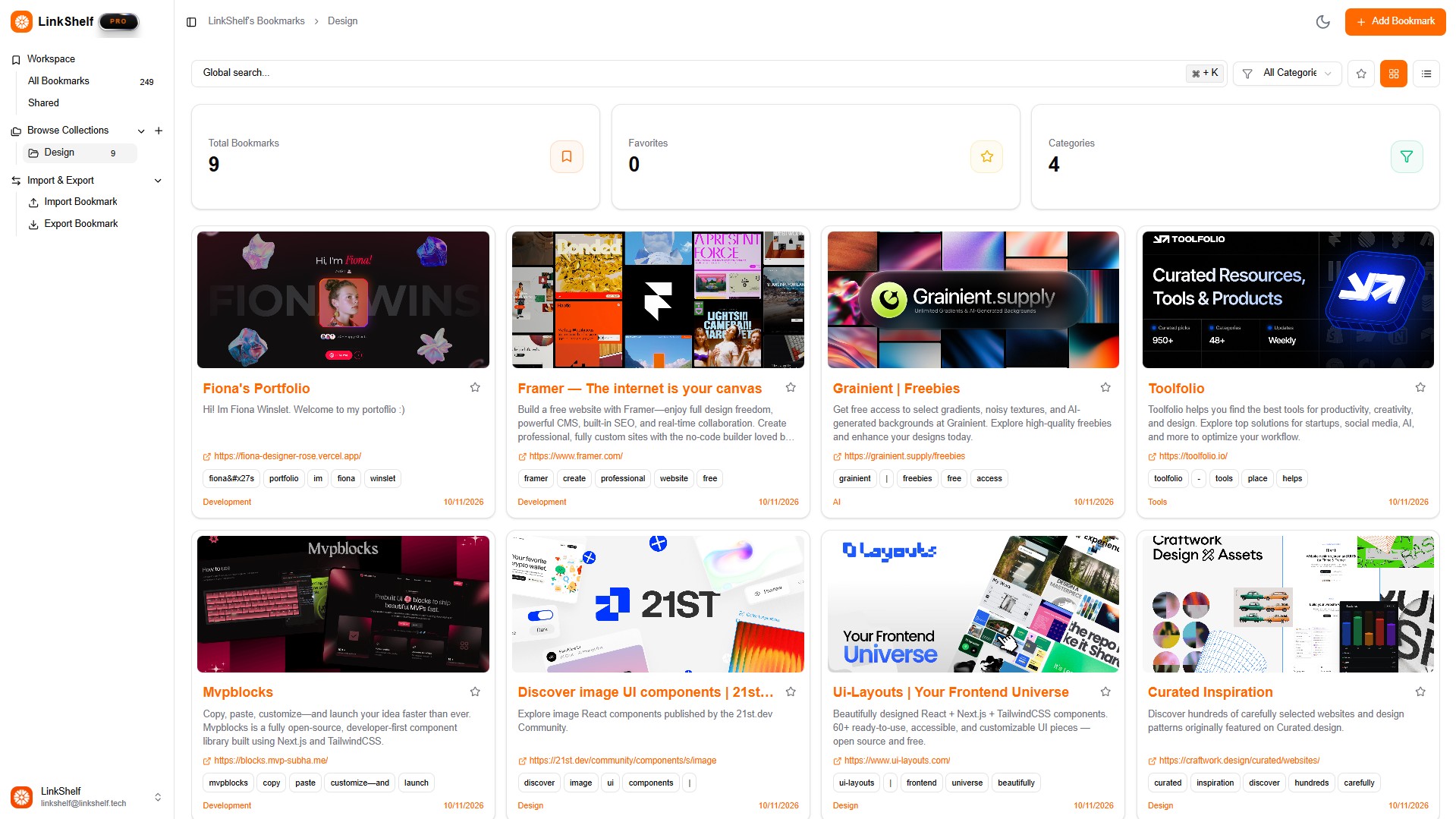
- Light and dark mode interfaces: Use a dashboard that fits your working environment, whether you prefer a bright interface for daytime research or a lower-contrast dark mode for focused work.
- Web-based access and easy sharing: Access your saved links from the web and share useful bookmarks when you need to pass resources to teammates, clients, or friends. The browser-first design keeps setup light and avoids a heavy desktop installation.
Get Started
Getting started with LinkShelf is straightforward: create an account, save your first links, and begin adding tags or collections as you go. You do not need to migrate every old bookmark at once; many users start with the links they need most often, then expand their shelf over time. Because the product is free and browser-based, there is no paid onboarding barrier or complex setup. New users can explore the dashboard, switch between light and dark mode, and build a personal organization system that matches how they already think about their saved resources. LinkShelf is best for people who want a simple, fast bookmark manager rather than a full knowledge base or note-taking suite.