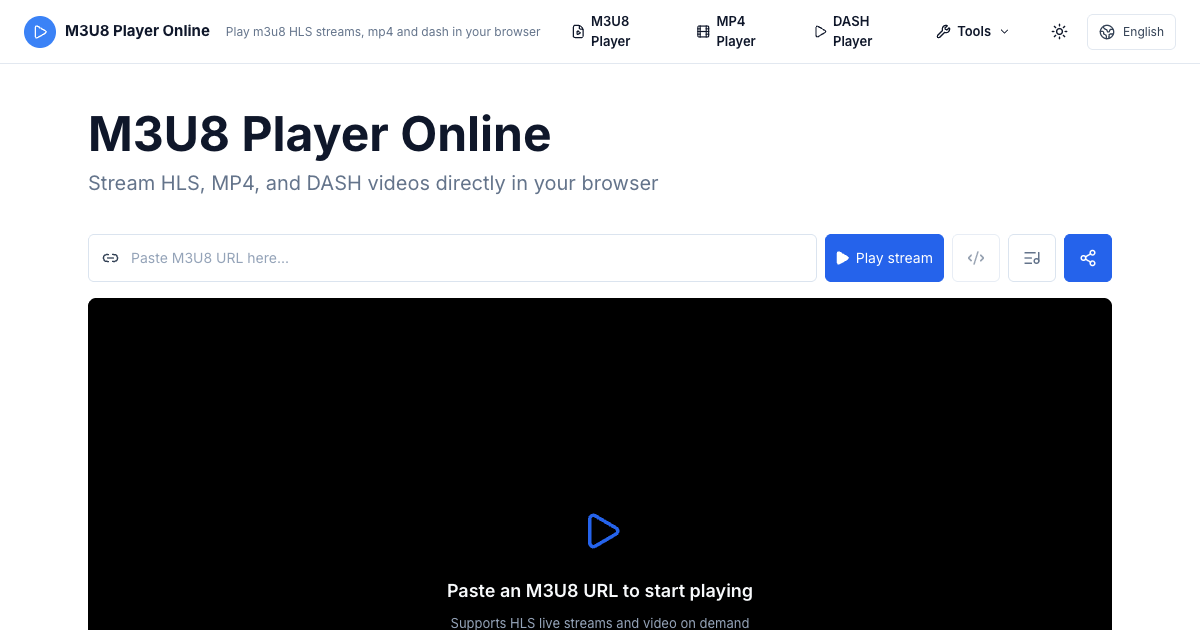
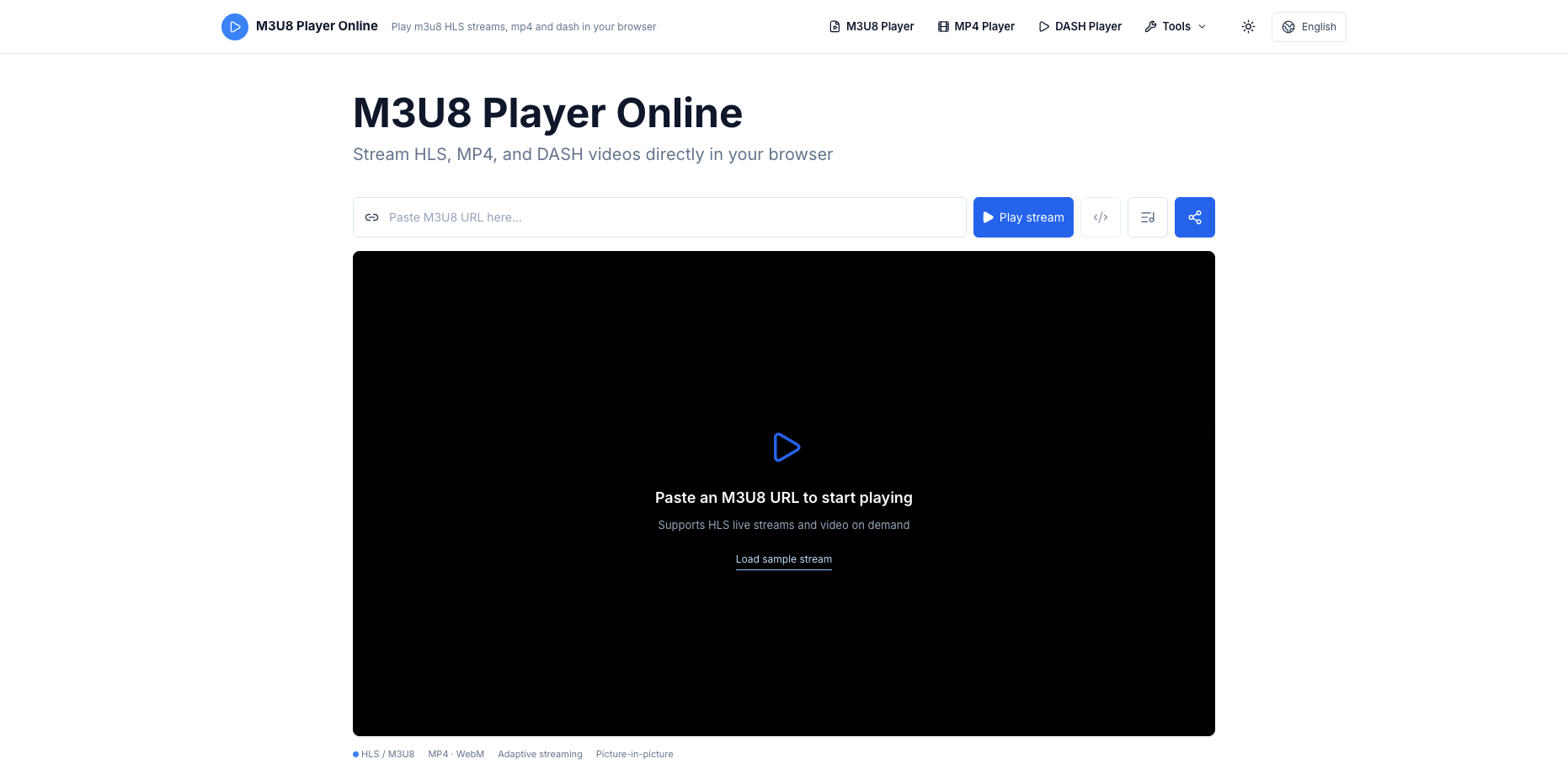
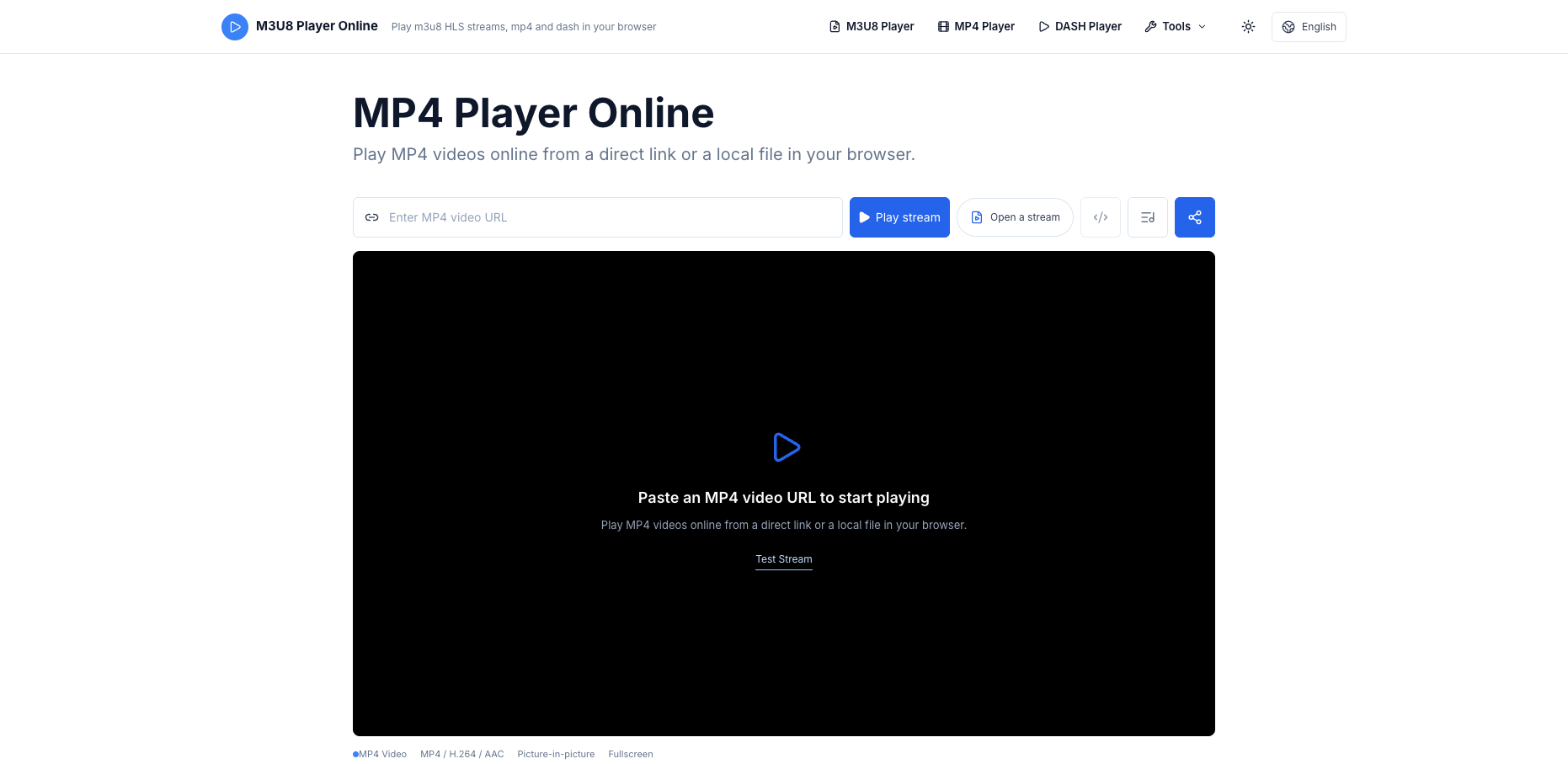
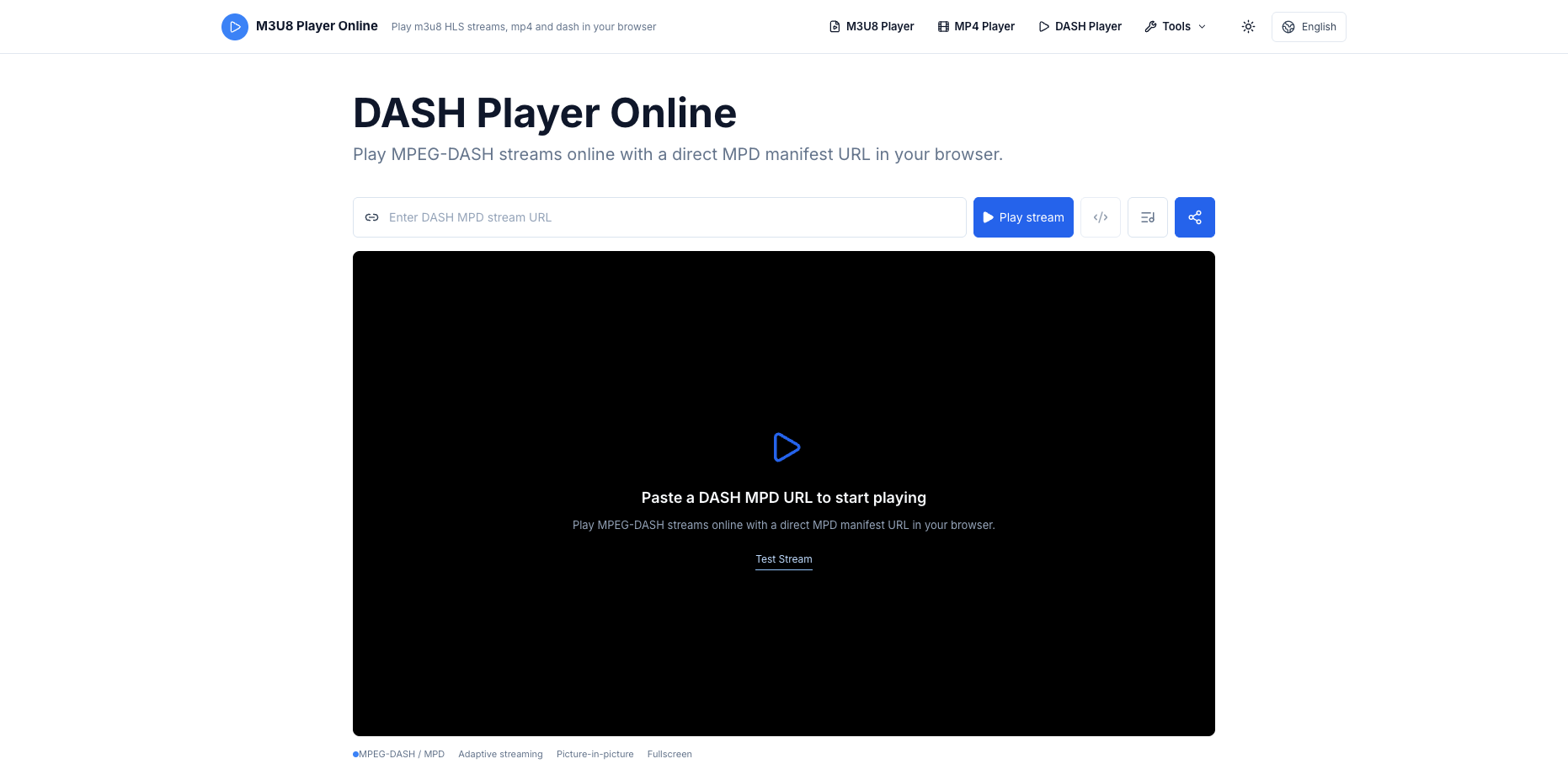
Streaming links often arrive as M3U8 playlists, yet most browsers and basic video players cannot open them without extra software, command-line tools, or a full media server. M3U8 Player Online removes that friction by giving you a browser-based HLS player that accepts a playlist URL and starts playback in seconds.
The core value is simple: paste an M3U8 or HLS stream URL, play it in a clean web player, and—when the stream and browser support it—convert the playback to an MP4 file without uploading media to a server. Because processing happens in the browser, there is no account requirement and no file upload step. Developers can also embed the player in an iframe for documentation, demos, internal dashboards, or client previews. It is a focused utility rather than a full streaming platform: it does not host media, bypass access restrictions, or handle DRM-protected content.
Key Features
-
Instant M3U8 and HLS playback: Paste a playlist URL and watch supported live or on-demand HLS streams directly in the browser. This is useful for quickly checking stream health, reviewing manifests, or viewing a feed without installing VLC, FFmpeg, or a dedicated media server.
-
Browser-based M3U8 to MP4 conversion: For compatible streams, the tool can convert playback into an MP4 download inside the browser. This helps when you need a portable file for offline review or sharing, while avoiding an upload to a third-party conversion service. Results depend on stream format, CORS headers, codec support, and browser capabilities.
-
Embeddable iframe player: Generate a clean player view that can be embedded with an iframe. Teams can drop it into dashboards, test pages, documentation, or client-facing previews without building and maintaining a custom HLS player from scratch.
-
No uploads, accounts, or installs: The workflow is web-only. You do not need to create a login, upload a video file, or install desktop software. That makes it practical for quick checks on shared or locked-down machines.
-
Simple, focused interface: The site keeps attention on the playlist URL and playback controls. There are no complicated project settings or media library management screens, which shortens the path from link to playback.
Get Started
Open the site, paste an M3U8 or HLS playlist URL into the player field, and start playback. If you want to convert a stream, use the available MP4 option on a supported stream and wait for the browser-side process to finish. For embedding, copy the provided iframe snippet into your page and test it in the target environment. Keep in mind that cross-origin restrictions, expired tokens, geo-blocking, unsupported codecs, and DRM can prevent playback or conversion; the tool works best with publicly accessible, CORS-enabled streams. No onboarding or account setup is required, so most users can evaluate it in a single session.