Effortless image editing for everyone
Great visuals shouldn’t require a full design suite or a steep learning curve. PXDMD is a browser-based AI image editor built for people who need clean, professional-looking images quickly—whether they are preparing product photos, social media posts, marketing assets, or personal projects.
What PXDMD does
PXDMD focuses on the edits that usually slow people down: removing backgrounds, erasing unwanted objects or watermarks, swapping backgrounds, and applying quick photo tints. Instead of layering masks and manually cloning pixels, you upload an image and let the AI handle the repetitive work. The result is a streamlined workflow that works for photographers, designers, social media managers, ecommerce sellers, and general users who want polished images without opening complex software.
The tool runs online, so there is nothing to install. New users can try the core features with 3 free credits and no sign-up required, making it easy to test the workflow before committing. PXDMD follows a freemium model, with paid plans starting at $9/month for users who need more credits and ongoing access. It is not intended to replace a full professional editing suite for advanced compositing or retouching; rather, it is a fast utility for common, high-impact image tasks.
Key Features
-
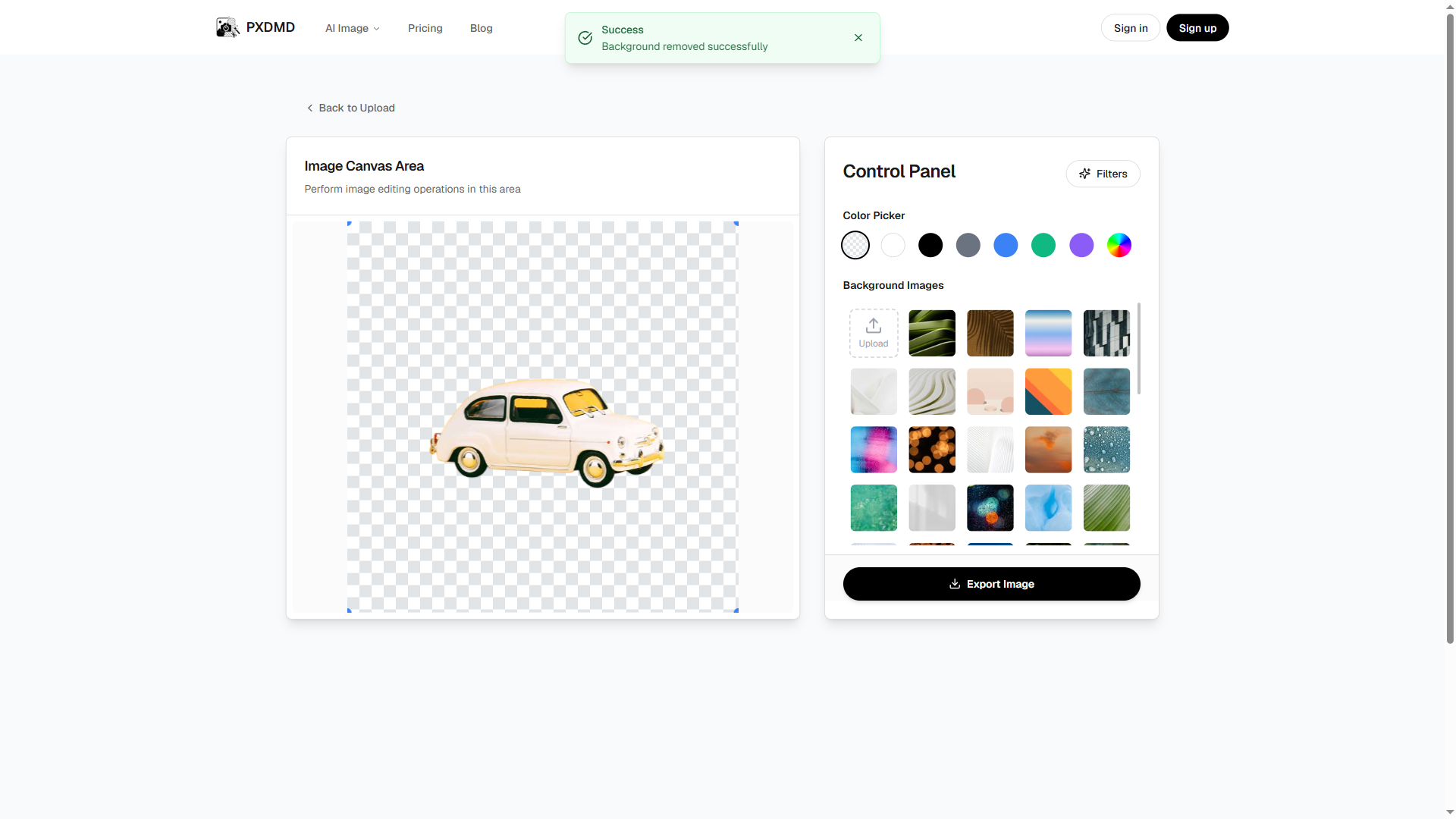
Automatic background removal: Detect and remove backgrounds from photos and product images in seconds. This is ideal for creating clean catalog shots, transparent PNGs, profile images, and graphics that need to sit on new backgrounds without manual masking.
-
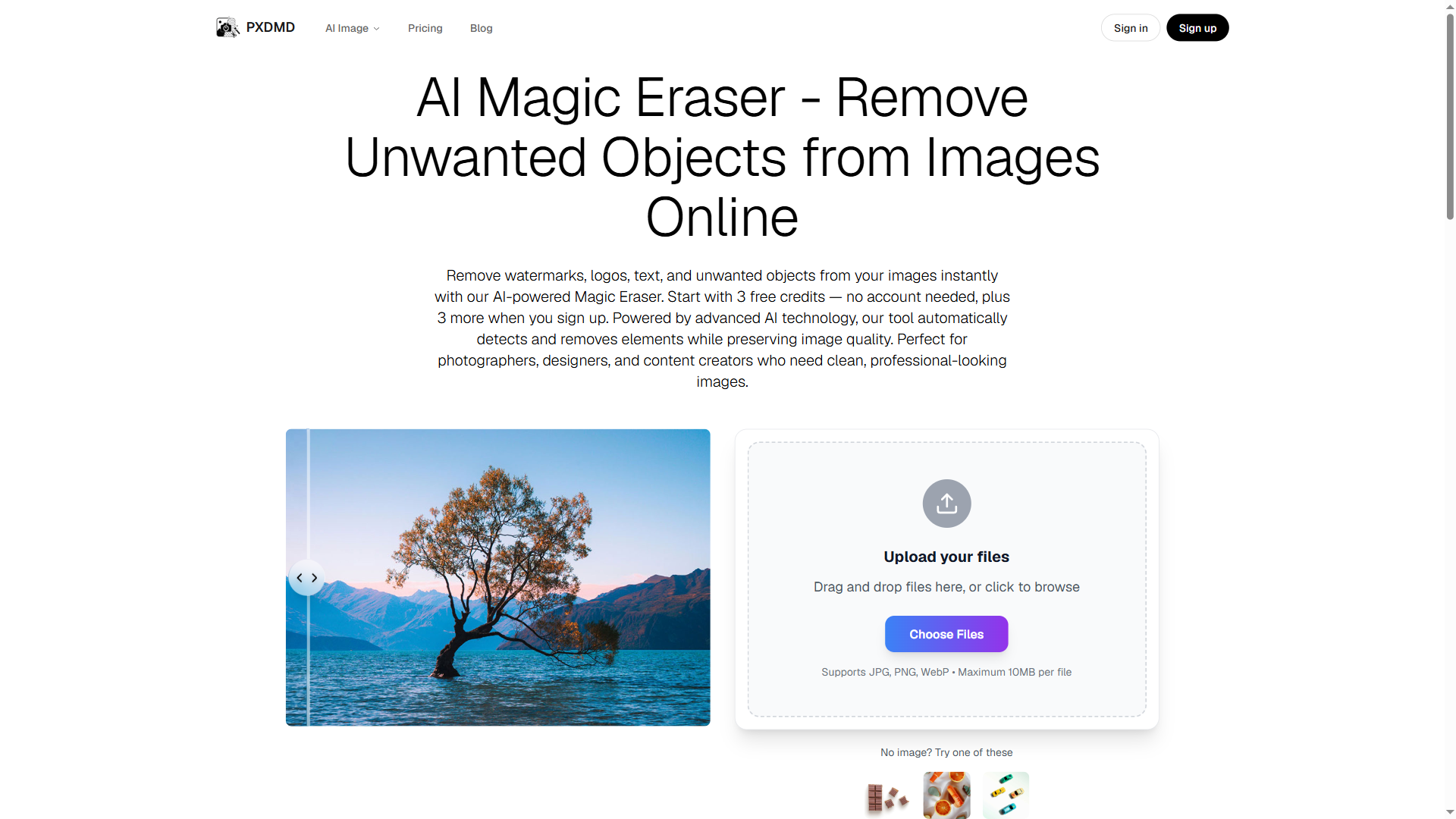
AI object and watermark eraser: Remove unwanted elements—distractions in a photo, logos, watermarks, or small objects—and let the tool fill in the surrounding area. This helps salvage usable images without a time-consuming clone-stamp workflow.
-
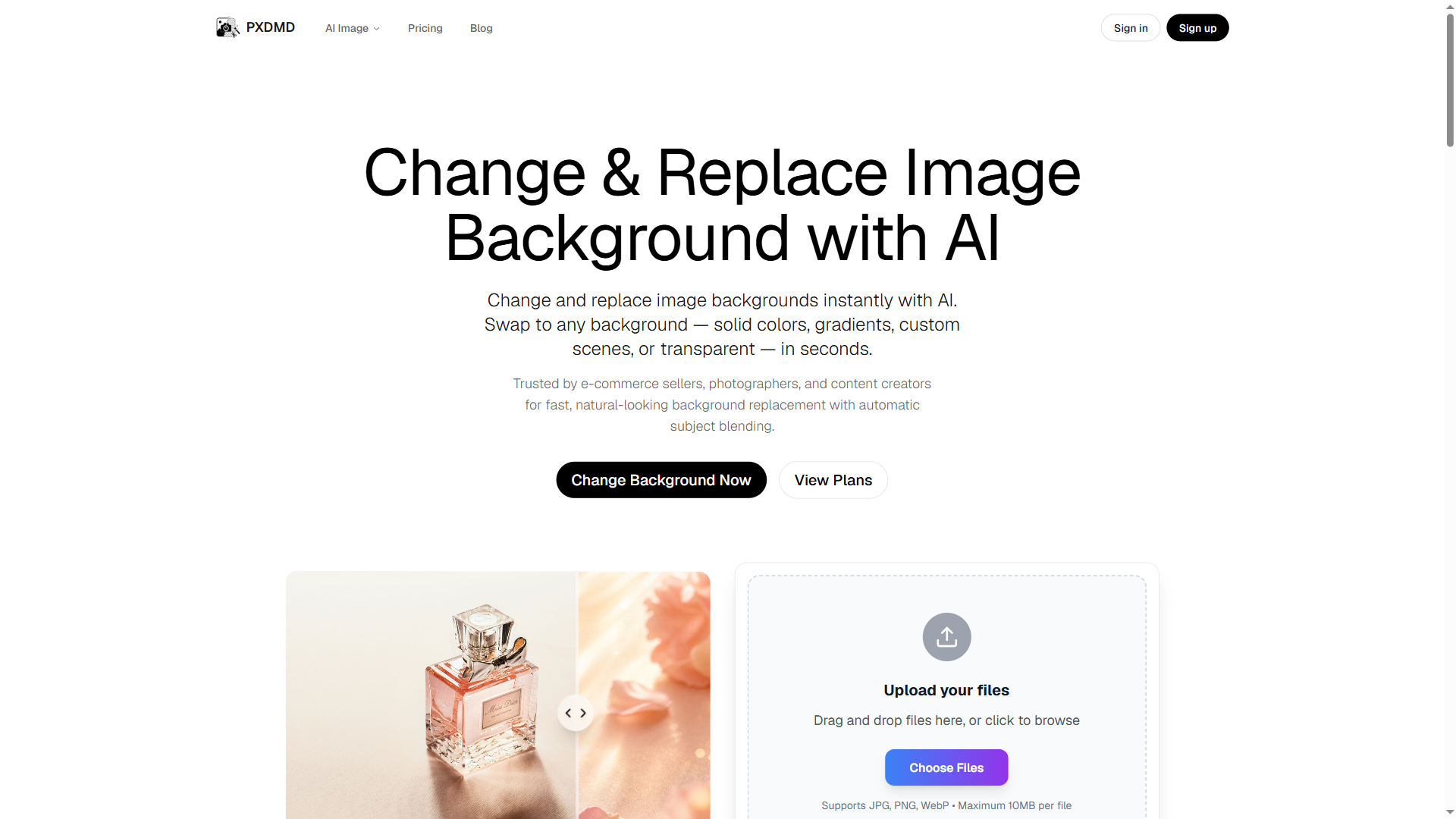
Background replacement: Swap a plain or cluttered background for something more suitable, such as a solid color, a clean studio-style backdrop, or another visual setting. This is useful for product listings, presentations, and social content that needs a consistent look.
-
Photo tinting and quick enhancements: Apply color tints and simple adjustments to change the mood of an image or make it fit a brand palette. These quick edits are helpful when you need a consistent visual style across multiple assets.
-
Simple web-based workflow: Upload an image, choose the edit, and export the result—all from a web browser. The interface is designed to keep common tasks accessible without requiring design expertise or a lengthy onboarding process.
Get Started
Getting started with PXDMD is straightforward. Visit the website, upload an image, and select the task you want to perform, such as removing a background or erasing an object. You can test the core features with 3 free credits and no sign-up required. Once you understand the workflow, you can choose a plan if you need more credits. Because it is web-based, there is no setup process or software installation; the main learning curve is simply choosing the right edit and reviewing the result before export. For best results, use well-lit source images with clear subjects, and inspect edges and filled areas after AI processing.
Who it is for
PXDMD is a practical fit for photographers who need quick background cleanup, designers handling routine image prep, social media managers producing content at speed, ecommerce teams preparing product photos, and general users who want clean images without professional software. If your work involves advanced retouching, complex compositing, or precise color grading, you will still need a dedicated editor—but for fast background removal, object erasure, background swaps, and simple tints, PXDMD keeps the process focused and accessible.