Toolbantu addresses a common frustration: when you need to resize an image, format JSON, count words, generate a secure password, or convert a file, you often have to hunt across multiple ad-heavy websites, install browser extensions, or sign up for yet another service. Toolbantu brings those everyday utilities into one lightweight, web-based toolkit.
A unified toolkit for digital chores
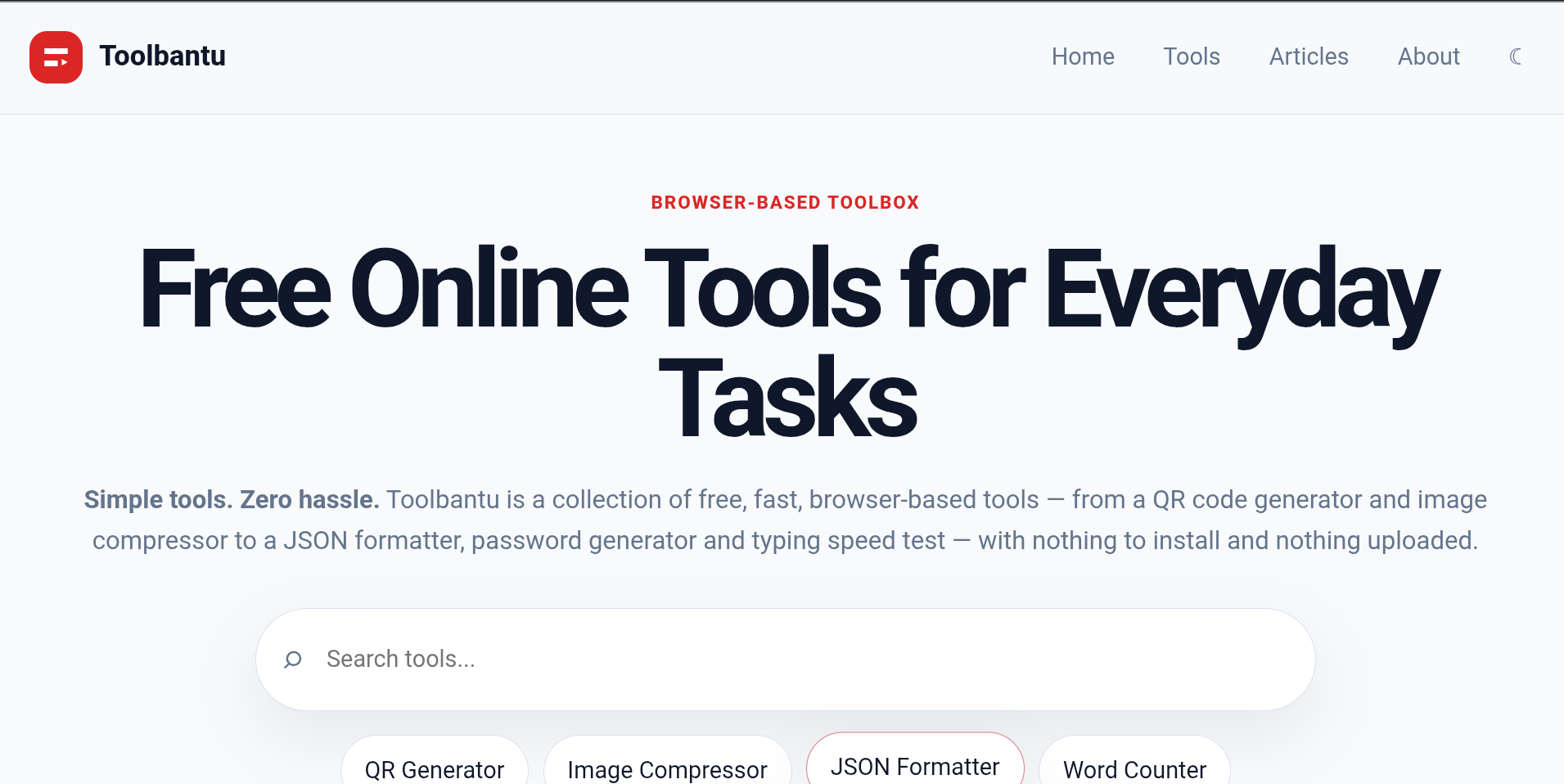
Toolbantu is a free online tools platform built for speed and simplicity. It offers a broad collection of browser-based utilities across image editing, developer workflows, text manipulation, file handling, security, and general digital tasks. Instead of juggling dozens of bookmarked sites, you can open Toolbantu from any modern browser and complete routine jobs in a few clicks. The platform is designed for tech-savvy professionals, developers, students, marketers, and anyone who regularly works with digital content. Its freemium model keeps the core tools free while allowing the team to add premium options over time.
The value is not just convenience; it is also consistency. Toolbantu provides a familiar interface and predictable behavior across categories, so you don't have to relearn a new UI for every small task. Tools are intended to be fast-loading and mobile-friendly, making them useful whether you're on a laptop at work or checking something quickly on your phone.
Key Features
- Image utilities in the browser: Resize, compress, convert, and otherwise prepare images for web use, social posts, or documentation without opening heavyweight editing software. These tools help reduce file sizes and standardize formats quickly.
- Developer helpers: Format, validate, minify, encode, decode, and transform common data formats such as JSON, HTML, CSS, URLs, and base64. This makes debugging, API work, and quick code cleanup less context-switching.
- Text and content tools: Count words and characters, change case, clean up whitespace, compare text, and transform strings for writing, publishing, or data preparation. Useful for writers, editors, SEO specialists, and developers working with copy.
- File and everyday utilities: Handle common file conversions, generate QR codes, calculate values, and perform other routine digital tasks. The goal is to cover the small jobs that interrupt larger projects.
- Security and privacy-focused tools: Generate passwords, create hashes, and perform common security-related operations to support safer workflows. These utilities are handy for developers, sysadmins, and privacy-conscious users.
- No-install, cross-device access: Because Toolbantu runs on the web, it works across operating systems and devices. There is no desktop software to install, no complex onboarding, and no need to create an account for basic use.
- Regularly expanding library: New tools are added over time based on common workflows and user needs, so the platform grows into a broader utility hub rather than a one-purpose site.
Get Started
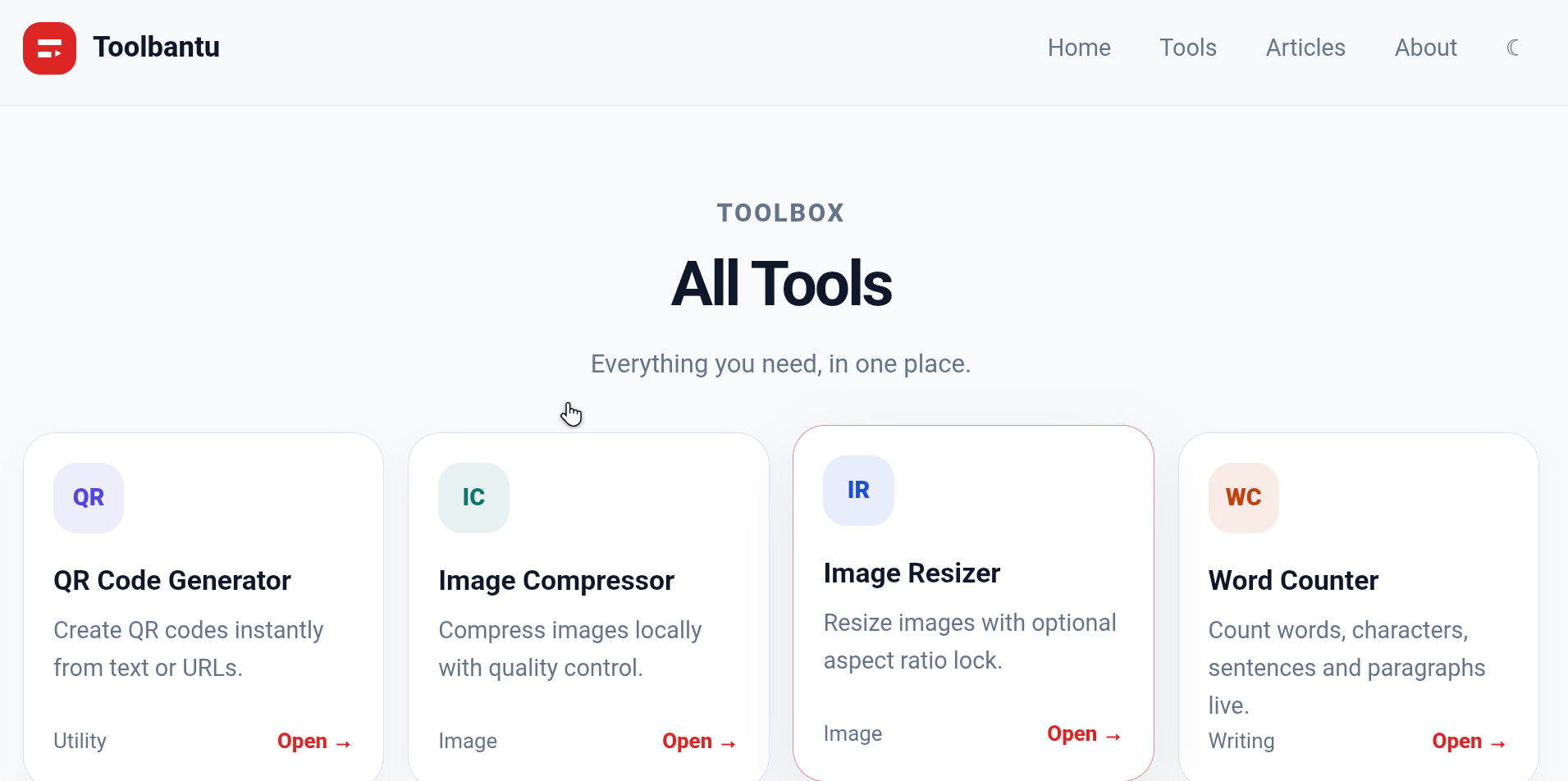
Getting started with Toolbantu is straightforward. Visit toolbantu.com, browse the available categories or search for the task you need, and open the relevant tool. Most utilities are designed for immediate use: paste, upload, or type your input, adjust the available options, and copy or download the result. There is no steep learning curve and no requirement to install software. The free tier covers a wide range of everyday tasks, while premium options may be available for advanced or higher-volume needs. If you frequently perform the same operations, Toolbantu can become a reliable bookmark that replaces several scattered single-purpose websites. It is especially useful for quick jobs when you don't want to open a full application or write a script. As the library expands, users can expect more tools for images, development, text, files, security, and daily digital chores—all in one place.