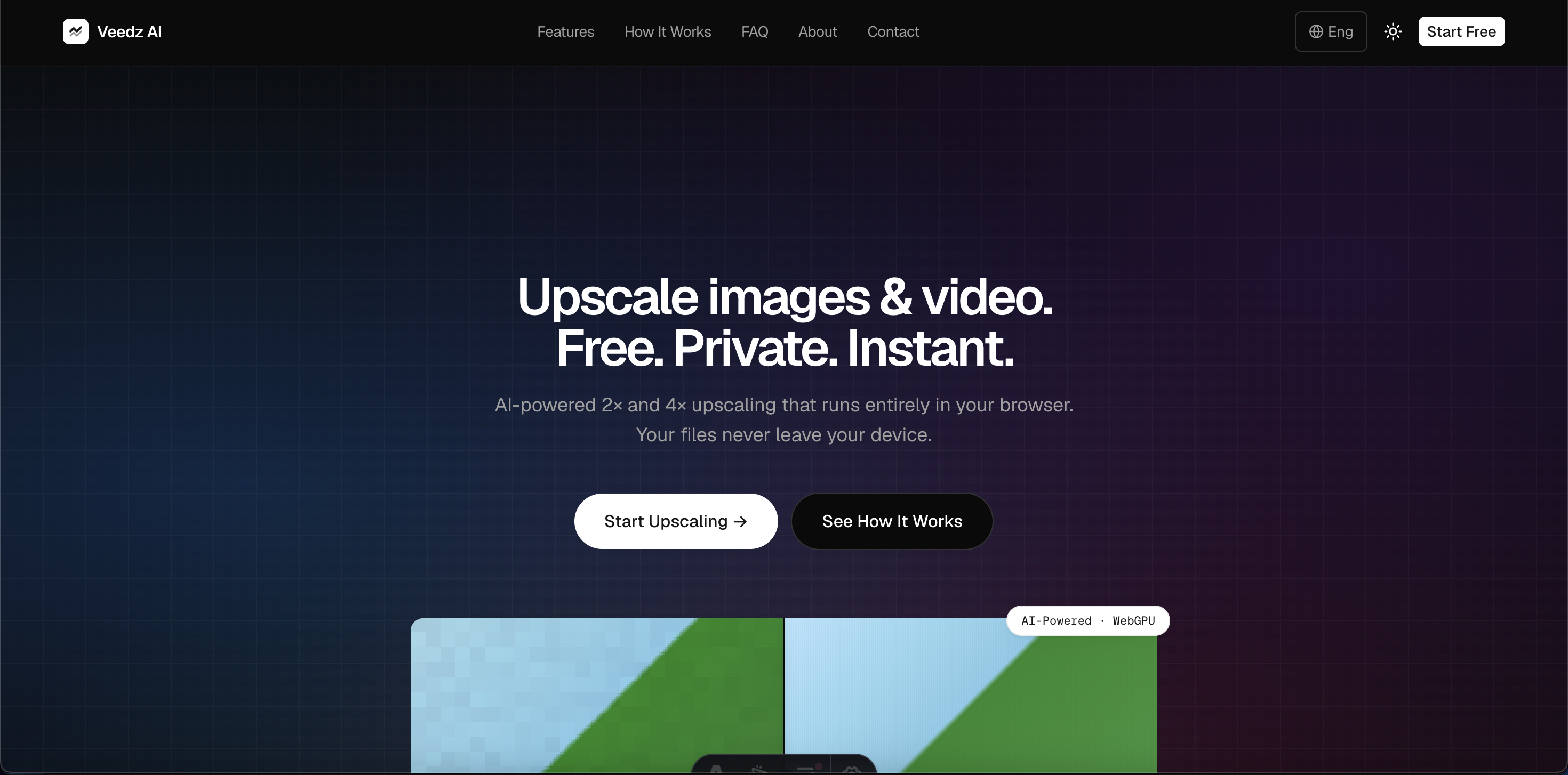
Archive footage, compressed phone clips, screenshots, and legacy photographs all share the same frustration: the detail simply isn't there anymore. Reshooting isn't an option, and conventional scaling tools just stretch existing pixels into soft, blurry mush. Veedz AI was built to fix that in the browser — an AI upscaler for both images and video that needs no account, no upload, and leaves no watermark.
What Veedz AI Does
Veedz AI applies AI reconstruction models to low-resolution stills and video frames, generating plausible detail rather than simply interpolating the pixels that already exist. Where bicubic and Lanczos scaling preserve blur, Veedz AI analyses edges, textures, and repeating patterns in the source material to rebuild sharpness, contrast, and clarity. Images can be enhanced up to 4K, and video can be upscaled up to 4×, which makes the tool practical for footage shot on older phones, compression-damaged social downloads, and archival material that would otherwise fall apart at modern display sizes.
What makes the product unusual is where that processing happens. The upscaling runs locally in your browser instead of on a remote render queue, so files never leave your device. In practice that means no long upload before work can begin, no 'your file will be deleted in 24 hours' caveat, and no exposure of client or personal material to a third-party server. For agencies, journalists, and teams working under confidentiality constraints, that distinction matters as much as the output quality itself.
Key Features
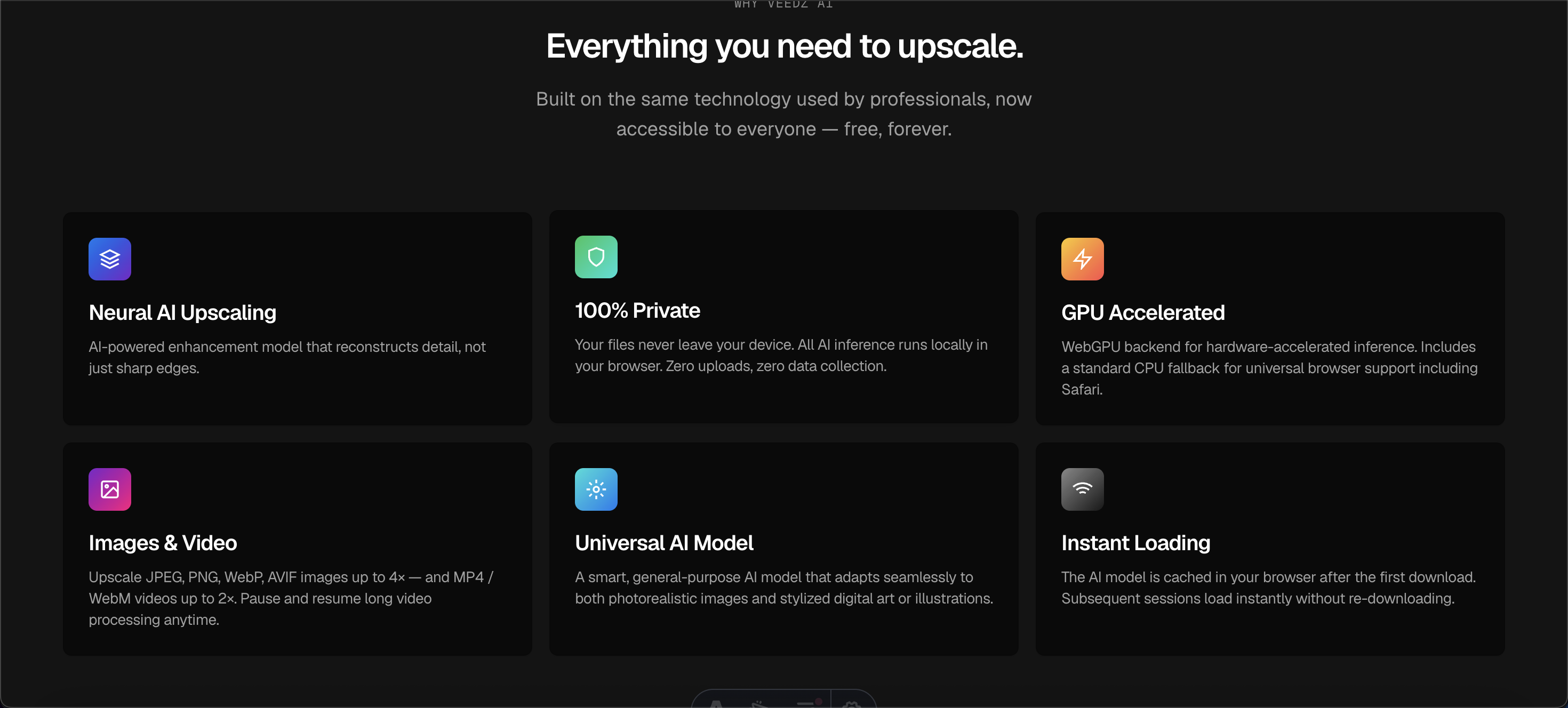
- AI Video Upscaling up to 4×: Reconstruct resolution in compressed or low-quality clips, from phone footage to old exports, and produce output that holds up on large screens.
- 4K Image Upscaling: Enhance photographs, product shots, screenshots, and scanned material up to 4K without the halo artefacts and over-sharpening typical of traditional resampling.
- Local, In-Browser Processing: The model runs on your machine, so nothing is uploaded, nothing is queued, and nothing is stored on someone else's server.
- No Signup, No Watermarks: Open the site, drop in a file, and export the result — there is no account wall, no email capture, and no branding burned into your output.
- Instant Results: Because there is no server round-trip or render queue, upscaled files come back in seconds rather than minutes, which keeps iteration fast during editing sessions.
- Works Across Devices: A modern browser on desktop or mobile is the only requirement, so the same workflow is available on a studio workstation or a laptop on location.
Get Started
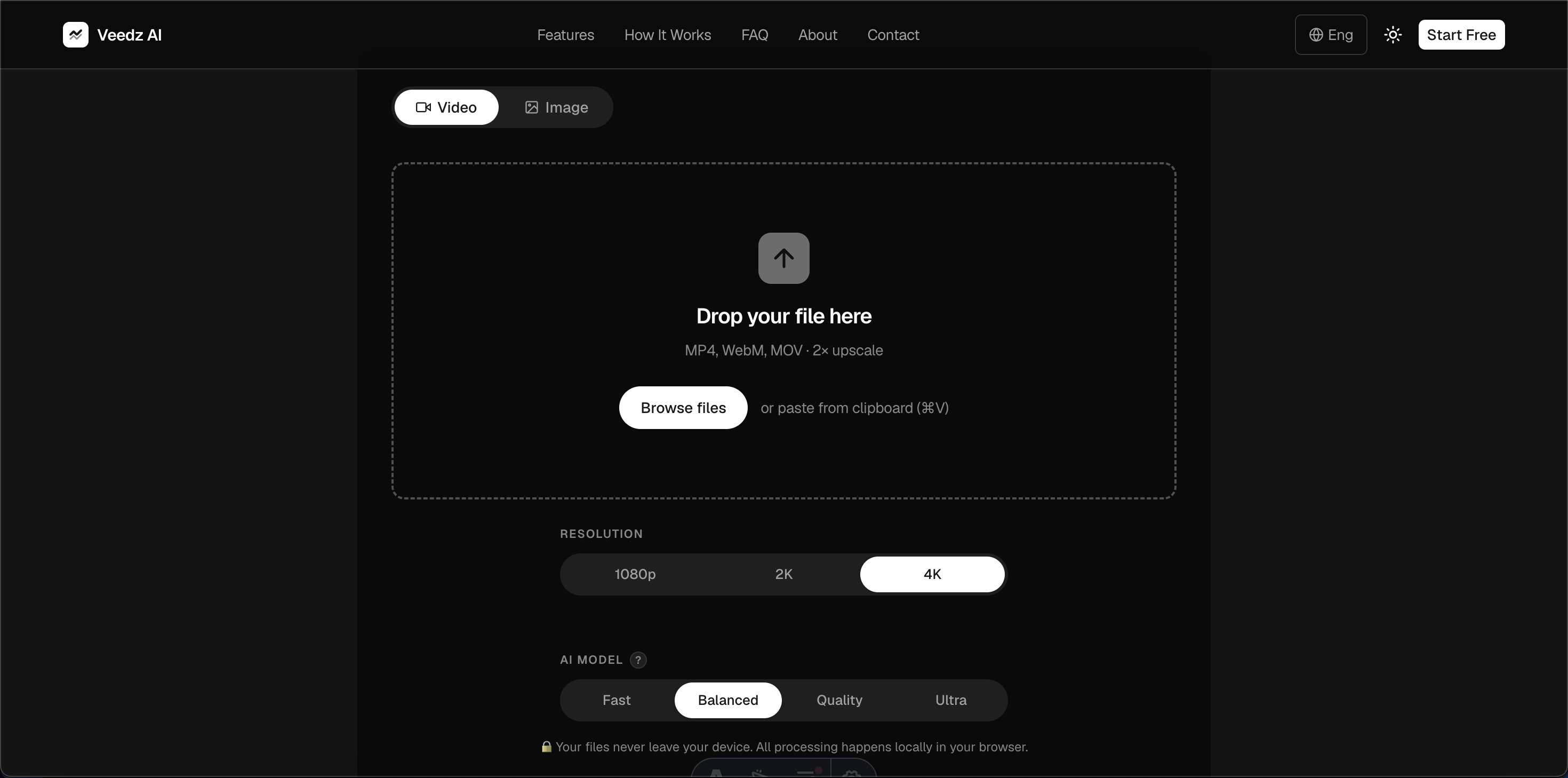
Getting running takes seconds: open veedzai.com in Chrome, Edge, Safari, or Firefox, drop in an image or video file, pick your upscale factor, and run the model. There is no onboarding wizard, no credit card, and no plugin to install. Results appear in the browser for immediate download, so a quick test on one clip is usually enough to judge whether it suits your footage.
The tool is aimed at content creators, videographers, photographers, e-commerce sellers, social media managers, and archivists who need better source quality without a full restoration suite. As with any AI upscaler, be realistic about inputs: the models reconstruct plausible detail, they do not recover information that was never captured. Extremely degraded or heavily artefacted sources still benefit, but clean, moderately soft material gives the most consistent gains. Free access covers the core upscaling workflow, and premium options exist for users who need more capacity.