Most form builders report only what they received — submissions. They stay silent on the visitors who saw a form and never started it, the people who abandoned at question seven, and the fields that quietly scare respondents away. Those missing answers are exactly where leads leak out of a funnel, and closing that blind spot is why AllWebForms exists.
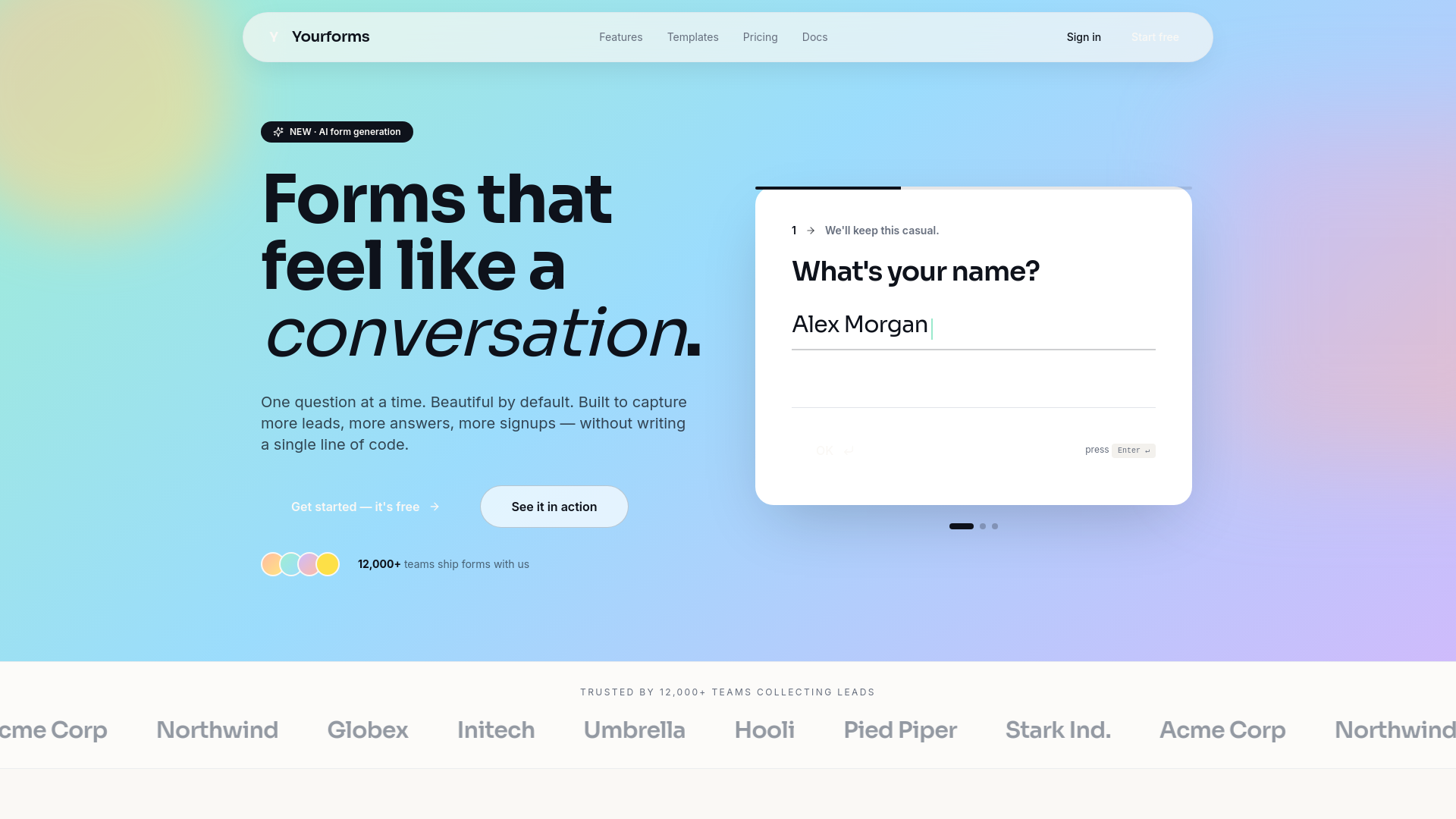
AllWebForms is a no-code form builder that treats conversion analytics as a core feature rather than an upsell. Describe the form you need in plain language and the AI generates a working draft with appropriate field types, labels, and structure; then refine it with drag-and-drop editing, conditional logic, and multi-step layouts. Because creation, hosting, embedding, and measurement live in one platform, there is no separate analytics tool, heatmap, or plugin stack to wire together. For businesses where a form is the front door to the pipeline — lead capture, client intake, applications, bookings, feedback — that integration is the whole point.
Key Features
-
AI form generation from a prompt: Describe your goal and audience, and AllWebForms produces a structured draft with sensible questions and field types. It removes the blank-page problem for teams that need many forms across departments, from café feedback surveys to accounting firm intake questionnaires.
-
Conversion and visitor analytics: Track live visitors on a form, monitor completion rates, and identify the precise step where respondents drop off. You get funnel-level visibility instead of a single submission count, so you can fix real friction rather than guess at it.
-
Partial submission capture: Recover data from people who abandon before pressing submit. Even an email address captured midway turns anonymous traffic into a contact worth following up with, which matters most on long, high-intent forms.
-
E-signatures and document workflows: Build contract, consent, and agreement forms that can be signed without leaving your website, alongside editable PDF workflows for teams still working from existing paper or PDF processes.
-
Templates, embeds, and notifications: Start from pre-built templates shaped for specific industries and use cases, embed forms directly into your site, and route new responses through email notifications so leads never sit unseen in a dashboard.
Get Started
Signing up is free and takes under a minute, and the AI prompt box is the fastest entry point: describe the form you want, review the generated draft, adjust fields and styling, then publish or embed it on your site. Because the builder is drag-and-drop and the analytics dashboard is self-explanatory, most users can go from idea to a live, measurable form in a single sitting. A free tier covers the essentials, while paid plans starting around nine dollars a month unlock higher limits and advanced functionality for teams running forms at volume. Extensive guides, template libraries, and video tutorials cover common scenarios if you prefer to start from a proven layout instead.