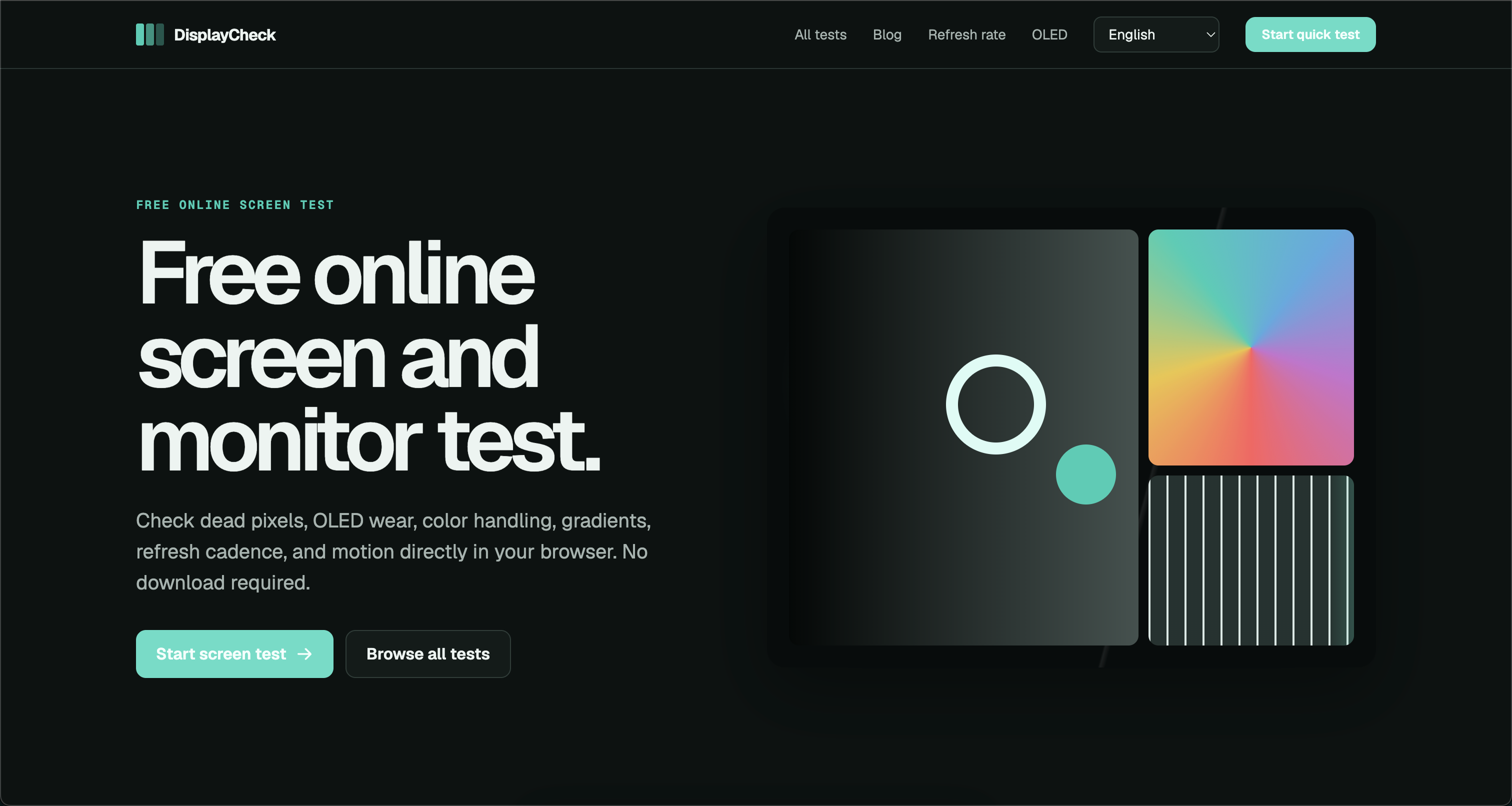
Your monitor is the window to your digital world, but dead pixels, uneven backlighting, color banding, and ghosting can degrade your experience without you even realizing it. DisplayCheck exists to give anyone—from casual users to professional creators—a quick, free, and reliable way to diagnose display issues directly in the browser. No downloads, no installations, no hidden costs.
DisplayCheck is a comprehensive online screen test and monitor test platform that runs entirely in your web browser. It leverages modern web APIs and carefully crafted test patterns to evaluate critical display characteristics: dead or stuck pixels, OLED burn-in, color handling, refresh cadence, HDR performance, and motion clarity (ghosting). Because it's browser-based, it works across Windows, macOS, Linux, ChromeOS, and even mobile devices—anywhere you have a modern browser. This makes it an indispensable tool for anyone who wants to verify a new monitor, troubleshoot an old one, or simply ensure their display is performing at its best.
Key Features
-
Dead Pixel & Uniformity Test: Full-screen solid colors (red, green, blue, white, black) help you spot dead, stuck, or hot pixels instantly. Uniformity patterns reveal backlight bleed and clouding, so you can assess panel quality before or after purchase.
-
OLED Burn-In & Image Retention Check: Specialized patterns and color cycles help detect permanent burn-in or temporary image retention on OLED and plasma displays. This is crucial for OLED TV and monitor owners who want to monitor panel health over time.
-
Color, Gradient & Gamma Handling: Test color banding, gradient smoothness, grayscale reproduction, and gamma response. Whether you're a photographer, video editor, or designer, these tests ensure your display renders colors accurately and consistently.
-
Refresh Rate, Motion Clarity & Ghosting Test: Verify your monitor's actual refresh rate, detect frame skipping, and evaluate motion blur and ghosting with moving test patterns. Gamers and video professionals can confirm that their display delivers smooth, tear-free motion.
-
HDR & Contrast Evaluation: Check HDR capabilities, black levels, peak brightness, and contrast ratios using HDR-specific test patterns (where supported by your browser and display). This helps you validate HDR performance for streaming, gaming, or content creation.
Get Started
Using DisplayCheck is incredibly simple. Visit https://www.displaycheck.cc/ in any modern browser—Chrome, Firefox, Safari, Edge, or others. No account, sign-up, or software installation is required. Once on the site, choose the test category you need from the intuitive menu, then follow the on-screen instructions. For best results, run the tests in full-screen mode, clean your screen first, and view it under normal lighting conditions. Each test provides clear visual patterns and guidance, so even non-technical users can interpret the results. There are no hidden charges, no ads interfering with tests, and no data collection beyond what's necessary for the tool to function. DisplayCheck is completely free to use, making professional-grade display diagnostics accessible to everyone.