Dot-to-dot puzzles are a classic quiet-time activity, but finding fresh, printable worksheets or a quick online puzzle can be surprisingly tedious. Dot to Dot Online solves that by bringing play, printing, and puzzle creation together in one browser-based platform. Instead of hunting through scattered PDFs or clip-art books, families, teachers, and activity planners can open the site and immediately choose from a varied library of connect-the-dots challenges.
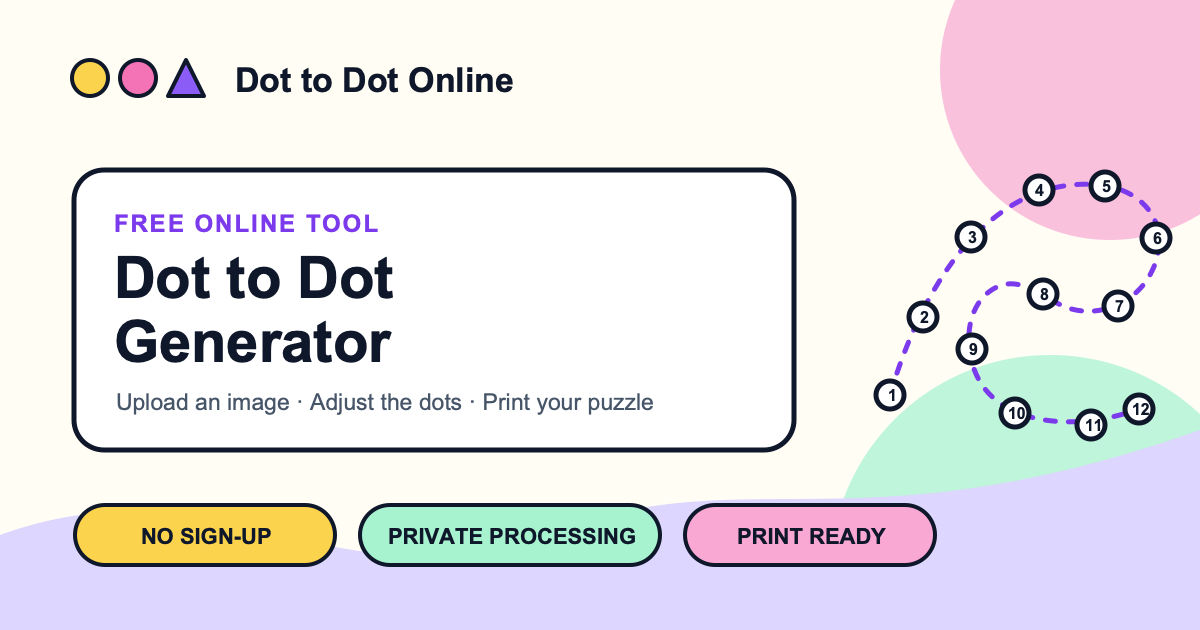
At its core, Dot to Dot Online is a web app for playing dot-to-dot puzzles online, downloading printable worksheets, and turning custom images into new connect-the-dots activities. It is designed for kids and families, but the clean interface and expanding puzzle selection make it useful for classrooms, waiting rooms, rainy afternoons, travel bags, and hobby projects too. The platform keeps the experience simple: pick a puzzle, follow the numbered dots, reveal the picture, or print a copy for hands-on play. For creators, the custom puzzle generator adds a practical twist by transforming an uploaded image into a personalized dot-to-dot activity, which is ideal for birthday parties, lesson plans, branded handouts, or themed activity packs.
Key Features
- Online Puzzle Play: Solve dot-to-dot puzzles directly in the browser, with interactive numbered paths that reveal animals, objects, and playful scenes as you connect each dot. It is a low-prep way to keep kids engaged while building number recognition, sequencing, and fine motor skills.
- Printable Puzzle Library: Browse and print a wide range of connect-the-dots worksheets, from a long-eared rabbit and spring duckling to a smiling mermaid, cool sun, happy kitten, narwhal, flamingo, and more. Printable formats make it easy to prepare screen-free activities for home, school, or group settings.
- Custom Puzzle Creator: Turn your own image into a custom dot-to-dot puzzle. This is the standout feature for educators, parents, and creators who want a specific character, photo, logo, or theme instead of a generic worksheet.
- Kid-Friendly, Adult-Friendly Design: The interface is straightforward enough for children to navigate with minimal help, while adults can quickly find, print, and organize puzzles without dealing with cluttered menus or complicated settings.
- Freemium Access: Start using the core puzzle experience for free, with premium options available for users who need more from the platform. There is no trial gate; the free tier lets you explore the value before deciding whether to upgrade.
Get Started
Getting started with Dot to Dot Online requires no installation and no account setup for basic use. Open the website in a modern browser, browse the puzzle collection, and choose a puzzle to play online or print. If you want to create a custom activity, use the image-to-puzzle workflow, upload a suitable image, and generate a connect-the-dots version. The learning curve is intentionally low: if you can click numbered dots or send a file to a printer, you can use the tool. For classrooms, a teacher can quickly print a set of themed worksheets; for parents, a custom puzzle can turn a favorite photo into a quiet-time activity. Because it runs on the web, it works across laptops, desktops, tablets, and other browser-equipped devices, though printing and custom image uploads are best handled on a larger screen.
The main limitation is that it is a web tool, so offline use depends on printing puzzles ahead of time. It is not a full graphic design suite, and custom puzzle output will vary based on the source image quality and contrast. Still, for a focused connect-the-dots experience, Dot to Dot Online combines instant play, practical printables, and personalized creation in a way that generic worksheet sites rarely do.