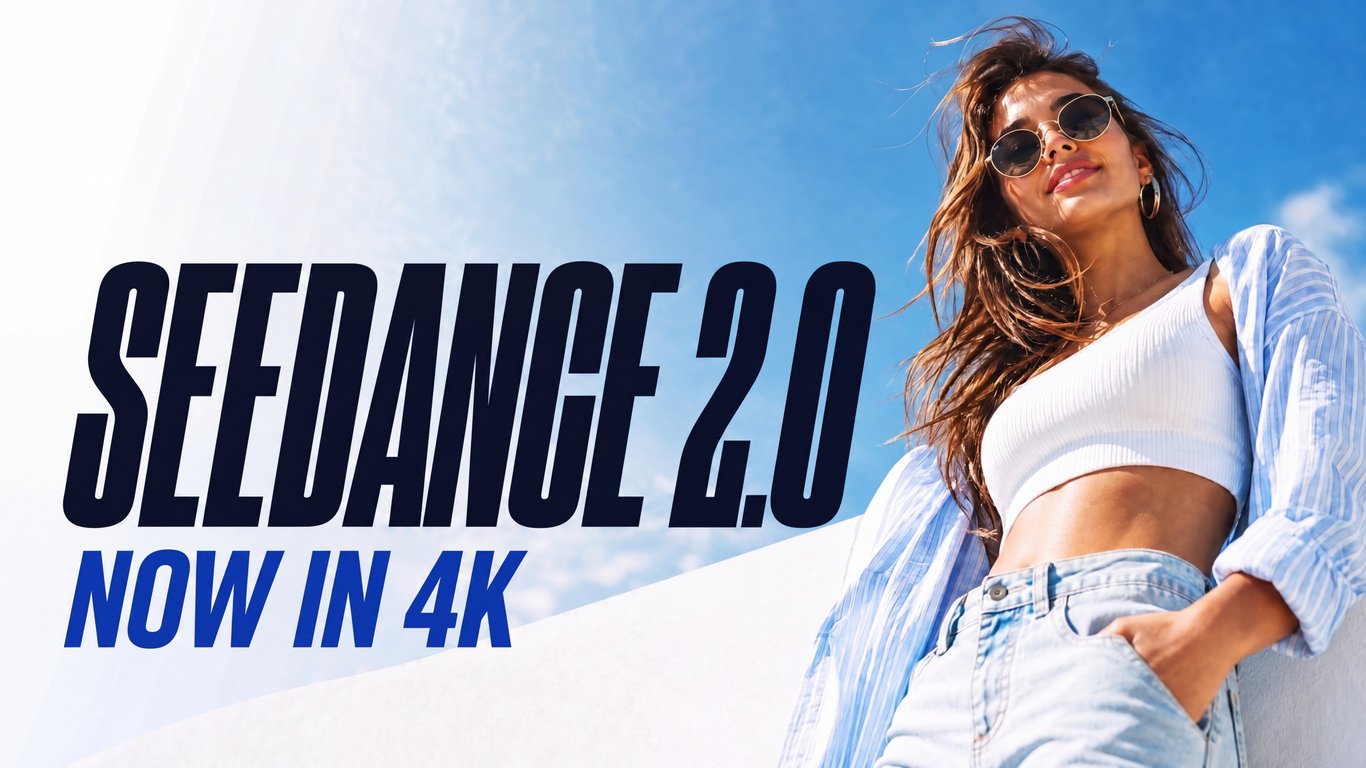
Freepik AI lets you create AI images and videos from text and reference images, all in one place.
What you can do
- Text-to-image — describe a concept in plain language and get an image back.
- Text-to-video — turn a prompt into motion for campaigns, stories and social content.
- Image-to-video — start from a reference image and animate it.
- Visual inspiration — browse a gallery of directions to find the look you want, then refine it.
Who it is for
Designers, marketers, founders and creators who need product visuals, social content, storyboards and character clips without juggling several tools.
Why it is different
Most workflows split generation across a generator, an editor and a separate video tool. Freepik AI keeps text-to-image, text-to-video and image-to-video in one place, so you can compare directions, refine prompts and finish in the format you need. You can start from a prompt or from an existing visual and build from there.
Getting started
Open freepikai.org, describe what you want or upload a reference image, and pick a direction to refine.