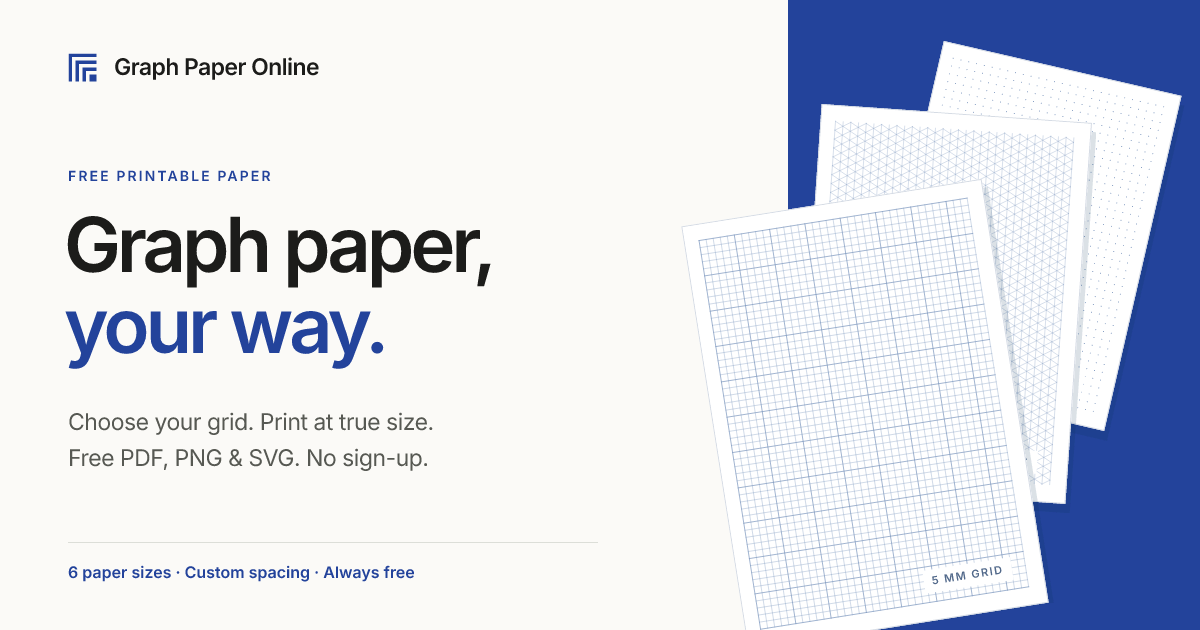
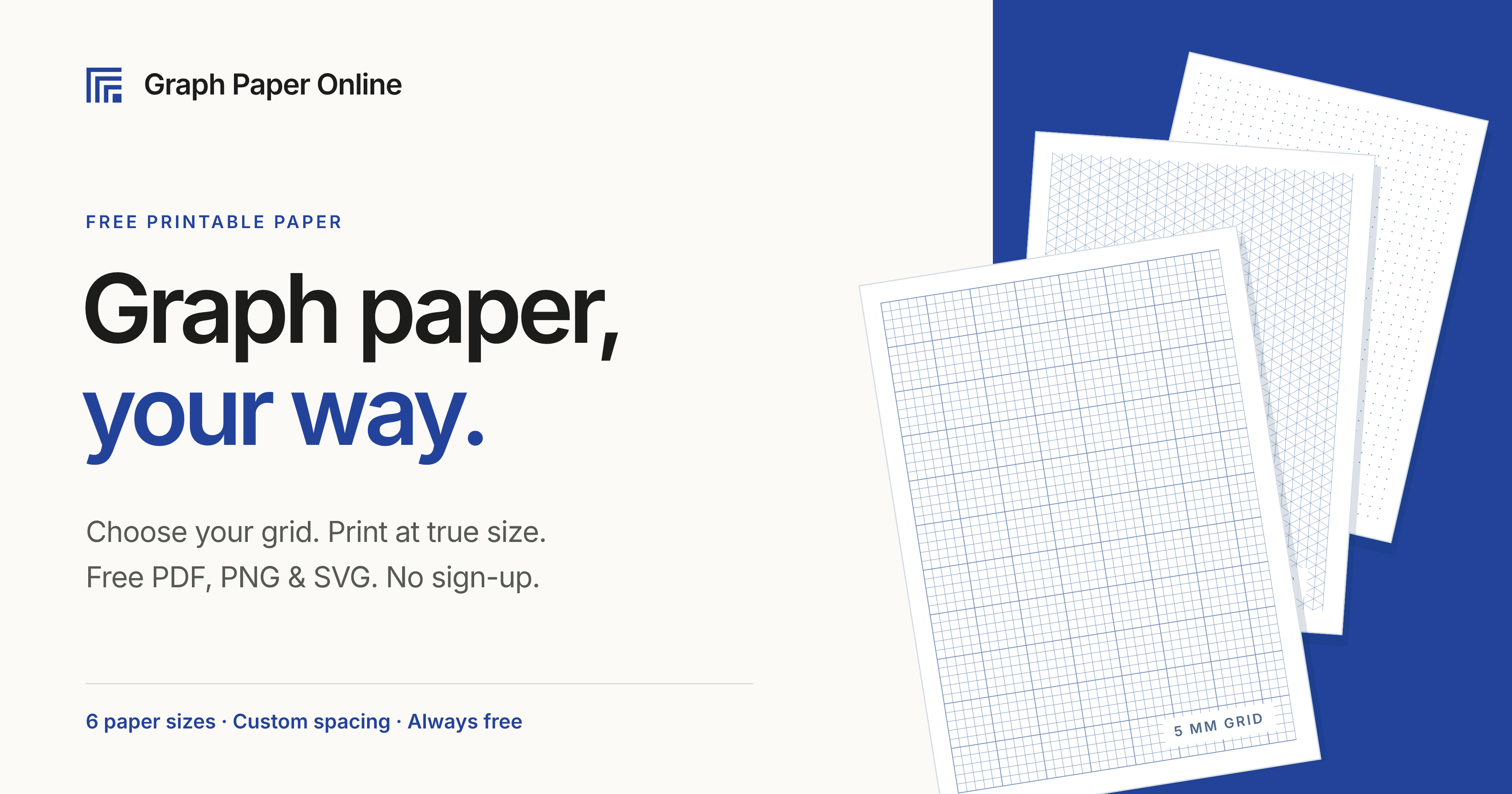
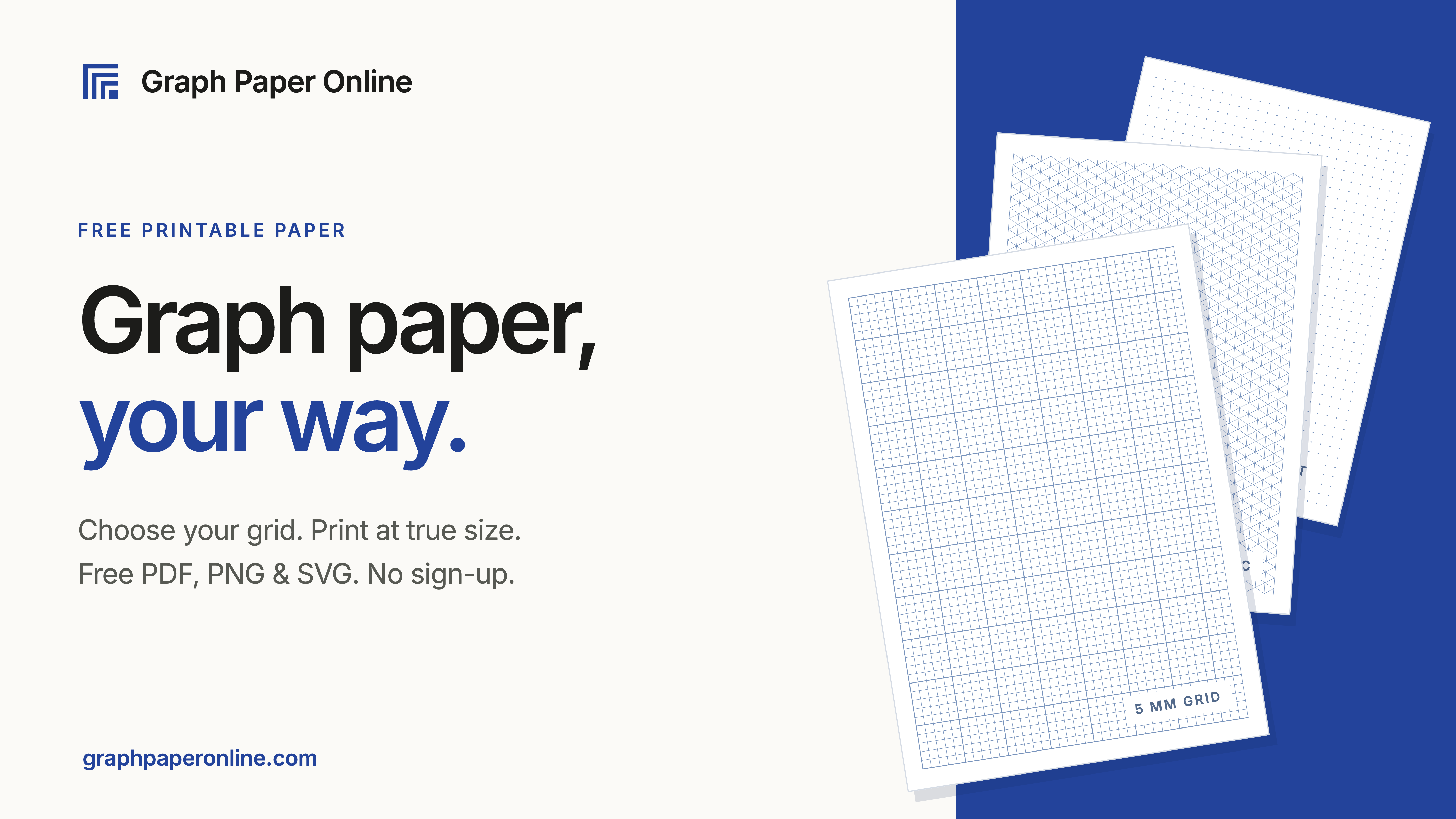
Printable graph paper should be simple: choose the grid, size, and layout you need, then print it accurately. Graph Paper Online removes the friction of hunting for templates or fighting printer scaling by generating clean, true-to-size PDFs directly in the browser. No account, no watermark, and no design software required.
The core value is precision and breadth. Instead of offering one generic grid, the platform provides a focused library of graph-paper styles for math, design, planning, engineering, and crafts. You can select common square sizes such as ¼ inch, 5 mm, and 1 cm, or work with specialized layouts including dot grid, coordinate plane, polar, isometric, semi-log, hexagonal, music staff, Cornell notes, cross-stitch, knitting, lined, handwriting, and engineering paper. Outputs are available for US Letter, A4, and A3, with options for custom squares when a standard size does not fit. The generated PDFs are designed to print at actual size, which matters when measurements, alignment, or consistent scale are part of the task.
Key Features
- True-size PDF generation: Create graph paper that prints at the intended scale on US Letter, A4, and A3. This is essential for floor plans, geometry exercises, technical sketches, and any project where a 5 mm or ¼ inch square must remain accurate after printing.
- Broad template library: Choose from square graph paper, dot grid, coordinate plane, polar, isometric, semi-log, hexagonal, engineering, music staff, Cornell notes, lined, handwriting, cross-stitch, knitting, and blank PDF layouts. The variety supports students, teachers, artists, drafters, and makers without installing software.
- Customizable grid and page sizes: Select standard cell sizes including ¼ inch, 5 mm, and 1 cm, or define custom squares. Pair the grid with common paper formats to match school, office, or home printing requirements.
- Instant browser-based access: Generate and download PDFs without sign-up or payment. The workflow is straightforward enough for quick classroom prep, last-minute homework, or a planning session, and it works on any modern web browser.
- Practical use-case previews: See examples such as floor plans on ¼ inch paper, math notes on 5 mm grids, area and perimeter exercises on 1 cm paper, linear graphs on coordinate planes, polar rose curves, isometric 3D sketches, and weekly planners on dot grid. These examples help users pick the right paper before printing.
Get Started
Visit the site, choose a paper type, select the grid size and page format, then preview the layout. When the settings look right, download the PDF or send it to your printer. For best results, print at 100% or "actual size" and disable options like "fit to page" so the grid remains true. There is no onboarding sequence or account setup, and the entire library is free to use. Graph Paper Online is not a drawing or CAD tool; it is a fast utility for producing accurate printable templates that feed into your existing workflow.