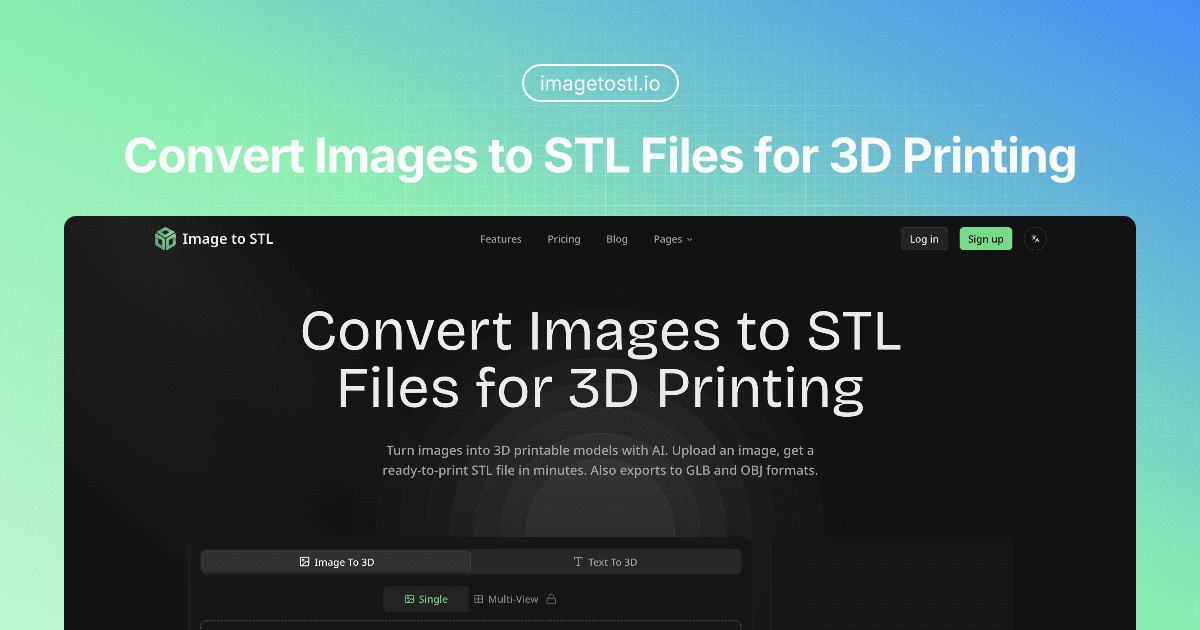
The leap from 2D imagination to 3D physical reality is a complex, technical barrier that has long frustrated designers, hobbyists, and professionals. Traditional 3D modeling requires specialized skills and hours of meticulous work, turning a simple concept into a daunting project. Image to STL exists to demolish this barrier, providing an instant bridge between a flat image and a fully-realized, 3D printable model.
Image to STL is a specialized AI-powered web platform that intelligently interprets the depth, contours, and geometry within a 2D image to generate a corresponding three-dimensional STL file, the standard format for 3D printing. Unlike generic 3D modeling software, it automates the most labor-intensive part of the process—extruding and shaping a 3D object from a 2D source. This isn't just a filter; it's a dedicated conversion engine built for the specific purpose of creating functional, manifold meshes ready for slicing and printing, saving users from days of learning complex software like Blender or ZBrush.
Key Features
- AI-Powered Depth Perception & Modeling: The core technology analyzes your uploaded image to infer a three-dimensional structure. It intelligently assigns depth to different areas based on contrast, edges, and shading, creating a coherent 3D relief or model that accurately reflects the original image's intent, whether it's a logo, portrait, or schematic.
- Multi-Format 3D Export: Beyond the standard STL format, the tool provides export options to GLB and OBJ files. This flexibility ensures compatibility not only with every major 3D slicer (like Cura or PrusaSlicer) for printing but also with 3D animation, game development, and CAD software for further refinement or integration into digital projects.
- Interactive 3D Preview & Inspection: Before committing to a download, users can interact with a fully rendered 3D preview of their generated model. The interface allows rotation, zoom, and inspection from multiple standardized views (front, back, left, right), ensuring the model's quality and geometry meet expectations and identifying any potential issues before the print job begins.
- Streamlined, No-Software Workflow: The entire process happens in-browser, eliminating the need to download, install, or learn complex desktop applications. Users go from image upload to downloadable 3D model in a matter of minutes through a clean, intuitive interface designed for focus and efficiency, making 3D creation accessible to anyone with an idea.
- Optimized for 3D Printing: The tool is purpose-built for the 3D printing pipeline. It generates models with printability in mind, aiming to create watertight (manifold) meshes that are suitable for slicing. This reduces the need for extensive post-processing and repair in external mesh-fixing software, getting you from concept to printer-ready file faster.
Get Started
Getting started with Image to STL is remarkably straightforward, requiring no prior 3D modeling experience. Simply visit the website on any modern web browser, upload your image file (common formats like JPG, PNG, and WEBP are supported), and let the AI processing engine work. Within minutes, you'll be presented with an interactive 3D preview. Examine your model from all angles, and when satisfied, download it in your preferred format (STL, GLB, or OBJ). The platform operates on a freemium model, allowing you to test the core conversion capability for free, with a premium tier ($9/month) available for higher-resolution exports, batch processing, or advanced features to support professional or frequent use. There's no software to install and no complex setup—your journey from a 2D image to a 3D object is just a few clicks away.