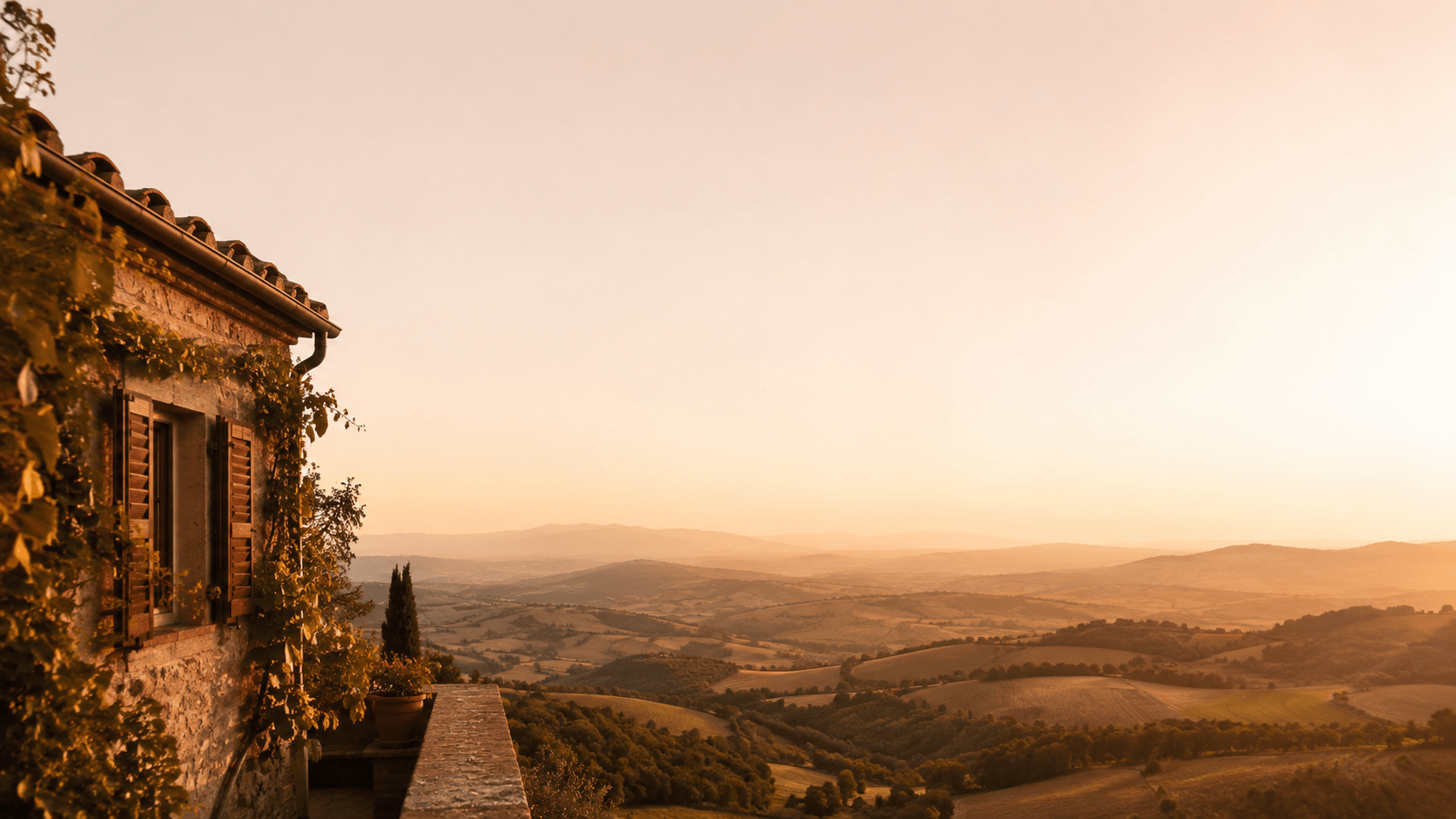
Every creator has hit the same wall: the perfect photo, cropped wrong. A product shot that needs to be square for a marketplace listing, a family portrait that has to fit a 16:9 frame, or a social post that demands a taller canvas. Traditional cropping destroys composition, and manual retouching means hours of cloning, patching, and guessing at what should exist beyond the frame. Photo Extender was built to remove that trade-off entirely — expand the canvas, and let AI fill in what's missing.
Photo Extender is a browser-based AI outpainting tool for extending and expanding photos to any format you need. Rather than stretching pixels, mirroring edges, or blurring them into mush, it analyzes the existing image — lighting direction, texture, perspective, color grading, and subject matter — and generates new pixels that continue the scene naturally. The result is an enlarged photo that looks like it was captured that way, not patched afterward. Everything runs in the browser: no plugins, no desktop software, and no account required to try it.
Key Features
- AI Outpainting Engine: Upload a photo and the model reconstructs the areas beyond the original borders, matching tone, grain, and lighting so the extension blends into the original instead of ending in a visible seam.
- Any Aspect Ratio or Canvas Size: Expand horizontally, vertically, or in both directions to hit a specific target — square for Instagram, 9:16 for Stories and Reels, 16:9 for video thumbnails, or a custom size for posters and picture frames.
- No Sign-Up Required: Start on the free tier directly in the browser. If you need substantially more generations, one-time credit packs are available — no subscription lock-in and no recurring billing.
- Built for Real Workflows: The same engine covers very different jobs — widening a tight real estate listing photo, adding breathing room around an e-commerce product, rescuing an old family photo that no longer fits its frame, or blowing out a portrait for a print.
- Nothing to Install, Nothing to Learn: The workflow is drag, resize, generate. There is no layer panel, no brush tool, and no steep learning curve — which is precisely the point.
Get Started
Open photo-extender.com in any modern browser and upload an image. Drag the canvas handles or pick a preset ratio to define how much space you want to add, then let the AI generate the fill. Results can be downloaded immediately. Because the interface is a single canvas with one primary action, most users produce a usable extension on their first attempt without reading any documentation.
It is worth being clear about scope: Photo Extender is not a full photo editor. It does not handle retouching, compositing, color grading, or batch automation. It does one job — making images bigger without wrecking them. For marketers, e-commerce sellers, designers, real estate agents, social media managers, and anyone who regularly fights aspect ratios, that single job is often the one that eats the most time.