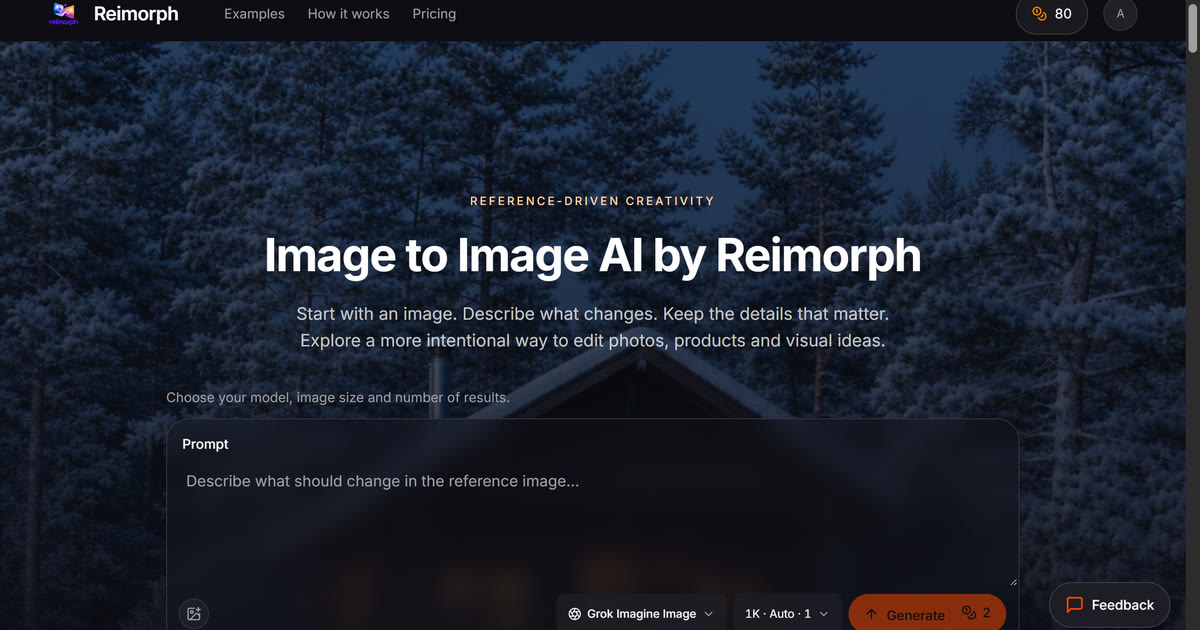
Editing a photo usually means juggling masks, layers, and a dozen manual adjustments. Reimorph approaches image editing differently: describe the change you want, attach a reference photo, and let AI models render the result. It is built for designers, photographers, marketers, and creators who need to move from an idea to a polished visual without rebuilding the image by hand.
Reimorph is a web-based image-to-image AI editor that turns prompts and reference images into new variations. Instead of starting from a blank canvas, you upload the source photo you want to transform and choose from multiple editing models. The platform exposes the credit cost of each model before you run an edit, so you can balance quality, speed, and budget. You can use it for practical changes—swapping a season, restaging a product, redesigning an interior—or for creative conversions such as anime, cartoon, coloring-page, sketch, and pixel-art styles. The workflow is deliberately simple: reference in, prompt-driven edit out, with comparison and download controls when the result is ready.
Key Features
- Prompt-based image editing: Upload a reference image and describe the edit in natural language. Reimorph uses image-to-image models to apply changes while keeping the original composition recognizable—useful for seasonal shifts, lighting changes, outfit updates, and product staging.
- Multiple models with upfront credit costs: Compare eight editing models in one place and see what each will cost before generating. This makes it easier to choose a model for quick drafts versus final renders without guessing at pricing.
- Style conversion tools: Convert portraits and scenes into anime, cartoon, coloring-page, graphite sketch, or pixel-art looks. These presets are handy for social content, concept art, personalized gifts, and experimental creative work.
- Before-and-after comparison: Review the original and edited image side by side, then download the version you want. The comparison step helps catch unwanted changes and makes it easier to iterate on a prompt.
- Practical creative workflows: Use Reimorph for fashion product staging, interior redesign concepts, sketch-to-render exploration, and portrait edits. The same prompt-driven approach supports both commercial visual production and personal experimentation.
Get Started
Go to reimorph.com and upload a reference photo in the home input. Select an editing model, check the credit cost, and write a prompt describing the transformation you want. Generate the edit, compare it with the original, and download the result if it meets your needs. The interface is browser-based, so there is nothing to install. A free tier lets you test the workflow before upgrading; premium features start at $9/month. The learning curve is mostly about writing clear prompts and picking the right model—start with small, specific changes, then layer in more ambitious edits as you see how each model responds.