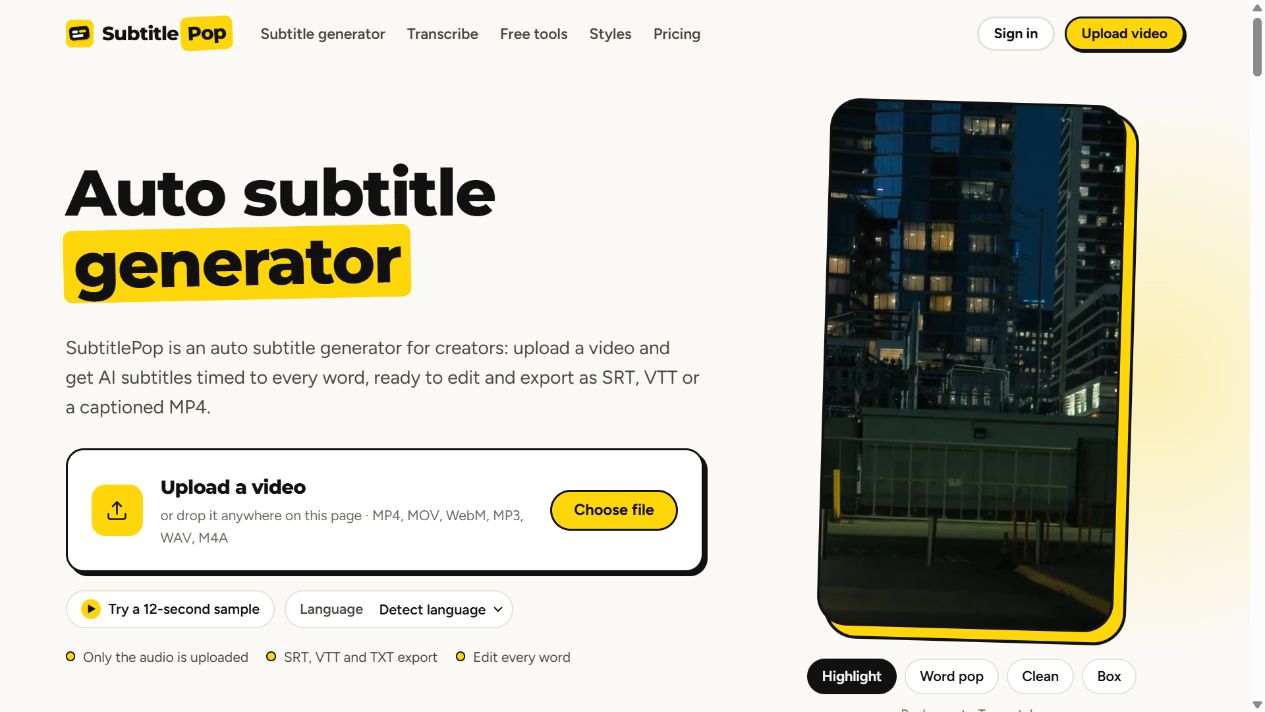
SubtitlePop helps video creators, editors, podcasters and educators add subtitles without typing every timecode. Upload a video or audio file, generate captions with word-level timing, then review the words and adjust caption timing in the editor.
Choose from Highlight, Word pop, Clean, Box, Minimal and Bold yellow caption styles for TikTok, Reels, Shorts and tutorials. Export subtitle files as SRT, WebVTT or styled ASS, save a plain-text transcript, or render an MP4 with captions burned into the video.
For existing subtitle files, free browser utilities convert formats, extract text, shift timing and check files for timing problems. These utilities run locally without an account.
The product uses a freemium model, with a free monthly transcription allowance, paid subscriptions and one-time minute packs. Free MP4 exports have resolution, watermark and daily limits. Transcription uploads the audio track; MP4 export uploads video for rendering.