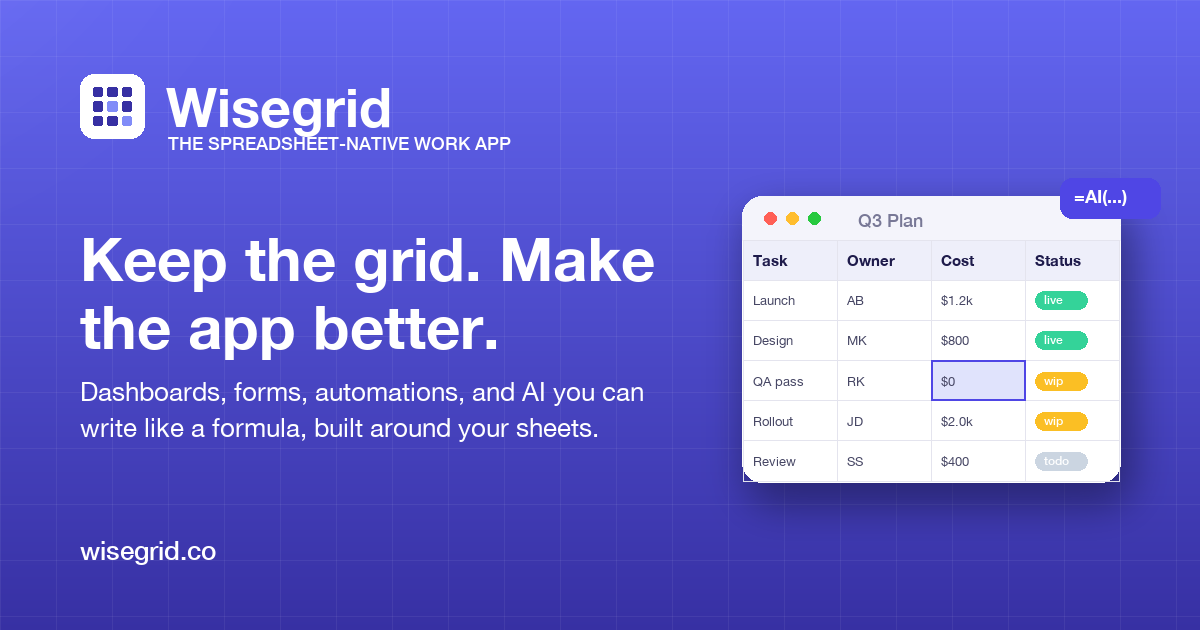
Spreadsheets are where work actually gets planned—but they go stale as soon as decisions move to chats, documents, and status meetings. Teams end up with two versions of the truth: the spreadsheet where the real work is tracked and the slide deck or dashboard that is manually rebuilt before every review. Wisegrid solves that by making the spreadsheet itself the work management system. Your team edits rows in a familiar grid, and dashboards, rollups, and status pages read directly from those rows, so everyone is always looking at the same live data.
At its core, Wisegrid is built for teams that do not want to abandon spreadsheets and do not want to adopt heavyweight project management software. It combines the flexibility of a spreadsheet with the structure of a work management tool. Tasks are rows; owners, statuses, costs, and dates are columns. Because that information is structured, Wisegrid can compute rollups, power dashboards, and keep project status current without duplicate data entry. The result is a single source of truth that works with existing habits rather than against them. The pricing model keeps things simple: one paid plan for editors, with free view-only collaborators—making it easy to share progress with executives, clients, and stakeholders without adding seats.
Key Features
-
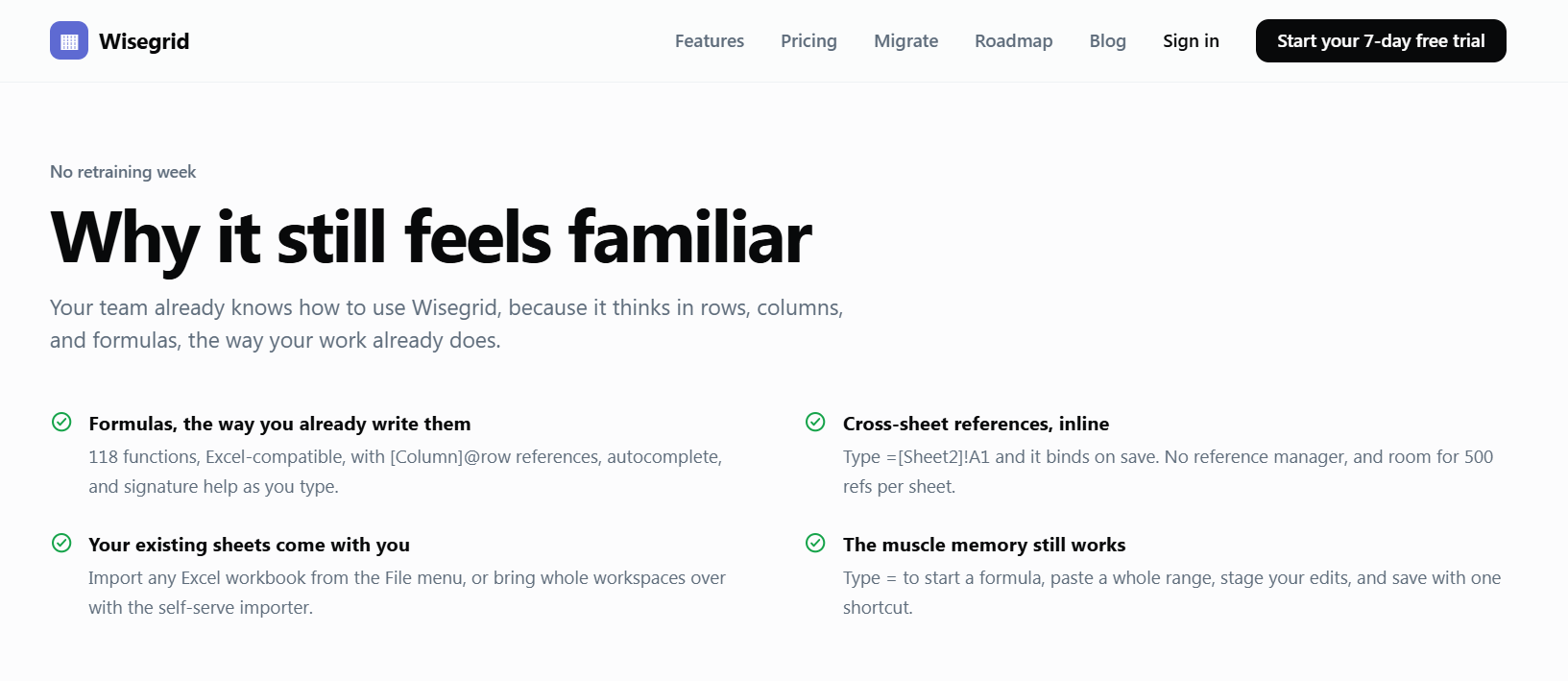
Spreadsheet-Native Interface: Use the grid layout your team already knows. There is no new modeling language or complex hierarchy to learn. You can model projects the same way you would in Excel or Google Sheets, then add work-management layers on top.
-
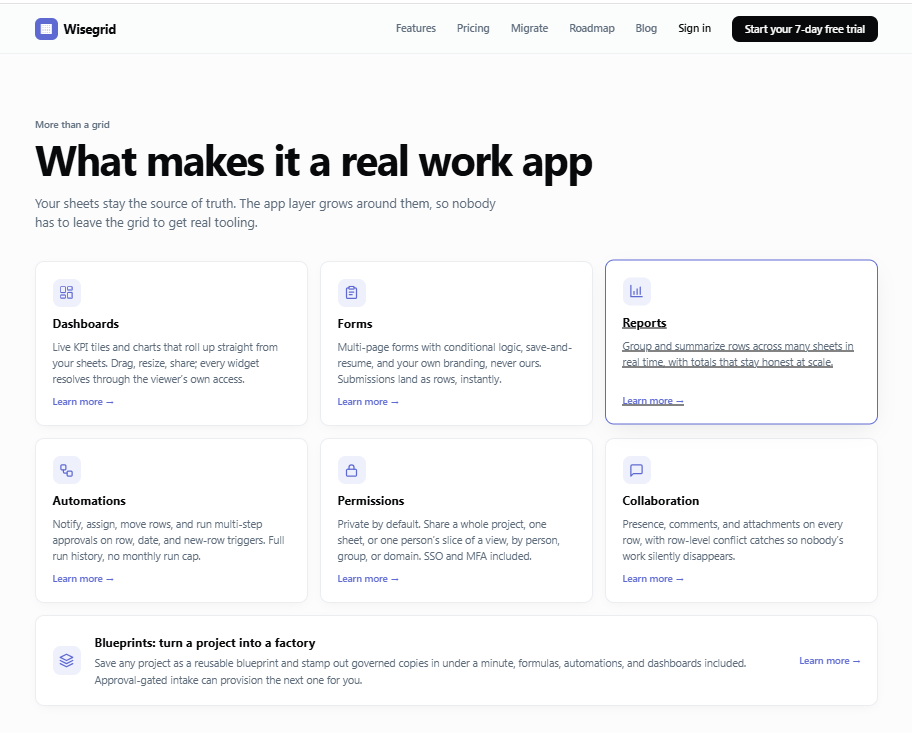
Live Dashboards and Rollups: Create status views that read from your rows in real time. Progress, cost, owner, and task-status rollups update as edits are made, eliminating the weekly rebuild cycle. Finance can see current cost data without waiting for someone to consolidate another report.
-
Task and Project Management Tools: Turn rows into trackable tasks with assignees, status, custom fields, due dates, and priorities. Filtering, sorting, and grouping lets different teams see exactly the slice of work they need—by owner, milestone, client, or project.
-
Collaboration Without Context Switching: Multiple teammates can edit the same sheet together, and changes appear immediately. Since the discussion and the task data live in the same place, updates don't get lost in email threads or chat messages.
-
Integrations With Popular Apps: Connect Wisegrid to the tools your team already uses. This reduces duplicate entry and helps information flow between Wisegrid and your existing workflow, whether that involves communication, file storage, or other SaaS platforms.
-
Free View-Only Access: Collaborators who only need to follow along—executives, clients, or adjacent teams—can view the workspace for free. This makes it practical to share status with a broad audience without incurring per-seat costs.
Get Started
Starting with Wisegrid is straightforward. If your team already runs projects in a spreadsheet, you can replicate that structure in Wisegrid and add status, owner, and date columns to turn it into a live project tracker. The familiar interface means there is little training overhead; most users are comfortable within the first session. From there, build a dashboard that summarizes progress, invite editors and view-only collaborators, and connect the integrations you need. Wisegrid is available on the web and mobile, supporting remote and hybrid teams that need access from anywhere.
Wisegrid is not an attempt to replace deeply specialized project management suites for every use case, and it doesn't require a wholesale process overhaul. It is the pragmatic middle ground for teams that live in spreadsheets but need live reporting and structured collaboration. If your team has been maintaining a spreadsheet and a separate status deck, Wisegrid can collapse that into one always-current tool.