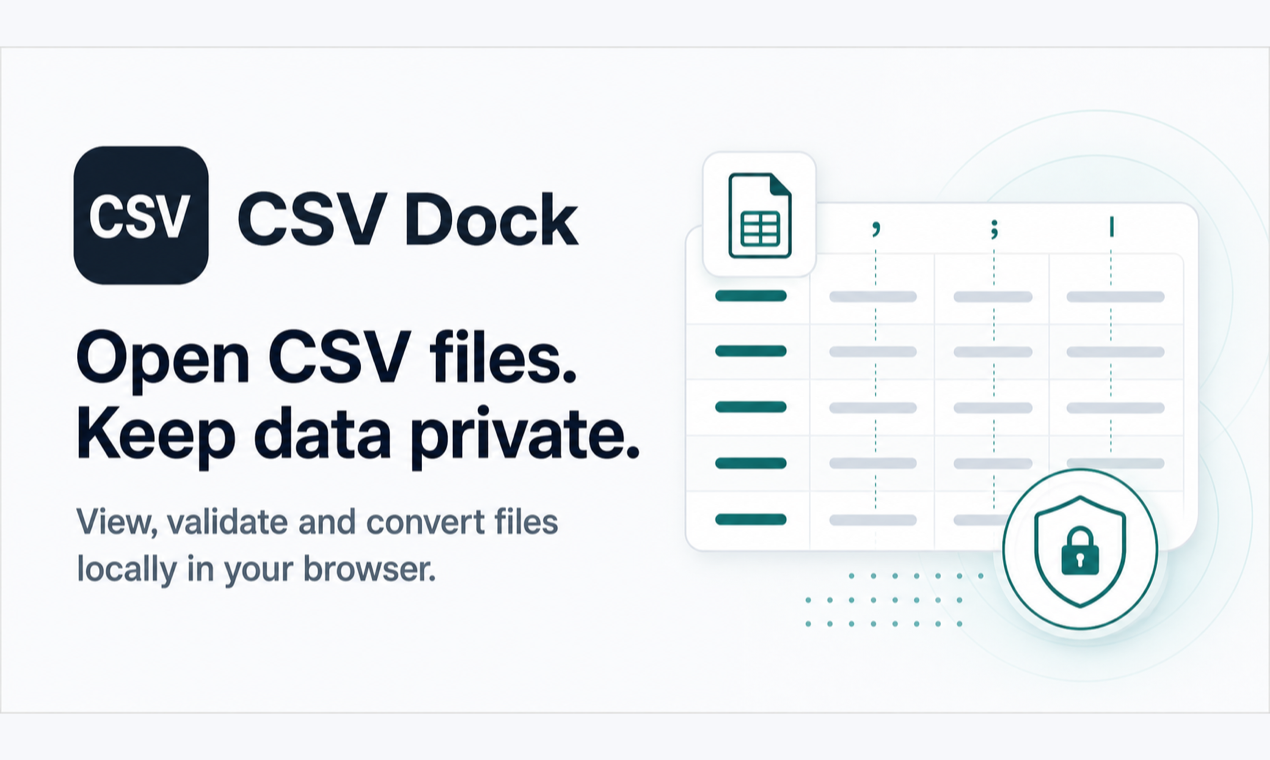
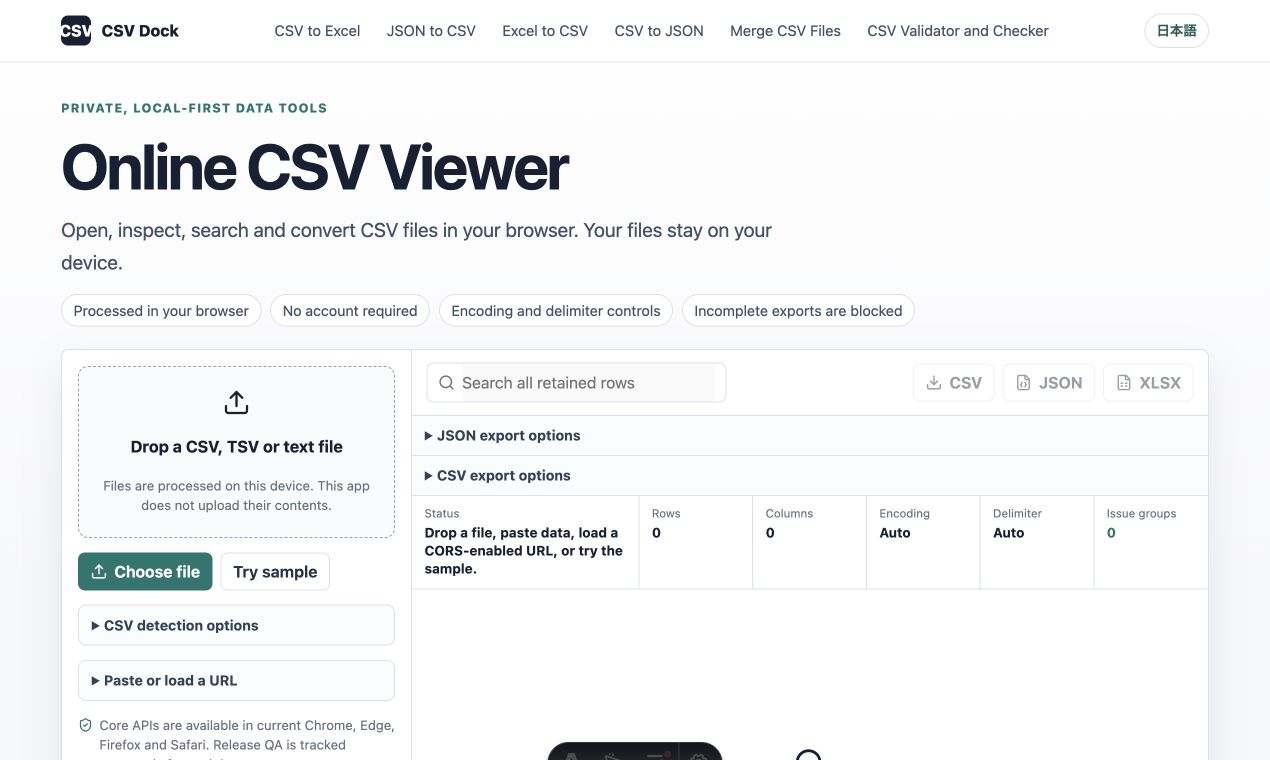
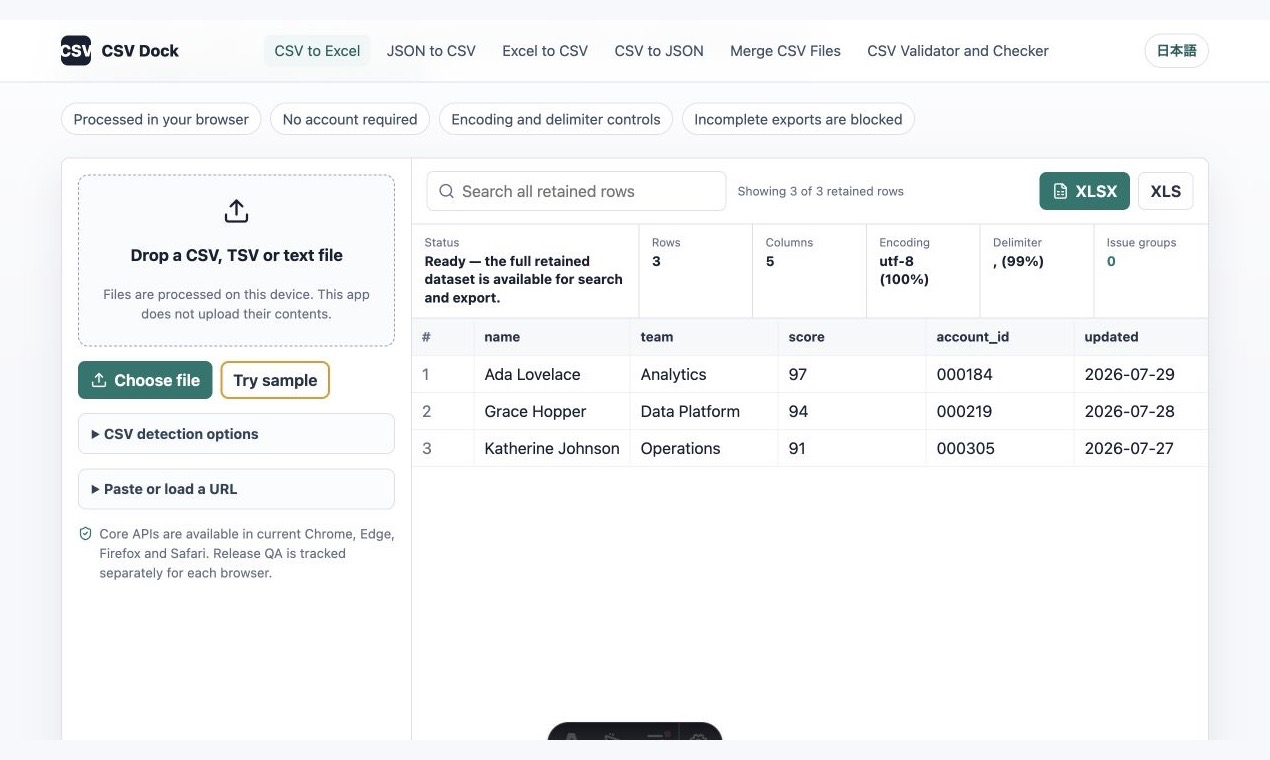
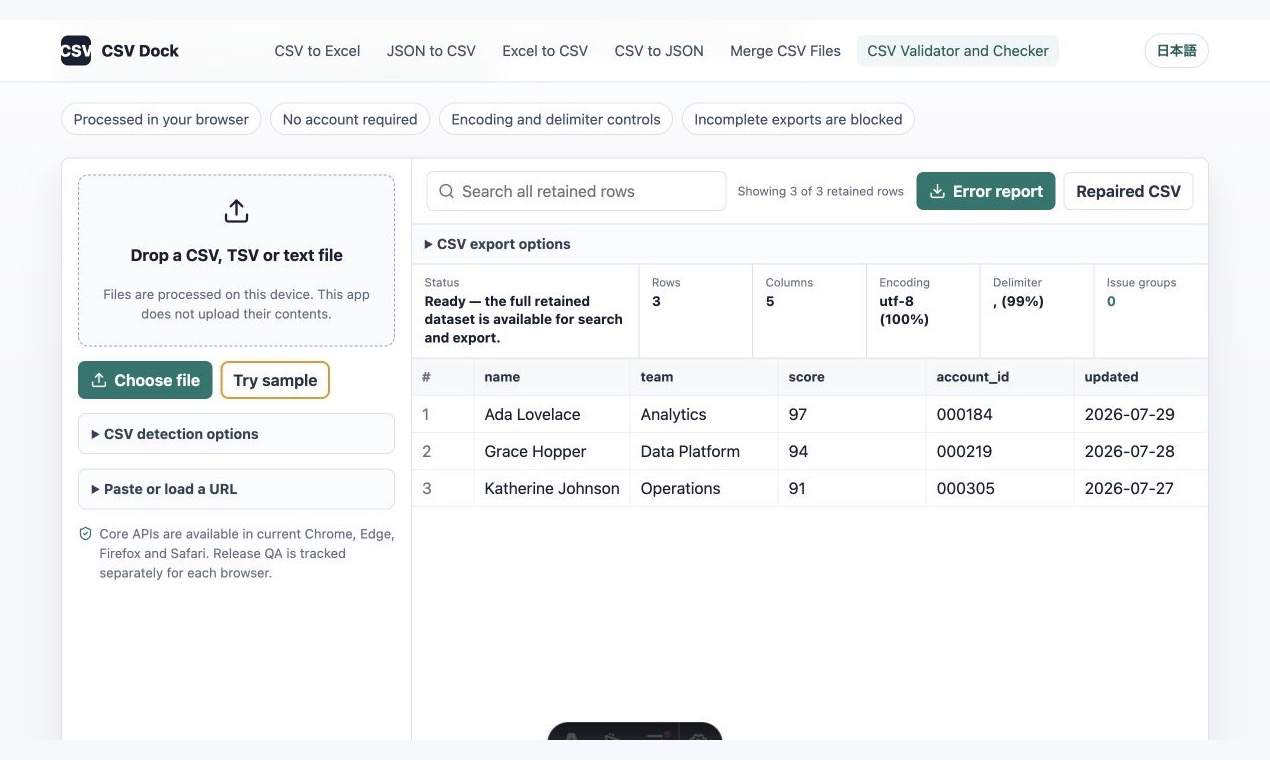
CSV Dock is an online data toolkit for viewing, converting, validating, and organizing CSV, Excel, JSON, and delimited text files. It is designed for analysts, developers, operations teams, marketers, e-commerce professionals, and anyone who regularly works with spreadsheet data. No software installation or account registration is required. Users can open the website in a modern browser, select a local file, inspect its structure, and export it into a more suitable format. CSV Dock supports CSV, TSV, TXT, XLSX, XLS, and JSON files. For CSV and delimited text, it can detect common separators such as commas, tabs, semicolons, and pipes. It also provides encoding options including UTF-8, UTF-16, Windows-1252, and Shift_JIS. This makes it useful for diagnosing common problems such as unreadable special characters, Japanese or international text appearing incorrectly in Excel, data opening in a single column, duplicated headers, inconsistent column counts, malformed quotes, and invisible characters. The toolkit includes several focused converters: CSV to Excel, Excel to CSV, CSV to JSON, JSON to CSV, and text to CSV. Users can paste tab-separated or otherwise delimited text copied from spreadsheets, reports, or web applications, preview the detected columns, and download a standard CSV file. JSON data can be imported from a selected array path, while nested objects can be flattened into table-friendly columns. For Excel workbooks containing multiple worksheets, users can select an individual sheet or export multiple sheets as separate CSV files. CSV Dock also includes a CSV merge tool. Multiple files can be combined by matching header names, retaining either the union or intersection of available columns, or aligning values by column position. An optional source filename column can be added to identify where each row originated. The CSV validator detects structural issues such as empty or duplicate headers, inconsistent row widths, invalid quotes, suspicious characters, and invisible control characters. A downloadable validation report can then be used before importing data into databases, advertising platforms, e-commerce systems, CRMs, or internal business applications. Privacy is a core design principle. Local files are processed primarily inside the user’s browser and are not uploaded to the CSV Dock application server as part of the normal workflow. This reduces unnecessary data transfer when working with customer lists, order records, financial exports, product catalogs, or internal reports. When loading a public URL, the request is made directly by the browser and only works when the remote server permits cross-origin access. To prevent incomplete downloads caused by browser memory limits, CSV Dock applies a safety limit to fully retained and exportable rows. Larger files may remain available for preview, but incomplete exports are blocked. Actual capacity depends on the user’s device memory, browser version, file format, and data complexity. Whether you need to open a large CSV file, fix encoding problems in Excel, convert JSON into a spreadsheet, merge recurring reports, or validate data before an important import, CSV Dock provides a focused browser-based workspace for understanding the file first and exporting a cleaner, more usable result.

Csv Dock
Private CSV tools that run entirely in your browser
Csv Dock Introduction
Alternative tools








More about Csv Dock
PricingFree
Platforms
Web
ListedAug 10, 2026
Authority Badge
Showcase your credibility by adding our badge to your website.

Build Directory in One Day
Want to create a similar powerful directory website? Get the complete template with all features included.
Featured List