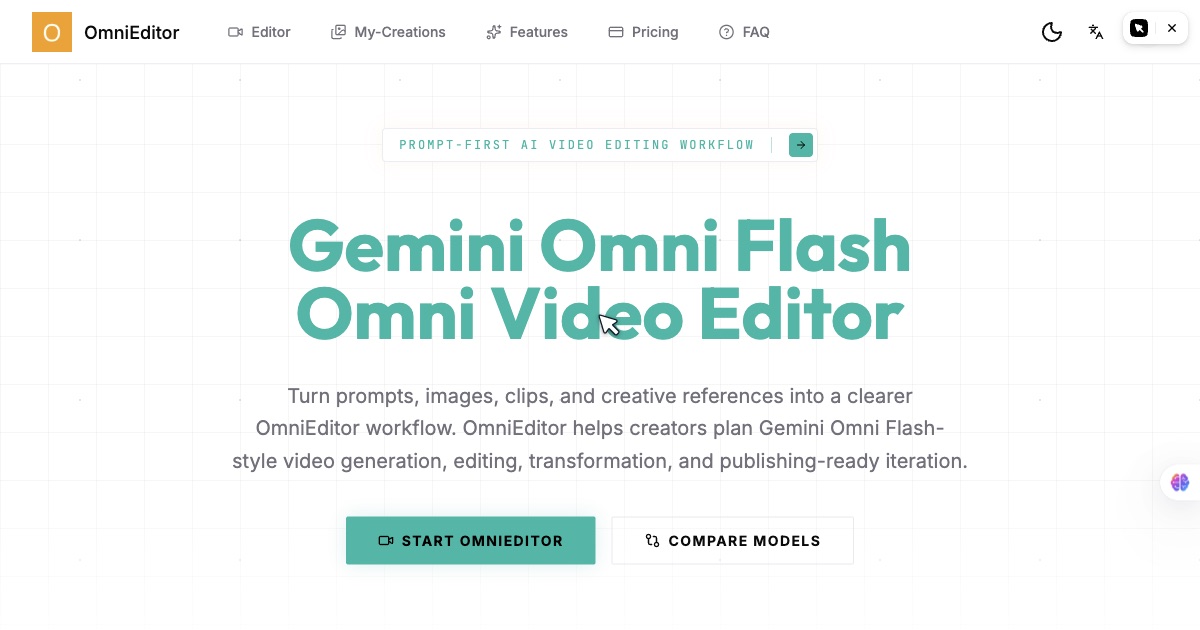
Video creation is bottlenecked by complex software, steep learning curves, and time-consuming editing processes. OmniEditor transforms this landscape by empowering creators, marketers, and businesses to generate high-quality, creator-ready videos directly from ideas, using the power of Google's Gemini Omni Flash and multimodal AI.
OmniEditor is a next-generation AI video editor that bridges the gap between imagination and execution. It translates text prompts, images, and other references into complete video narratives, handling everything from scene composition and asset generation to editing and pacing. Built for the modern creator, it eliminates the need for extensive video editing expertise or costly production resources, making professional video output accessible through an intuitive, prompt-based interface. This isn't just an editing tool; it's an end-to-end video creation suite powered by cutting-edge multimodal AI.
Key Features
- Prompt-Based Video Creation: Describe your vision in plain language. Input a text prompt outlining your video's concept, tone, and key elements, and OmniEditor's AI interprets this to generate a structured video narrative, complete with suggested visuals, pacing, and transitions. This turns abstract ideas into actionable video scripts instantly.
- Multimodal Reference Integration: Go beyond text. Upload images, existing video clips, or mood boards as reference frames. The AI analyzes these visual inputs to understand style, color palette, composition, and aesthetic, ensuring the generated video aligns perfectly with your brand guidelines or creative vision.
- AI-Powered Editing Workflows: Automate the tedious parts of editing. The Omni Flash Create feature intelligently suggests edits, cuts, transitions, and effects based on the content's rhythm and intent. It can remix existing footage or generate entirely new scenes to fill gaps, dramatically reducing manual editing time.
- Creator-Ready Video Generation: Export production-quality videos tailored for specific platforms. The tool optimizes output for social media (e.g., Instagram Reels, YouTube Shorts), marketing demos, or educational content, ensuring the correct format, aspect ratio, and length for your intended audience and distribution channel.
- Cloud-Based Collaboration & Storage: Work seamlessly with teams. All projects are stored in the cloud, allowing for real-time collaboration, version history, and easy sharing. Team members can provide feedback, make edits, or contribute assets from anywhere, streamlining the review and approval process.
Get Started
Getting started with OmniEditor is designed to be instantaneous. Navigate to the web platform, create a free account, and you're ready to begin. The interface is built around a central prompt bar—simply type what you want to create. For your first project, start with a clear text description like "a 60-second explainer video about sustainable energy, with upbeat music and animated graphics." You can then enhance it by uploading a logo or a sample image for style reference. The AI will generate a storyboard and a first draft video. From there, use the intuitive editing panel to make refinements, adjust timing, or regenerate specific scenes with new prompts. No software installation or prior video editing experience is required. The platform offers tooltips and guided workflows to help you explore advanced features like the Omni Flash Create for automated scene generation and remixing.