OmniArt Studio
The creative process rarely stops at one hero image. You need a cohesive visual system: product shots, storyboards, video cuts, voiceover, sound effects, and music that match. OmniArt Studio unifies AI image, video, audio, and music generation in one workspace, so you can build a complete launch system rather than a single asset.
What It Does
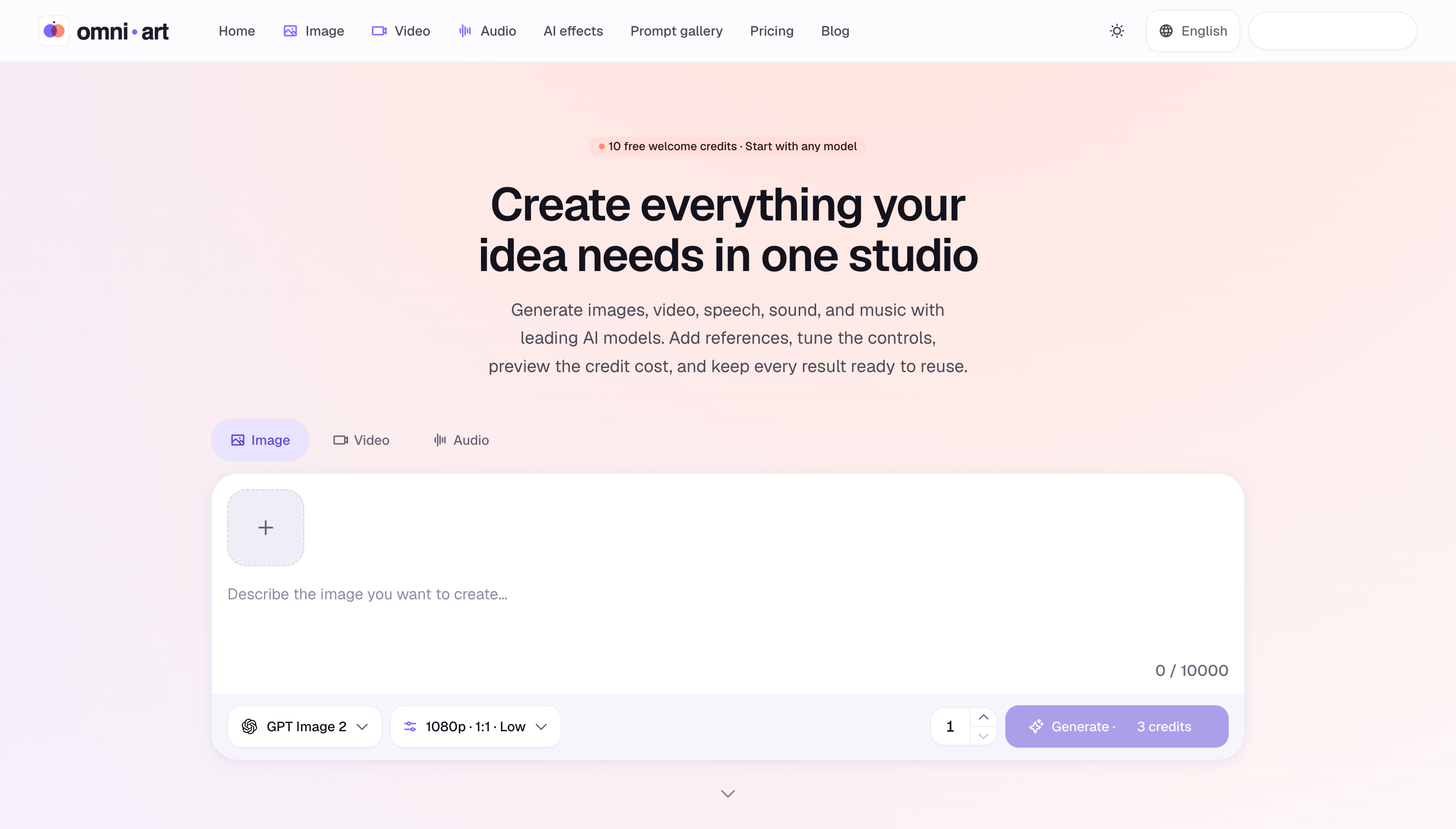
OmniArt Studio brings together leading AI models for images, videos, speech, sound effects, and music under one polished interface. Instead of jumping between separate generators and manual post-production tools, you can create, iterate, and export assets with consistent references and granular controls. It is designed for content creators, marketers, and creative teams who need speed, flexibility, and brand coherence.
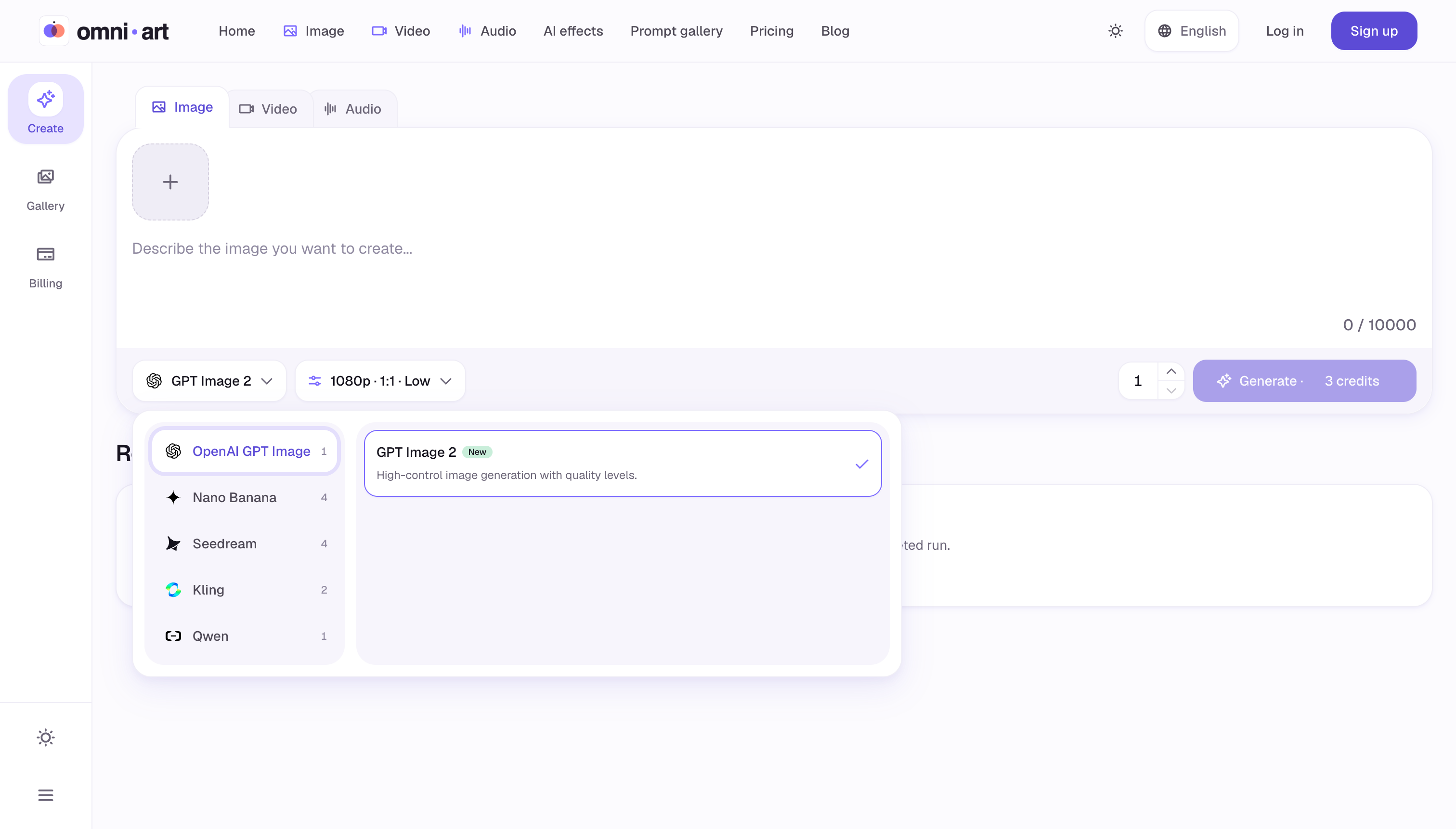
The platform lets you add reference materials, tune generation controls, and preview exact credit costs before committing credits. Every result can be saved directly into your workspace, making it practical for real production workflows — not just experiments. With support for advanced image models like Nano Banana 2 and Seedream, plus V6 video generation, OmniArt is a serious alternative to stitching together multiple point solutions.
Key Features
- Multi-Model Image Generation: Access cutting-edge AI image models including Nano Banana 2 and Seedream inside one interface. Use text prompts and reference images to create visuals that match your product, style, or brand.
- AI Video Production: Produce and refine video content with V6 video generation and other leading video models. Take a storyboard from static frames to motion without losing identity.
- Audio & Music Composition: Generate speech, sound effects, and original music tracks alongside your visual assets. Keep the entire storyboard and sound design in one creative flow.
- Reference Controls: Add references and tune controls to steer results with precision. Whether you need a consistent character, product angle, or visual style, references help keep continuity across shots.
- Credit Cost Preview & Saving: See estimated credit costs before you generate, and automatically save every result. This makes iteration safer and faster, especially for teams on tight budgets.
Get Started
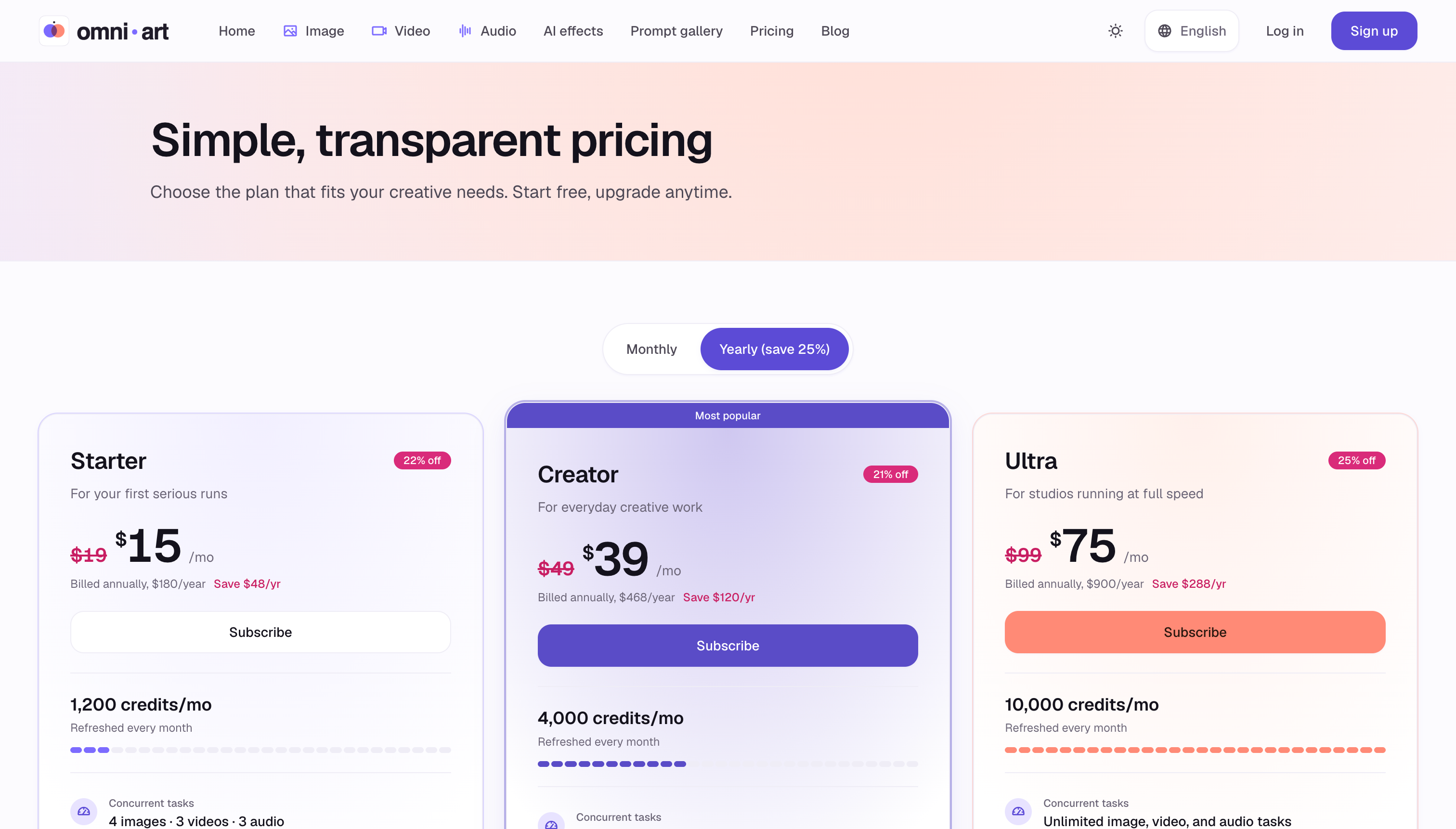
Starting with OmniArt is straightforward: create a free account on the web, choose a model, and use text prompts, reference images, and control options to generate your first asset. The freemium model means you can explore core features without upfront payment, while premium options unlock more advanced models, higher limits, and additional capabilities. Since everything is saved and organized in the workspace, you can grow a full campaign — images, videos, audio, and music — in one place. No complex setup required; just open the studio and start creating.
For professionals: if you are launching a product, creating campaign assets, or producing content for multiple channels, OmniArt Studio helps you move from one-off creative outputs to a repeatable launch system.