Screen recording should be as easy as opening a tab, but many tools force you to install desktop software, configure codecs, and wait through uploads before you can share a simple walkthrough. Screencast removes that friction with a free, browser-based screen recorder built for quick capture and immediate sharing. Whether you are creating a product demo, recording a lecture, leaving video feedback, or documenting a bug, Screencast helps you capture what matters and move on.
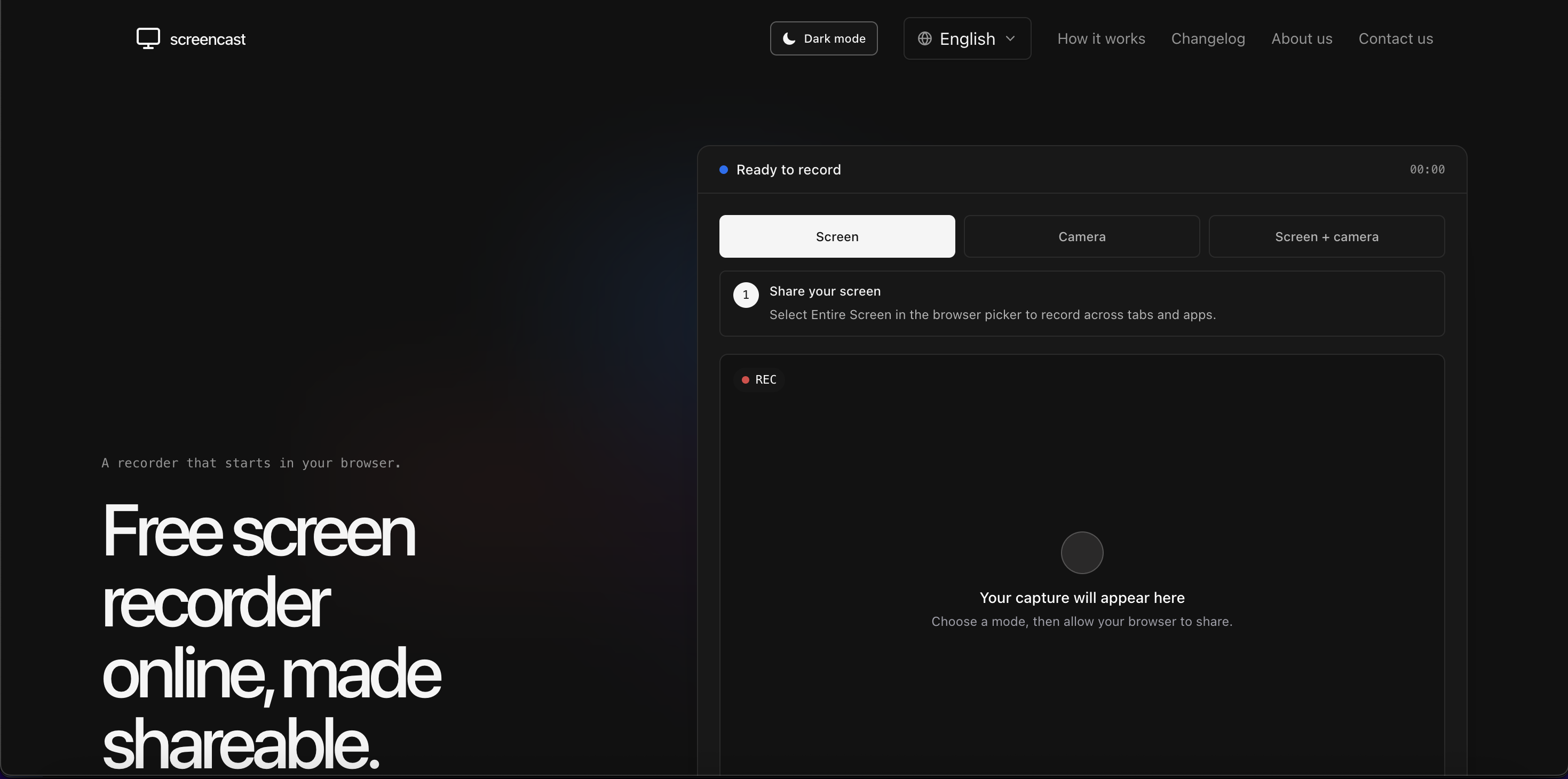
Screencast is a web app for recording your screen, your camera, or both with audio. Because it runs in the browser, there is no download required for the recorder itself—you only need a modern browser and the necessary permissions. This makes it practical for teams that cannot install software on managed devices, educators working across different computers, and creators who need a fast capture tool without a heavy editing suite. You can show a full screen or application window, record a webcam message, or combine screen and camera for a more personal presentation. Once finished, Screencast lets you review the complete recording and download it locally when it is ready. The platform also includes instant sharing options, so recordings can be passed to collaborators, students, or clients without a complicated export process. It is free to use, with premium options available for users who need more advanced capabilities.
Key Features
- Flexible capture modes: Record your screen, camera, or both together—ideal for tutorials that need visual context plus a presenter, or quick webcam updates.
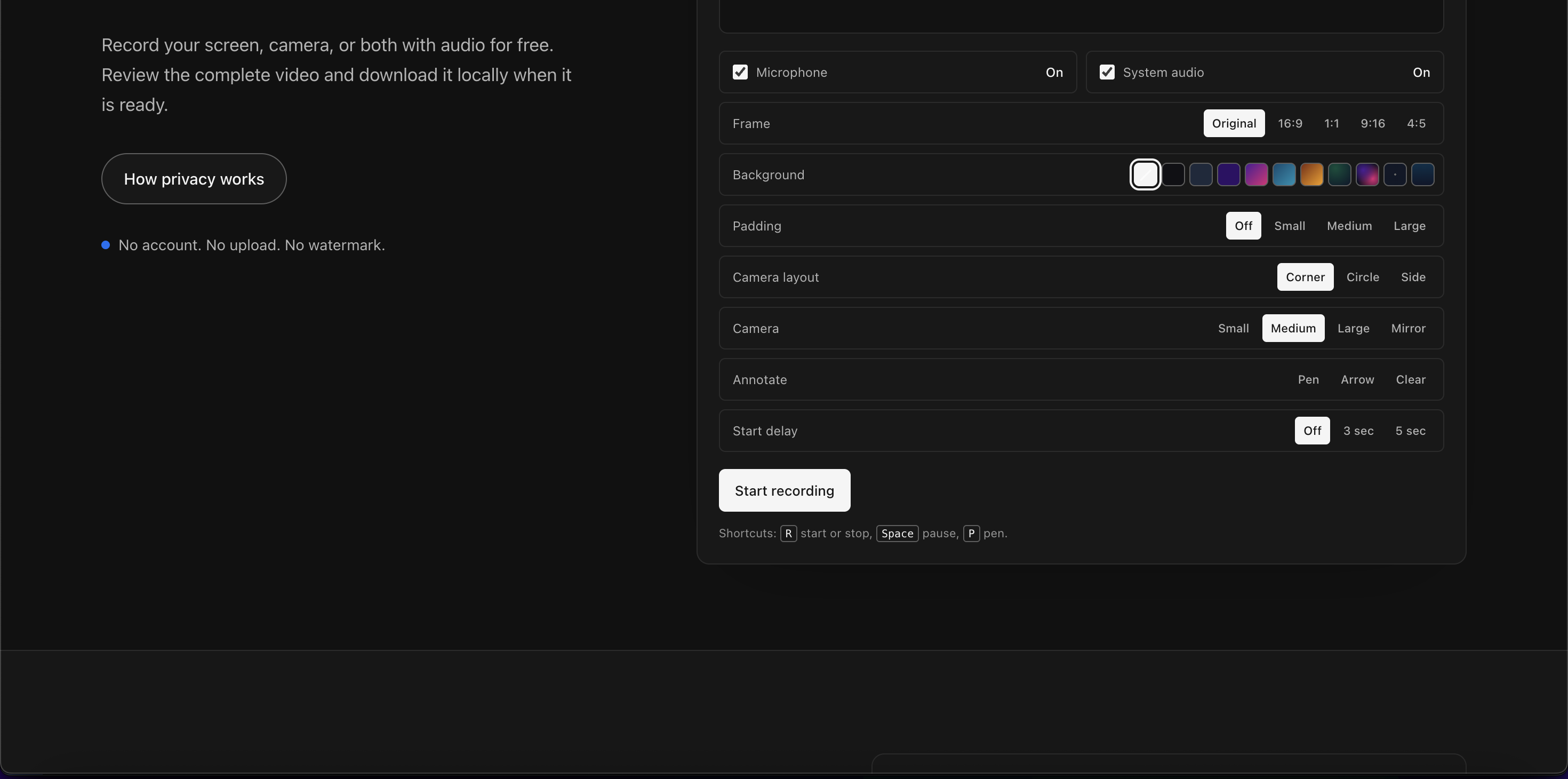
- Audio recording: Add microphone narration and supported audio sources so viewers hear explanations alongside the visuals.
- No-install browser workflow: Start recording directly from the website. There is no desktop app to download, update, or manage.
- Review before saving: Preview the full recording after stopping. Check pacing, audio, and framing before downloading the file locally.
- Sharing-ready output: Use instant sharing options to distribute videos to teammates, learners, or clients without extra conversion steps.
- Editing tools: Make basic adjustments and polish recordings when needed, turning raw captures into clearer videos.
- High-quality capture: Record clean video suitable for demos, presentations, documentation, and async communication.
- Free with premium options: Use the core recorder at no cost, then upgrade if you need additional features or capacity.
Get Started
Go to onlinescreencast.com in a modern browser. Choose whether to record your screen, camera, or both, select your audio source, and grant the browser permissions for screen and microphone access. Click record, perform your walkthrough or presentation, then stop when finished. Review the full video, download it locally, or use the available sharing options to send it onward. There is no complex setup or steep learning curve, making Screencast suitable for one-off recordings and recurring workflows alike. It is especially valuable for content creators, educators, support teams, product managers, developers, and professionals who need to explain ideas visually without installing heavy software. For best results, close unnecessary tabs, use a quiet microphone, and test a short recording before capturing a longer session.