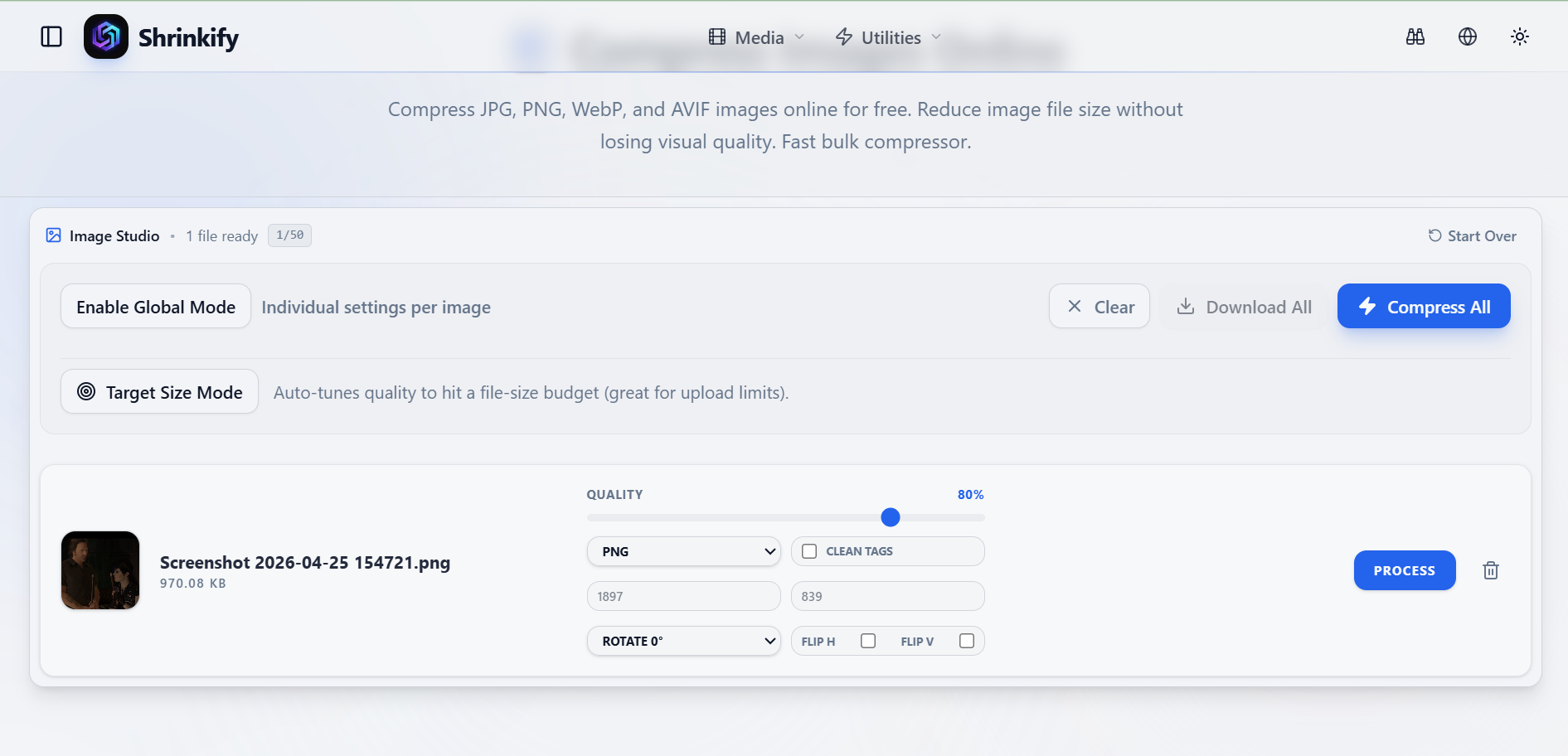
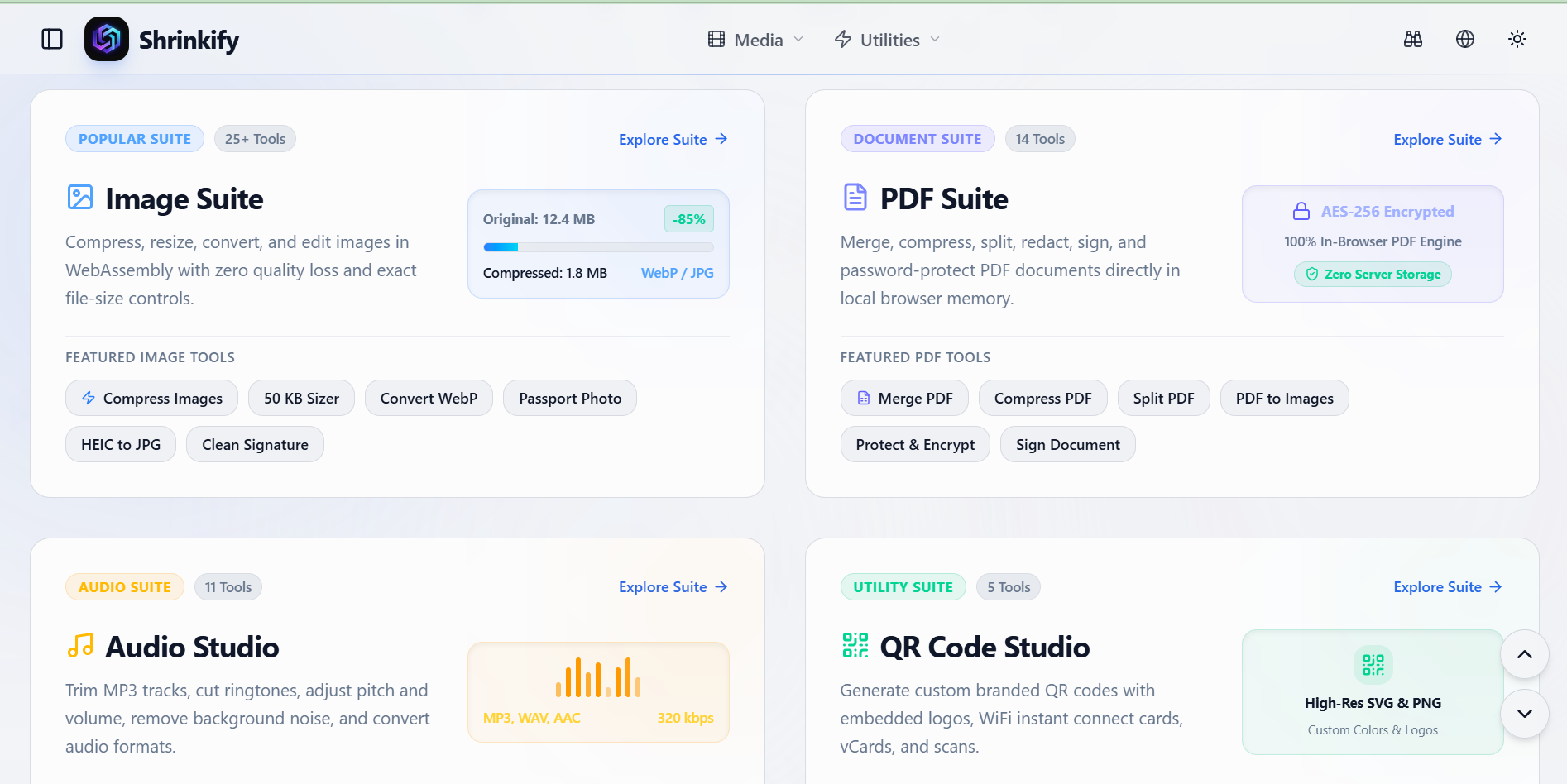
Every day, millions of files are uploaded to random cloud converters—documents, photos, audio clips, and scans—often without thinking about where they end up or how long they are stored. Shrinkify was built to remove that trade-off. It is a free, in-browser suite of media and document tools that compresses images, merges and edits PDFs, cuts audio, and generates custom QR codes directly on your own device. Powered by WebAssembly, Shrinkify never uploads your files to a server, so every action happens locally in the browser: no file limits, no waiting queues, no data leaks, and no cost.
Shrinkify is not another online converter with a cloud backend hidden behind a simple page. The product’s core technical decision is that all heavy lifting is done client-side with WebAssembly. This architecture delivers two decisive benefits at once: privacy and performance. If you are compressing a high-resolution photo, combining several PDFs into a single package, or trimming a long voice memo, the source file never leaves your device. There is no server-side processing stage, no artificial file-size cap, and no need to sit through slow uploads. For small business owners handling confidential documents, creators preparing shareable media, or developers optimizing web assets, Shrinkify provides the convenience of an online tool with the control of a local desktop application.
Key Features
Private, Zero-Upload Architecture: Every file operation runs locally using WebAssembly. Whether you are shrinking an image, editing a PDF, or cutting an audio clip, your files stay on your machine. This built-in privacy makes Shrinkify a sensible choice for sensitive agreements, personal records, or unreleased creative content.
Image Compression & WebP Conversion: Reduce large image files without unnecessary quality loss and export to modern WebP format. The image tools are designed for practical tasks such as preparing web assets, reducing email attachment sizes, and clearing out storage bloat—all without installing a desktop editor.
PDF Merge & Edit: Combine multiple PDFs into a single document and perform essential edits directly in your browser. This is especially useful for assembling multi-page contracts, merging presentation slides, or organizing scanned paperwork, with the confidence that the contents never reach an external server.
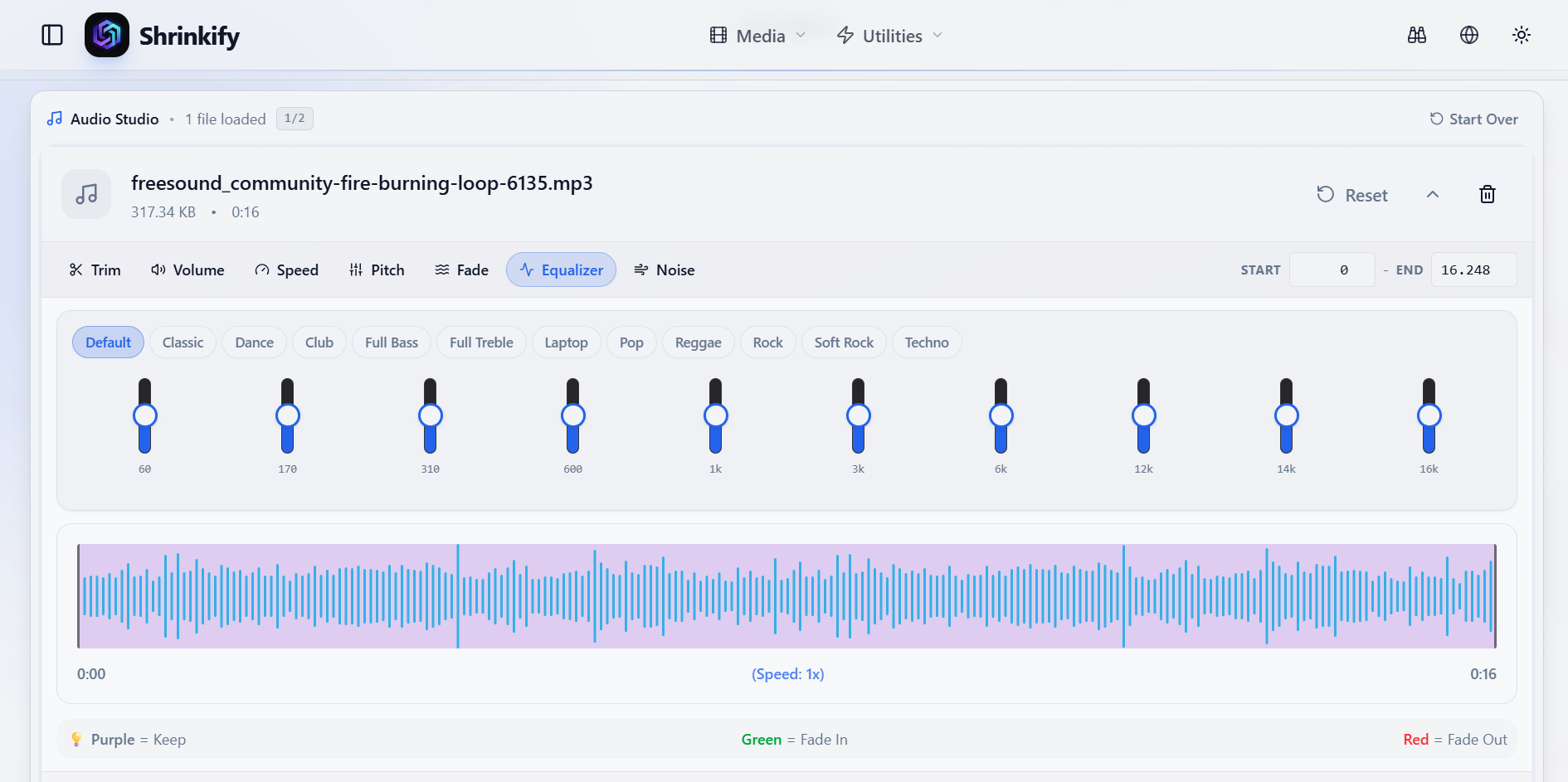
Audio Cutting: Cut out unwanted sections or isolate the best part of a recording without installing specialized audio software. The audio tool runs natively in your browser, making it a fast option for trimming voice memos, preparing podcast clips, or cleaning up sound bites before sharing.
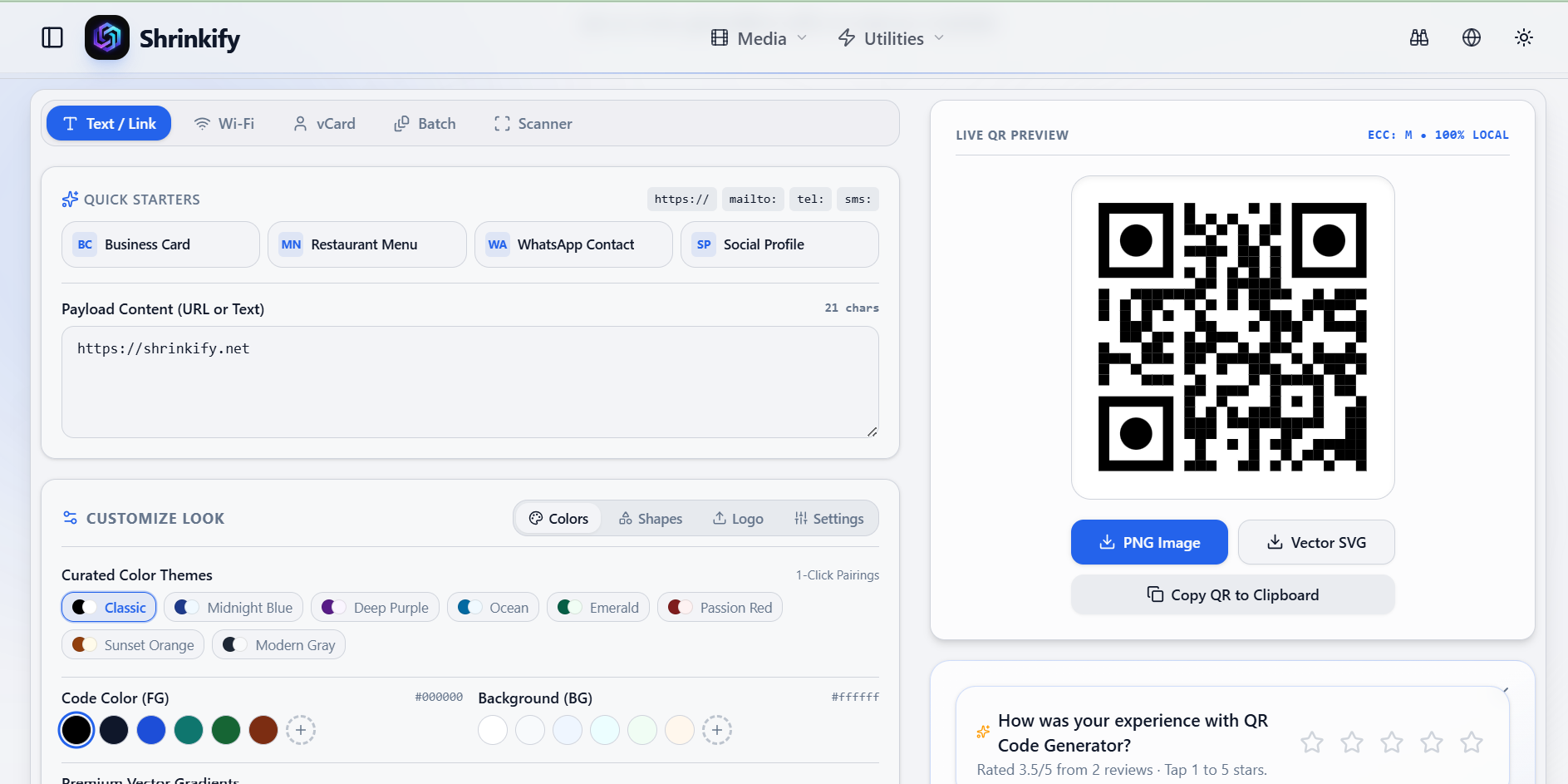
Custom QR Code Generation: Create custom QR codes in a local environment for links, text, and other shareable data. Generating QR codes client-side means even sensitive payloads—like internal URLs or Wi-Fi credentials—are never transmitted to a third-party service.
Get Started
Getting started with Shrinkify takes seconds. Open the website in any modern browser, choose the tool you need, and select a local file. Because there is no account system, no upload queue, and no installation step, you can start editing immediately. Once the action is complete, download the result directly to your device.
Shrinkify’s tools work across desktop and mobile browsers, making it a practical companion for professionals who need quick, secure file transformations wherever they are. Free forever and fast by design, Shrinkify is an easy recommendation for anyone who wants the power of a file converter without handing over their data.