In a digital landscape saturated with generic photo filters, creative professionals and content creators struggle to produce unique, high-quality visual content at scale. The time-consuming process of manual editing, the technical barrier of complex software, and the cost of premium tools often stifle creativity and efficiency. Stylize Image addresses this by placing a powerful, browser-based AI photo studio directly at your fingertips, enabling instant artistic transformation without compromising on quality or ownership.
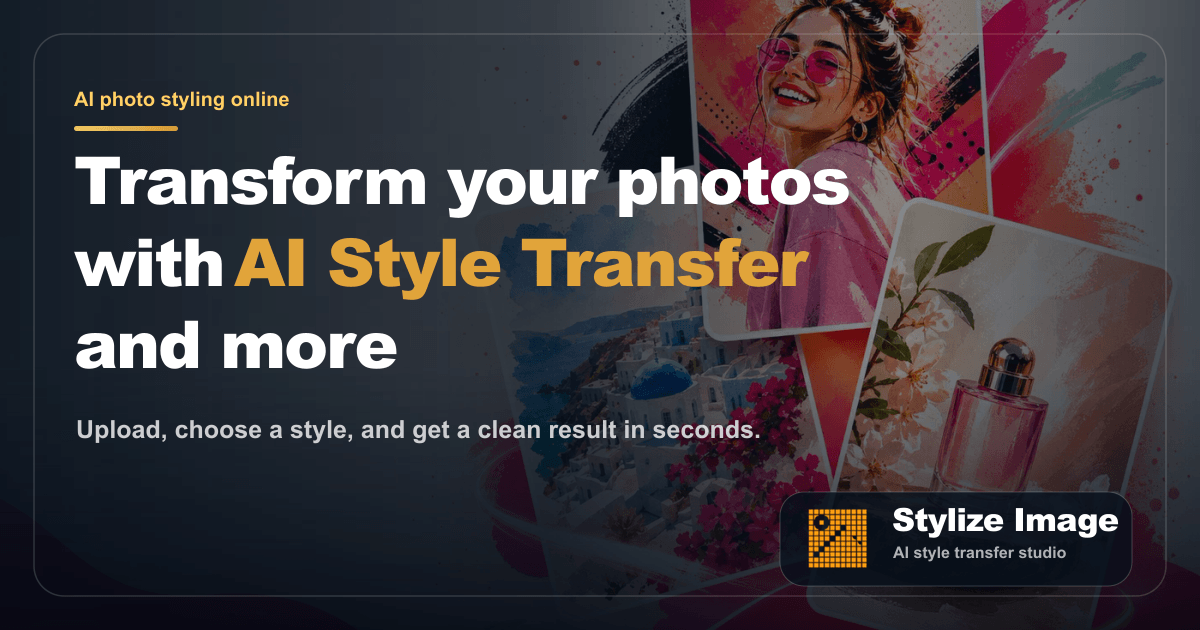
Stylize Image is an advanced online AI photo editor that leverages sophisticated neural networks to perform style transfer, colorization, enhancement, and background removal. Unlike simple filter apps, it offers precise artistic control, transforming personal portraits, product photos, travel shots, and historical images into works of art spanning dozens of curated styles—from watercolor and anime to cyberpunk and editorial looks. The entire process is cloud-based, requiring no software installation, and delivers commercial-safe, high-definition results in seconds, making professional-grade visual artistry accessible to everyone.
Key Features
-
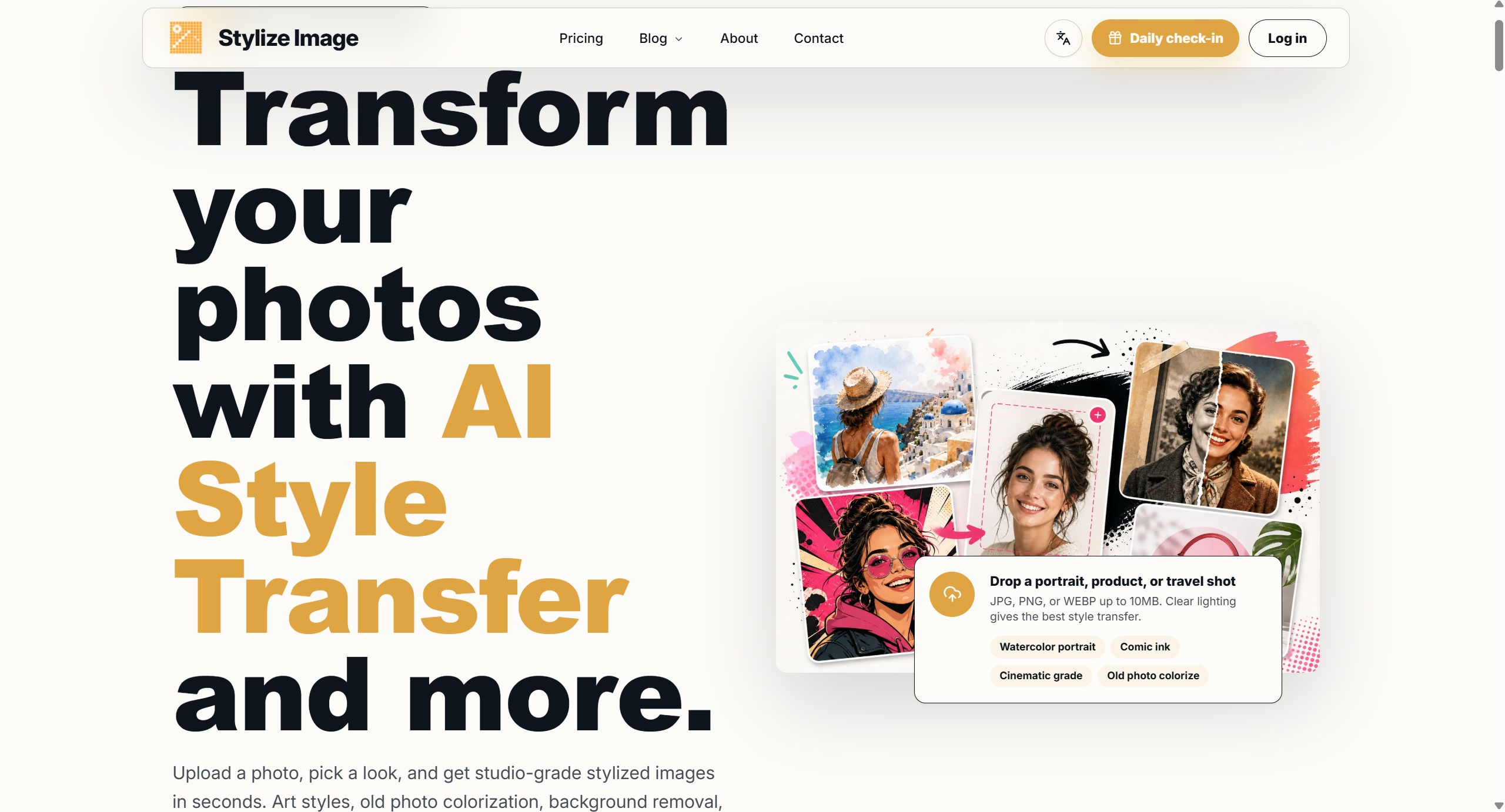
AI-Powered Style Transfer: Apply over a dozen distinct artistic styles to any image. The AI intelligently reinterprets your photo's content—be it a portrait, landscape, or object—into styles like Cinematic, Comic Ink, Neon, Pixel Art, Pop Art, Clay Render, Cyberpunk, and Retro Print. This goes beyond layering a texture; it's a semantic transformation that understands and restyles the image's fundamental elements.
-
Batch Processing & Consistency: Maintain a cohesive visual identity across multiple images. Upload several photos at once and apply the same AI style to all of them. This is invaluable for creators building a themed social media feed, marketers preparing product catalogs, or designers needing a uniform aesthetic for a project, ensuring brand and style consistency without manual, repetitive work.
-
Multi-Functional Photo Studio: Beyond style transfer, it's a complete toolkit. Colorize black and white or faded photographs with realistic hues. Automatically remove and replace backgrounds for clean product cutouts. Enhance image details and upscale for higher resolution. This consolidates multiple specialized editing tasks into a single, streamlined workflow.
-
Commercial-Safe, HD Output: Retain full rights to your creations. Images processed through Stylize Image are explicitly safe for private and commercial use, with no hidden licensing fees. All outputs are delivered in high definition, ready for professional printing, digital publication, or social media sharing without quality degradation.
-
Intuitive Three-Step Workflow: The platform is designed for zero learning curve. The process is straightforward: upload your photo (drag-and-drop supported), browse and select from the visual gallery of AI style presets, and instantly download your stylized result. This simplicity empowers users to focus on creative exploration rather than technical navigation.
Get Started
Getting started with Stylize Image requires no account creation for initial use. Simply visit the website, upload your first image (JPG or PNG), and begin experimenting with the free style previews. The interface provides immediate visual feedback, allowing you to cycle through different artistic interpretations of your photo in real-time. For extended use, batch processing, and accessing the highest quality downloads, you can explore the platform's premium plans. The tool is entirely web-based, compatible with modern browsers on both desktop and mobile devices, ensuring you can create from anywhere. Explore its potential for avatar creation, social media branding, product visualization, or simply giving new life to old photographs.