In a design and development workflow, raster images are a constant bottleneck. Logos, icons, and illustrations trapped in PNG or JPG format lose quality when scaled, bloat file sizes, and lack the editability needed for professional projects. Traditional vectorization solutions often require expensive desktop software, complex manual tracing, or risky cloud uploads that compromise privacy and speed. This leaves creators and developers stuck between quality loss and cumbersome workflows.
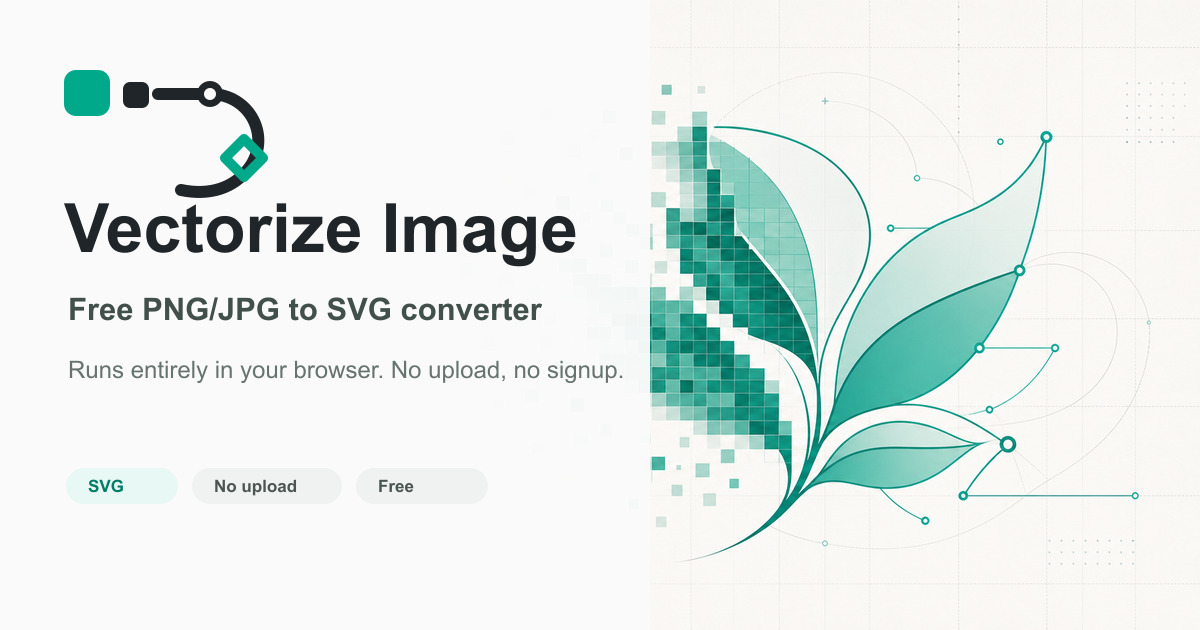
Vectorize Image solves this with a powerful, privacy-first solution that runs entirely in your browser. It transforms standard raster images (PNG, JPG, WebP) into crisp, scalable SVG vector graphics using advanced client-side processing. The core value lies in its simplicity and security: your images never leave your computer. There's no file upload to a remote server, no mandatory account creation, and no intrusive watermarks on your final assets. This makes it the go-to tool for quick logo conversions, preparing graphics for responsive web design, creating infinitely scalable branding elements, or cleaning up artwork for further editing in tools like Illustrator or Figma.
Key Features
- 100% Browser-Based Processing: All vectorization happens locally on your device. This guarantees complete data privacy, as your images are never uploaded to an external server. It also enables near-instantaneous processing, eliminating network latency and dependency on an internet connection after the initial page load.
- Zero-Friction User Experience: The tool requires no sign-up, login, or subscription. You visit the site, drag and drop your image, and download the SVG. This removes all barriers to entry, making professional-grade vectorization accessible for one-off projects or daily use without commitment.
- High-Quality SVG Output: The converter is engineered to produce clean, optimized SVG code. It focuses on creating manageable vector paths suitable for web use, graphic design, and laser cutting, rather than overly complex tracing that results in bloated files. This ensures compatibility with modern design software and web browsers.
- Support for Key Raster Formats: Accepts the most common image formats—PNG, JPG, and WebP—covering the vast majority of use cases for designers and developers sourcing assets from screenshots, stock photo sites, or legacy design files.
- Completely Free with No Limits: Unlike many freemium tools, Vectorize Image imposes no usage caps, resolution limits, or batch restrictions. It is a genuinely free utility, democratizing access to vector conversion for students, hobbyists, and professionals alike.
Get Started
Getting started is exceptionally straightforward, embodying the tool's core philosophy of simplicity. Navigate to the Vectorize Image website using any modern browser. The interface is minimal: a central upload area awaits your image. Drag and drop your PNG, JPG, or WebP file, or click to browse your computer. The processing begins immediately in the background. Within seconds, a preview of your new vector graphic appears. You can inspect the scalable quality by zooming in on the preview. When satisfied, simply click the download button to save the SVG file directly to your machine. The entire process, from landing on the page to having a usable vector file, typically takes less than a minute, with no learning curve. No tutorials are needed—the tool is its own documentation. For best results, start with high-contrast images like logos, icons, or line art for the cleanest vector paths.