Create and edit images with an AI agent and seven Creation Modes.

Pixolm
Pixolm
Pixolm
Pixolm

Pixolm Introduction

Pixolm is an AI image agent for turning ideas and reference photos into images, then refining them through conversation. Tell the Agent what you want, attach references, and keep working from the result instead of starting a new prompt for every change.

Create and edit with Pixolm Agent

The Agent helps develop your prompt, suggest a suitable Creation Mode, and build on earlier images. Guide edits with masks and visual annotations, identify unwanted objects for review and removal, change backgrounds, and continue refining the composition, lighting, or style. Transparent background output is available with compatible image models.

Seven Creation Modes

Choose a mode yourself or ask the Agent to recommend one for your subject and intended result.

  • Image Studio: Create and edit images from text prompts and references.
  • Icon Design: Create a cohesive icon set with consistent materials, lighting, and scale.
  • Hand-drawn styles: Explore 18 illustration styles for subjects, characters, and scenes.
  • Mono-color editorial: Create one- or two-ink editorial posters and print-inspired artwork.
  • CRT retro interface: Reimagine a subject as a pixel illustration with retro windows, scanlines, and a limited palette.
  • Portrait photography: Plan portrait photoshoots with reference images, lighting directions, and new compositions.
  • IP Logo: Turn a character or mascot into a simple, distinctive brand logo.

Browse all Creation Modes.

References and results stay in Assets, while Tasks records generation requests and results. Generation and AI analysis use Credits, with an image-generation estimate shown before submission. Mode access and editing options depend on your plan and selected image model.

Watch Pixolm Agent in action

One Object, Five Acts: A Pixolm Agent Tutorial

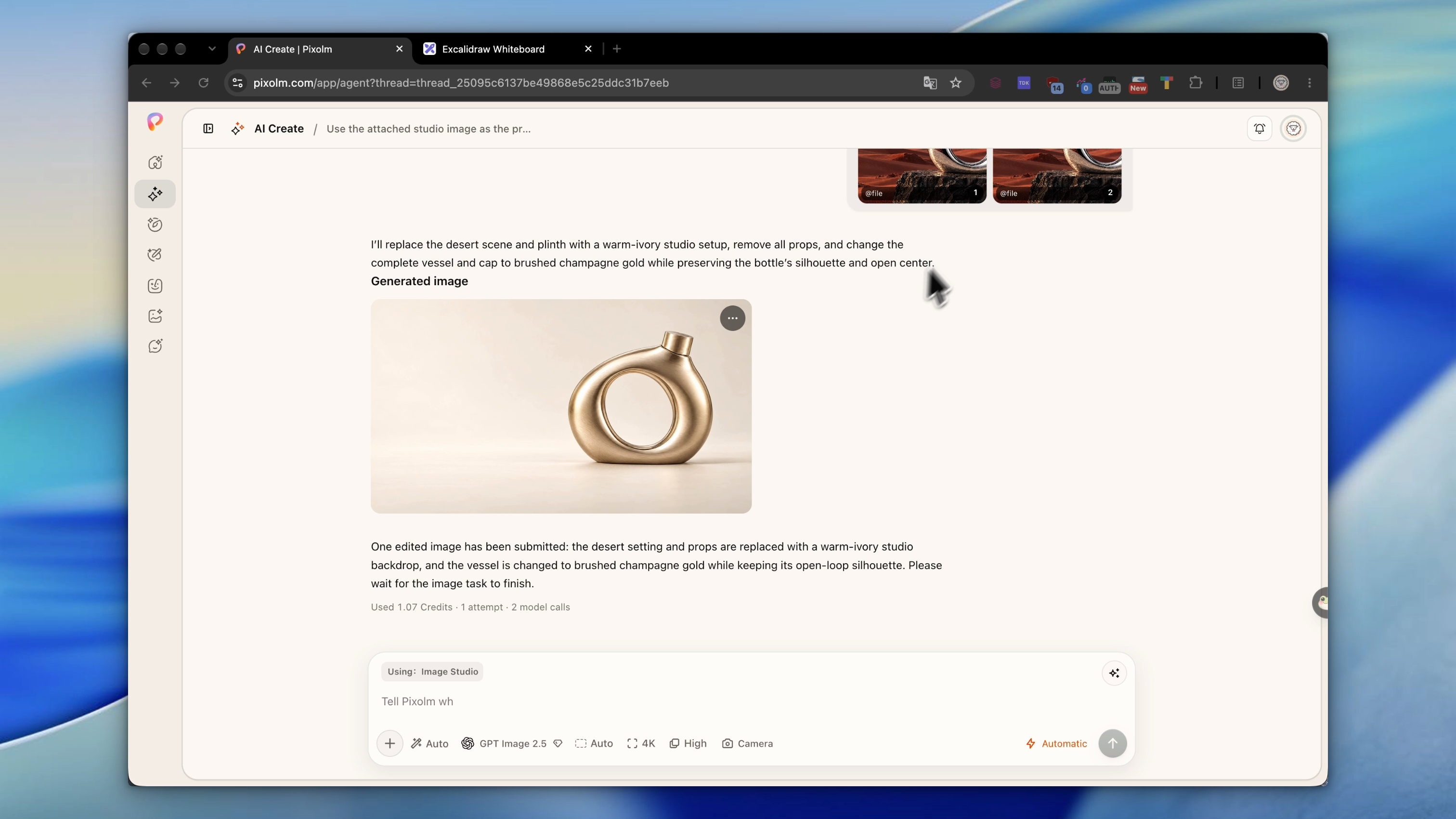
The recording shows generation, guided editing, object removal, background removal, and poster creation. It is sped up, with generation waits removed.

Workflow screenshots

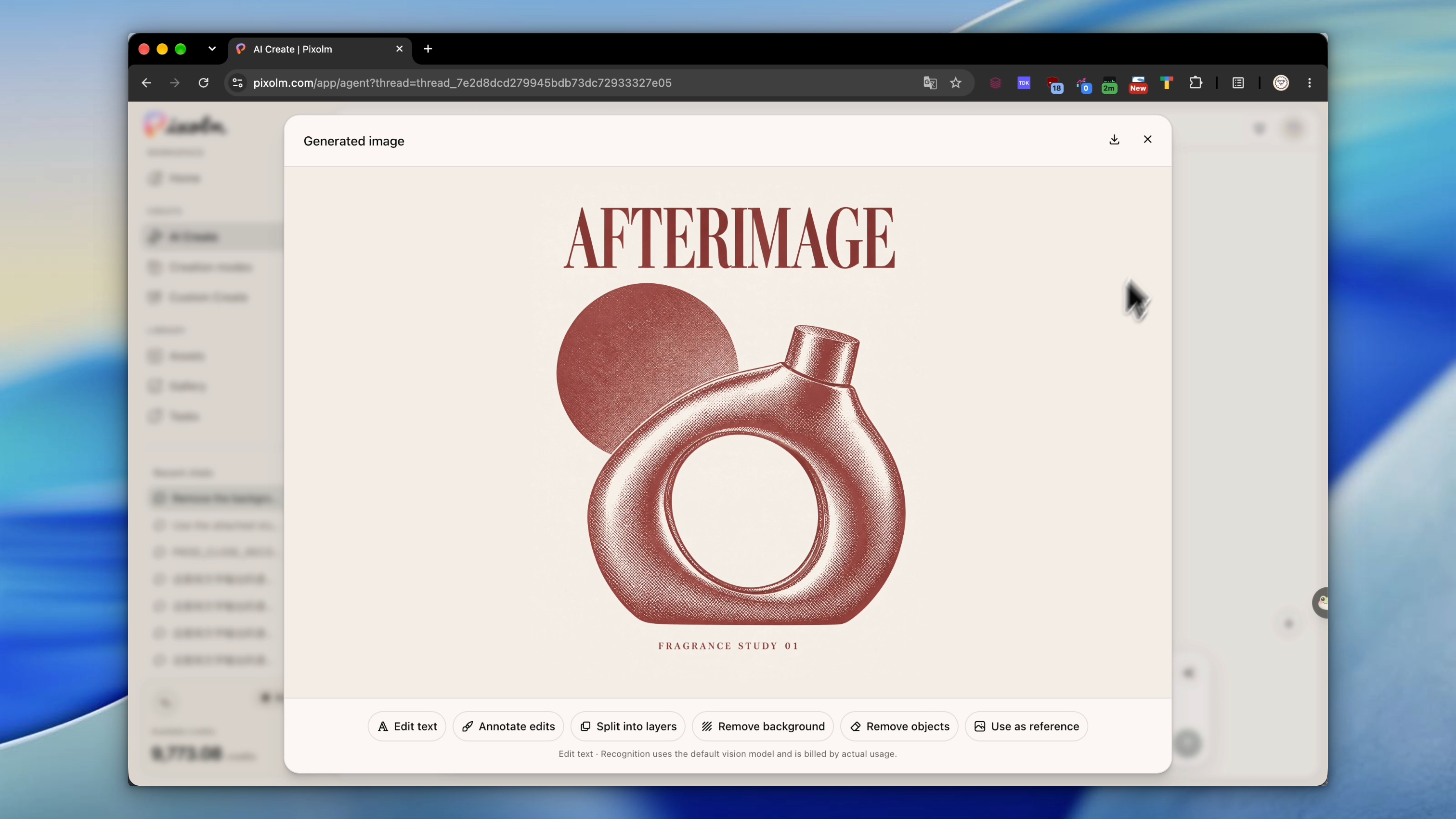
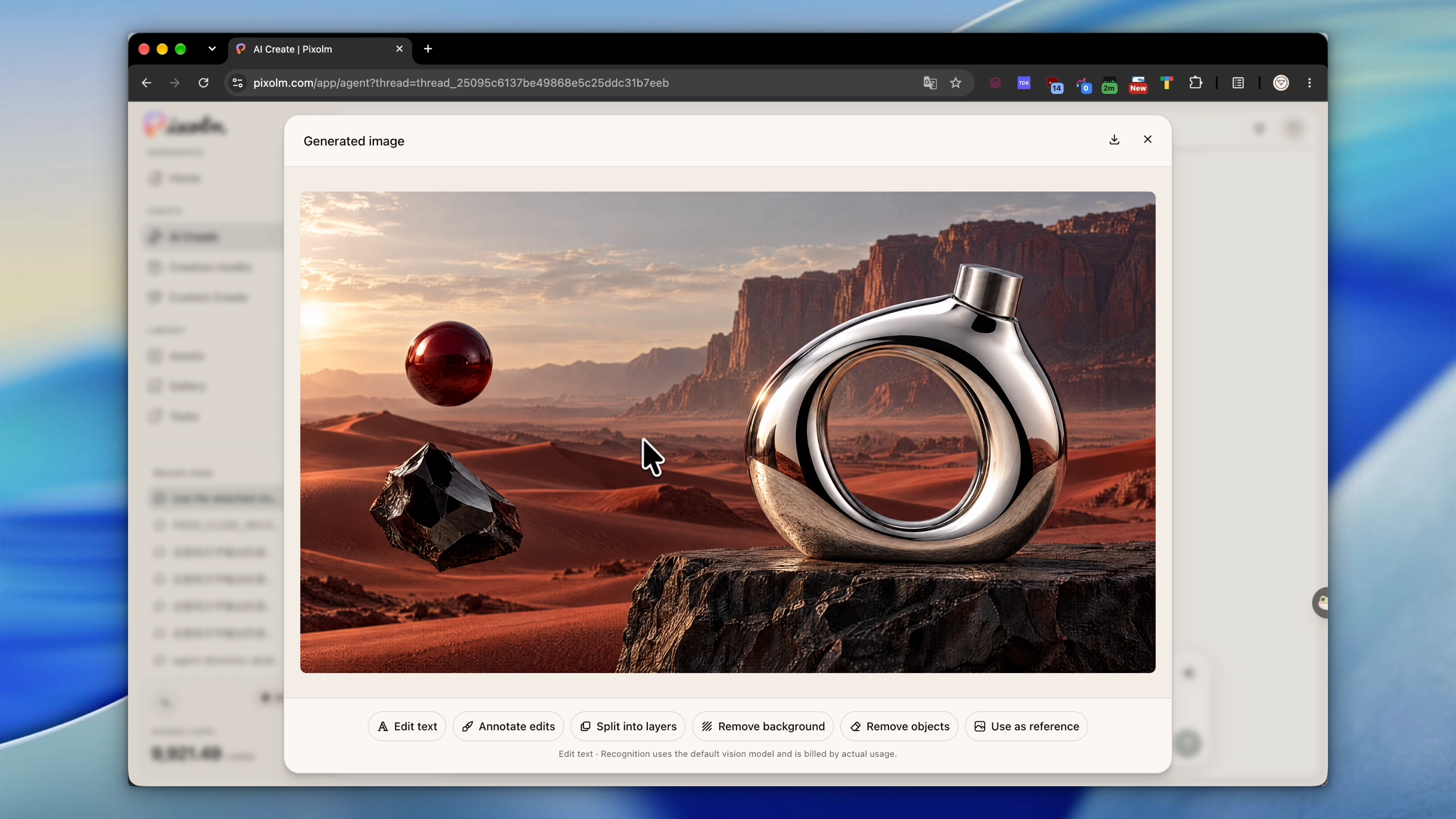
Recorded Pixolm results using a fictional AFTERIMAGE fragrance concept.

Product campaign scene Product campaign scene created in Pixolm

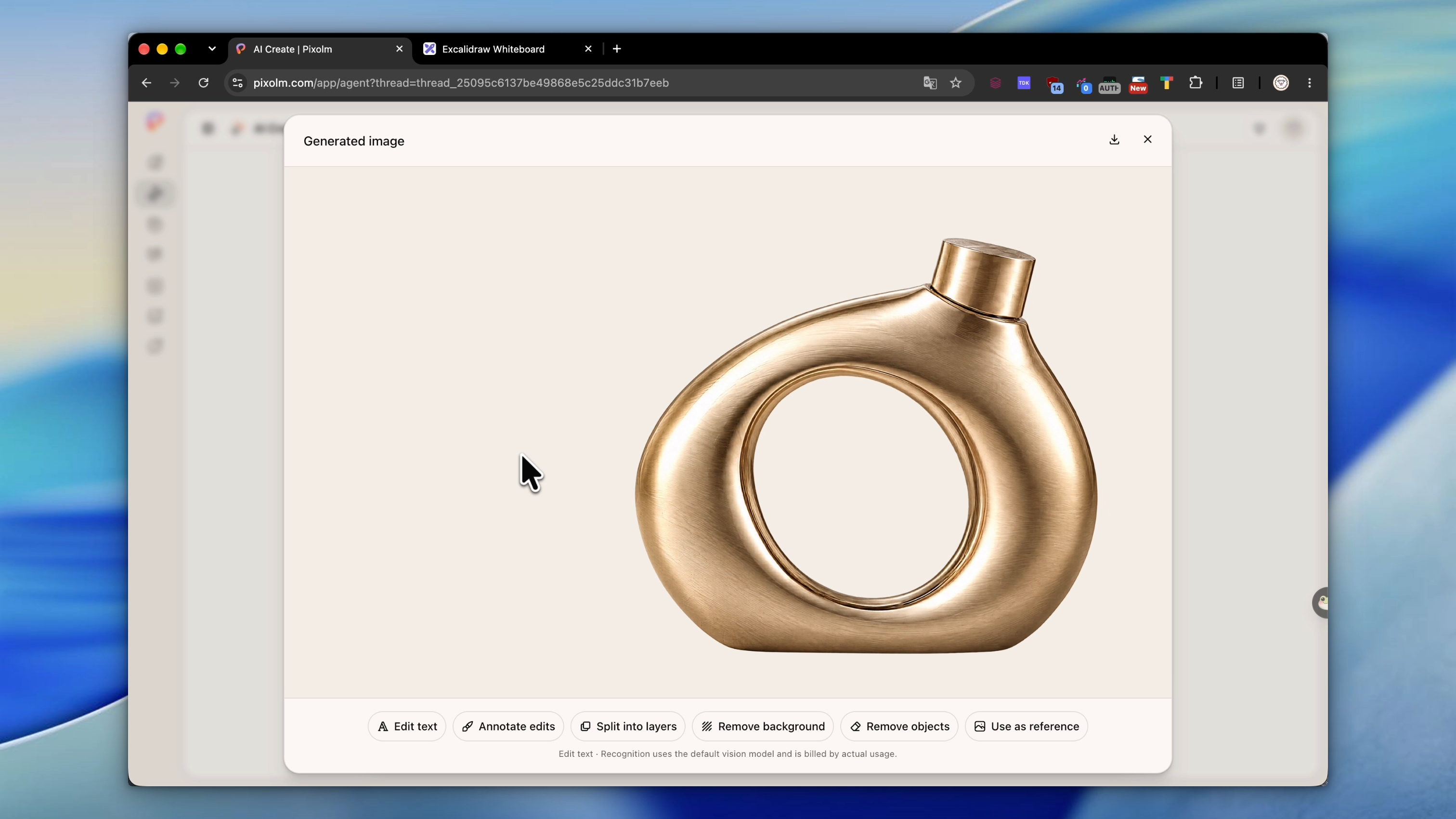
Guided studio edit Studio and champagne-gold edit shown in Pixolm

Background removal Background removal result shown in Pixolm

Editorial poster Mono-color editorial poster created in Pixolm

Alternative tools